
Discovering The Last People You’ve Followed on Instagram
Are you curious about who’s been following you on Instagram? Do you want to see a list of the last people you’ve chosen to follow, or maybe discover who has recently started following someone else? Look no further! In this article, we’ll guide you through the process of finding the last people you’ve followed on Instagram using both your smartphone and computer.
How to See The Last People You’ve Followed on Instagram (Android And Ios)
To see the list of people you’ve recently started following on Instagram using your Android or iOS device, follow these steps:
- Open The Instagram App: Start by opening the official Instagram app on your smartphone or tablet.
- Log in to Your Account: Log in to your Instagram account using your username and password.
- Access Your Profile: Tap on the icon of a person (or your profile picture) located at the bottom menu bar to access your profile page.
- Select ‘Followed’: From your profile page, select the “Followed” option to view the list of people you’ve chosen to follow.
How to See The Last People You’ve Followed on Instagram (PC)
If you prefer using your computer to see who’s been following you on Instagram, here’s what you need to do:
- Access Instagram Website: Log in to the official Instagram website using a browser of your choice.
- Select Your Profile: Click on the icon of a person (or your profile picture) located at the top right corner of the page to access your profile.
- View Followers: Select the “Profiles followed” option from the drop-down menu to view the list of people you’ve chosen to follow.
How to See The Last People Someone Else Has Followed on Instagram
If you’re interested in seeing who’s been following a specific person on Instagram, here are the steps for both Android and iOS devices:
- Open The Instagram App: Open the official Instagram app on your smartphone or tablet.
- Search For The Profile: Search for the profile of the person whose followers you want to see using the search bar at the top of the screen.
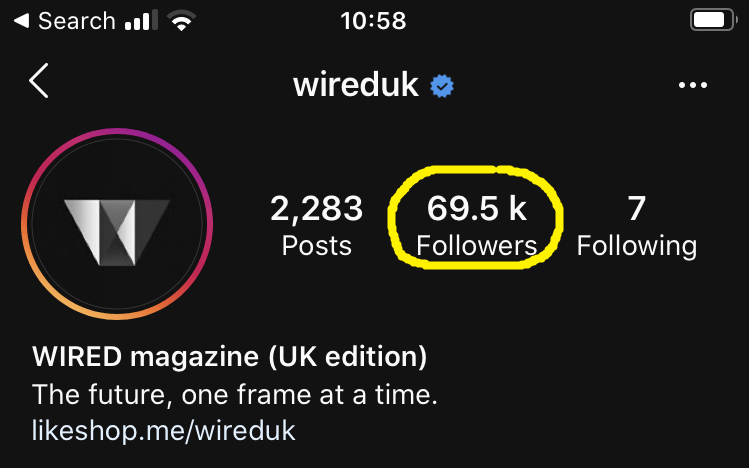
- Access Their Profile: Select their profile from the search results and tap on the “Followed” option to view the list of people they’ve chosen to follow.
How to See The Last People Someone Else Has Followed on Instagram (PC)
To see who’s been following a specific person on Instagram using your computer, follow these steps:
- Access Instagram Website: Log in to the official Instagram website using a browser of your choice.
- Search For The Profile: Use the search bar at the top of the page to find the profile of the person whose followers you want to see.
- View Followers: Select their profile from the search results and click on the “Profiles followed” option to view the list of people they’ve chosen to follow.
Tips And Tricks
- On your smartphone, you can temporarily reorder the list by tapping on the “Predefined” option at the top of the screen.
- On your computer, the list is automatically ordered by interaction frequency.
- Using the Instagram app for Windows 10 will provide a similar experience as using the desktop website.
Conclusion
In conclusion, seeing who’s been following you or someone else on Instagram can be done with ease using both your smartphone and computer. By following these simple steps, you’ll be able to view the list of people you’ve recently started following, or discover who has recently started following someone else.
Frequently Asked Questions (FAQs)
- Q: How do I See Who’s Been Following me on Instagram?
A: To see who’s been following you on Instagram, follow the steps outlined in this article for both Android and iOS devices, as well as your computer. - Q: Can I See Who Has Recently Started Following Someone Else on Instagram?
A: Yes, by searching for their profile and selecting the “Followed” option, you can view a list of people they’ve recently started following. - Q: Why is my List Ordered Differently on my Computer Compared to my Smartphone?
A: The ordering is automatically done based on interaction frequency on your computer, while on your smartphone, you have the option to temporarily reorder the list.


