
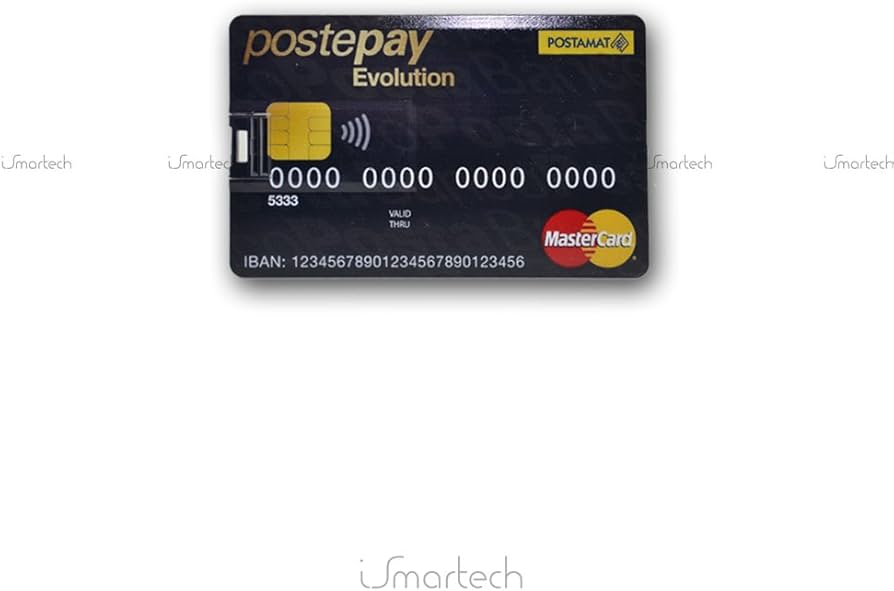
How to See The Iban of Your Postepay Card: A Step-by-step Guide
Are you having trouble finding the IBAN (International Bank Account Number) of your Postepay card? Look no further! In this article, we will guide you through the process of recovering your IBAN using both the official app and website.
Why Do I Need to See My Iban?
Before we dive into the steps, let’s quickly explain why it’s essential to have access to your IBAN. Your IBAN is a unique code that identifies your bank account. With this information, you can perform various transactions online or offline, ensuring secure and efficient financial dealings.
Recovering Your Iban With The Official App
If you’re using the official Postepay app, follow these steps:
1. Download And Install The App
First, download and install the Postepay app from the Google Play Store (for Android devices) or the Apple App Store (for iOS devices). Launch the app and follow the on-screen instructions to create an account.
2. Access Your Account
Once you’ve created your account, log in using your credentials. If you’re having trouble remembering your password, refer to our guide on recovering your password.
After accessing your account, tap on the “Settings” icon (usually represented by a gear or cogwheel). This will take you to the settings page of your Postepay account.
4. Find Your Iban
Scroll down to the section labeled “Your Account Information.” In this section, look for the field displaying your IBAN. Tap on it to view the full code.
Recovering Your Iban With The Official Website
Alternatively, you can also recover your IBAN by visiting the official Postepay website:
1. Log in to Your Account
Access the Postepay website and log in using your credentials. If you’re experiencing difficulty accessing your account, refer to our password recovery guide.
Once logged in, click on the “Personal Area” button (usually represented by a person icon). This will take you to a new page displaying information specific to your Postepay account.
3. Find Your Iban
Scroll down to the section labeled “Your Cards.” In this section, find the card associated with your IBAN and click on it. You’ll be taken to a page displaying detailed information about that particular card, including its IBAN.
Troubleshooting Tips: If You Encounter Any Issues
If you’re still having trouble recovering your IBAN using either method, don’t worry! We’ve got some troubleshooting tips for you:
- Contact Customer Support: Reach out to Postepay’s customer support team via phone (06.4526.3322) Or email. They’ll be happy to assist you in resolving any issues.
- Visit a Physical Branch: If the issue persists, visit your nearest physical Postepay branch and speak with an agent directly. Be sure to bring your identification documents and the relevant card.
Conclusion
Recovering your IBAN is a straightforward process that can be completed using either the official app or website. We hope this article has helped you navigate the steps successfully!
Frequently Asked Questions (FAQs)
Here are some additional questions and answers to further clarify any doubts:
Q: Why do I need my IBAN?
A: Your IBAN is essential for various financial transactions, ensuring secure and efficient dealings.
Q: What if I forget my Postepay account password?
A: Refer to our guide on recovering your password using the official app or website.
Q: Can I recover my IBAN without an account?
A: Yes, you can use the services online contacted by Italian Mails to access your Postepay account information.
Q: How do I contact Postepay’s customer support?
A: Call them at 06.4526.3322 Or reach out via email.
Q: Can I visit a physical branch for assistance?
A: Yes, visit the nearest Postepay branch and speak with an agent directly.
Q: What if my IBAN is not visible in the app or website?
A: Contact customer support or visit a physical branch for further assistance.
By following these steps and troubleshooting tips, you should be able to recover your IBAN successfully using either the official app or website. Happy banking!


