
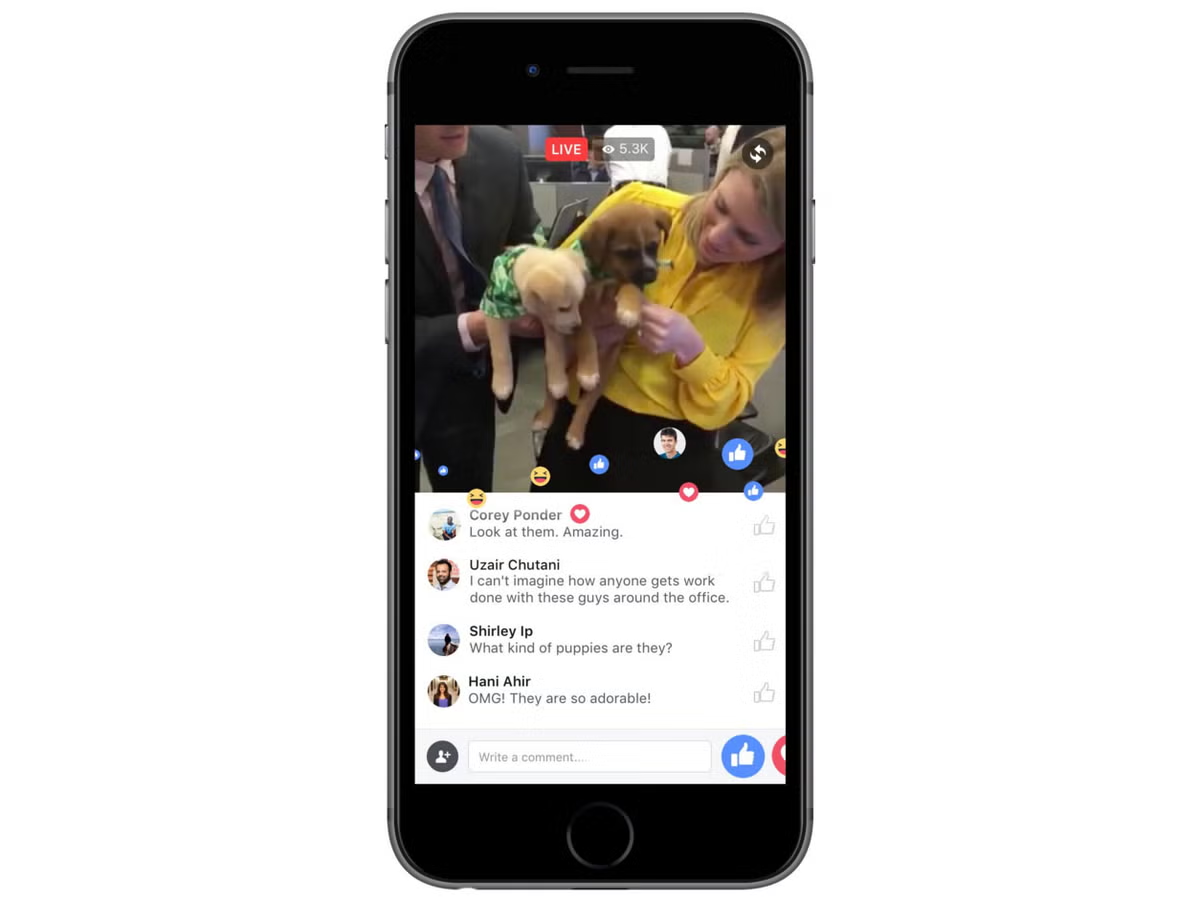
The Ultimate Guide to Seeing Who’s Watching Your Facebook Live Streams
Are you tired of wondering who’s watching your Facebook live streams? Do you want to know the exact number of people who have seen your transmissions? Look no further! In this article, we’ll show you how to see who’s watching your Facebook live streams during and after the transmission.
What is a Facebook Live Stream?
A Facebook live stream is a video broadcast that allows you to share real-time content with your friends, family, or followers. You can use it to share events, tutorials, product launches, or simply connect with your audience in real-time.
Why See Who’s Watching Your Facebook Live Streams?
Seeing who’s watching your Facebook live streams can be beneficial for several reasons:
- Engagement: It allows you to see which people are most interested in your content.
- Target Audience: By knowing who’s watching, you can tailor your future content to better suit their interests.
- Marketing Insights: You can use this data to improve your marketing strategies and reach a wider audience.
How to See Who’s Watching Your Facebook Live Streams During The Transmission
To see who’s watching your Facebook live streams during the transmission, follow these steps:
- Initiate The Stream: Start the live stream by clicking on the “Live” button.
- Access The Audience Tab: Click on the three dots at the top right corner of the screen and select “Audience.”
- View The Live Stream Audience: You’ll see a list of people who are currently watching your live stream.
How to See Who’s Watching Your Facebook Live Streams After The Transmission
After the transmission, you can’t directly access the list of viewers. However, there are some workarounds:
- Share The Live Stream in Stories: Share the live stream in your stories. This will allow you to see who’s watching it after the transmission.
- Use Facebook Insights: Use Facebook insights to analyze the performance of your live stream and gain insights into your audience.
How to See Who’s Watching Your Facebook Live Streams on a Facebook Page
To see who’s watching your Facebook live streams on a Facebook page, follow these steps:
- Create a Facebook Page: If you haven’t already, create a Facebook page for your business or brand.
- Initiate The Live Stream: Start the live stream by clicking on the “Live” button.
- Share The Live Stream: Share the live stream on your Facebook page.
- Access The Insights Tab: Click on the three dots at the top right corner of the screen and select “Insights.”
- View The Live Stream Performance: You’ll see a list of people who have watched your live stream, along with other performance metrics.
Common Questions About Seeing Who’s Watching Your Facebook Live Streams
- Q: Can I See Who’s Watching my Facebook Live Streams on Mobile?
- A: Yes, you can see who’s watching your Facebook live streams on mobile by following the same steps as above.
- Q: Will I be Able to See Who’s Watched my Live Stream After It’s Ended?
- A: Unfortunately, no. However, you can use the workarounds mentioned above to gain insights into your audience.
- Q: Can I See Who’s Watching my Facebook Live Streams on a Facebook Page?
- A: Yes, you can see who’s watching your Facebook live streams on a Facebook page by following the steps outlined above.
Conclusion
Seeing who’s watching your Facebook live streams can be beneficial for several reasons, including engagement, target audience, and marketing insights. While it’s not possible to directly access the list of viewers after the transmission, there are workarounds that can provide you with valuable data. By understanding how to see who’s watching your Facebook live streams during and after the transmission, you’ll be able to better engage with your audience, tailor your content to their interests, and improve your marketing strategies.
Frequently Asked Questions
- Q: Can I See Who’s Watching my Facebook Live Streams on Mobile?
- A: Yes, you can see who’s watching your Facebook live streams on mobile by following the same steps as above.
- Q: Will I be Able to See Who’s Watched my Live Stream After It’s Ended?
- A: Unfortunately, no. However, you can use the workarounds mentioned above to gain insights into your audience.
- Q: Can I See Who’s Watching my Facebook Live Streams on a Facebook Page?
- A: Yes, you can see who’s watching your Facebook live streams on a Facebook page by following the steps outlined above.


