
How to Sell on Facebook Marketplace: A Comprehensive Guide
Are you looking for a platform to sell your used items? Do you want to reach a vast audience with minimal effort? Look no further than Facebook Marketplace! As one of the most popular social media platforms, Facebook has created a marketplace section where users can buy and sell various types of products. In this article, we will guide you through the process of selling on Facebook Marketplace.
What is Facebook Marketplace?
Facebook Marketplace is a section within the Facebook app and website where users can list items for sale. It’s a great place to find deals on gently used items, from furniture to electronics, and even cars. The platform is free to use, and you don’t need to create a separate account to start selling.
Benefits of Selling on Facebook Marketplace
Selling on Facebook Marketplace has several benefits:
- Reach a Vast Audience: With over 2.7 Billion monthly active users, Facebook offers an incredible reach for your products.
- Minimal Effort Required: Creating a listing is straightforward and can be done using the Facebook app or website.
- No Fees Involved: You don’t have to pay any commission or fees to sell on Facebook Marketplace.
Getting Started With Selling on Facebook
To start selling on Facebook, follow these steps:
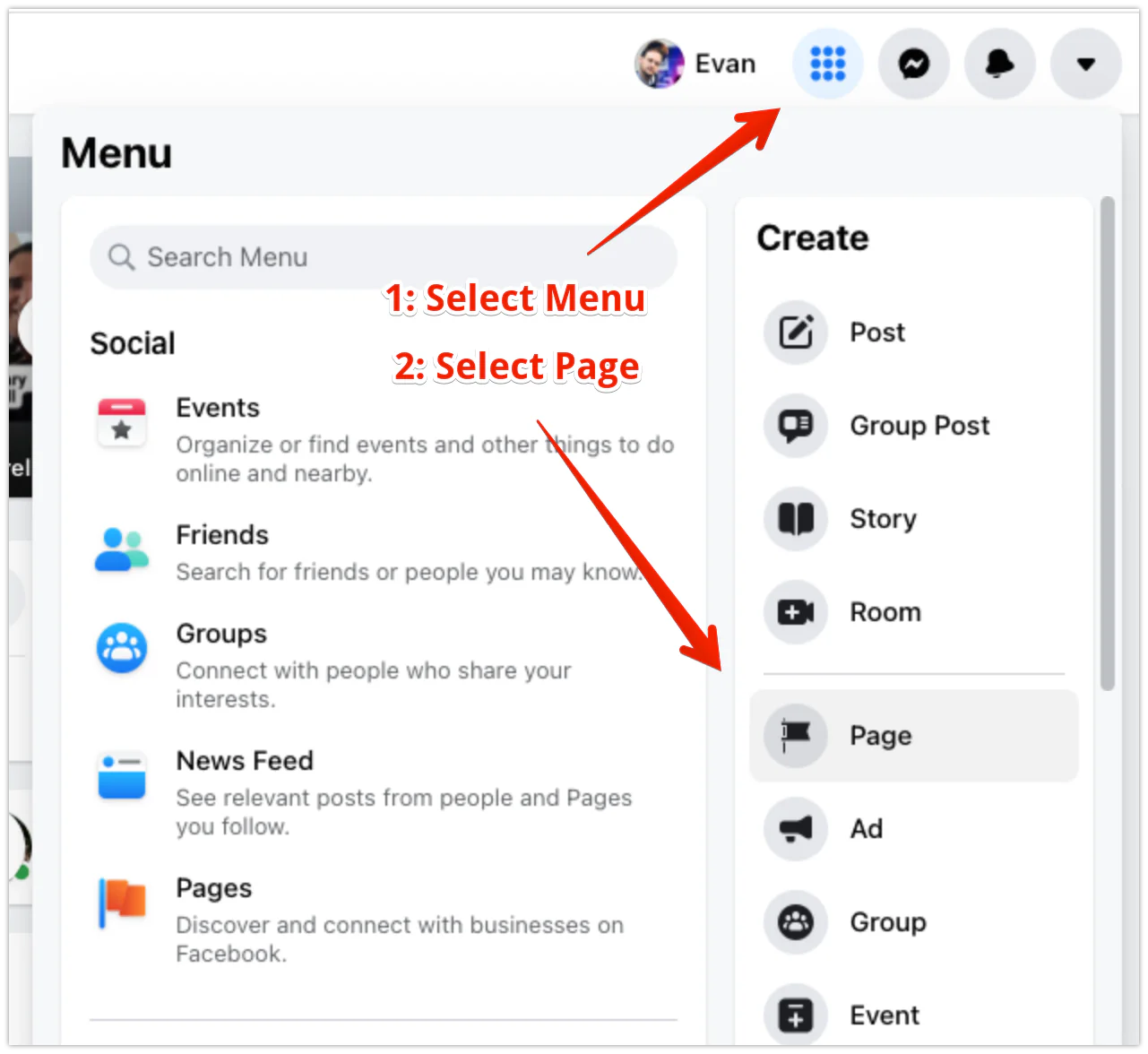
- Access Facebook Marketplace: Open the Facebook app or navigate to the Facebook website and click on the “Marketplace” tab.
- Create a Listing: Click on the “+” button to create a new listing. Fill in the required details, including the item’s title, description, price, and photos.
- Set a Price: Determine the asking price for your item based on its condition, rarity, and demand.
- Add Photos: Include high-quality images of the item from different angles to showcase its features.
- Specify Location: Add the item’s location to help potential buyers find it easily.
Tips For Selling Effectively
To maximize your chances of selling effectively on Facebook Marketplace:
- Use Relevant Keywords: Incorporate relevant keywords in your listing to improve visibility and attract potential buyers.
- Be Clear About Condition: Honestly describe the item’s condition, including any flaws or defects.
- Respond Promptly: Engage with potential buyers by responding to inquiries and messages in a timely manner.
Alternatives to Facebook Marketplace
If you’re not satisfied with Facebook Marketplace or need more features, consider these alternatives:
- Shopify: A popular e-commerce platform that integrates seamlessly with social media platforms like Facebook.
- Ebay: A well-established online marketplace where you can sell a wide range of items.
Troubleshooting And Support
If you encounter any issues while selling on Facebook Marketplace, don’t hesitate to reach out for assistance:
- Facebook Help Center: Access the official help center for detailed guides and troubleshooting tips.
- Contact Facebook Support: Reach out to Facebook’s support team via phone, email, or chat.
Conclusion
Selling on Facebook Marketplace can be a great way to declutter your home and earn some extra cash. By following this comprehensive guide and implementing our tips and tricks, you’ll be well on your way to becoming a successful seller on the platform.


