
How to Sell on Facebook: A Step-by-step Guide
Are you looking to sell your products or services online? Do you want to give greater visibility to your store? Look no further than Facebook, the popular social media platform with over 2.7 Billion monthly active users. In this article, we’ll show you how to sell on Facebook using various methods, including Marketplace, private clusters, and Facebook Business.
Why Sell on Facebook?
Facebook is an ideal platform for selling products or services due to its massive user base and ease of use. With over 2.7 Billion monthly active users, it’s the perfect place to reach a large audience interested in buying what you’re selling. Additionally, Facebook’s marketplace feature allows users to buy and sell items within their local community.
Method 1: Selling on Facebook Marketplace
Facebook Marketplace is a platform that allows users to buy and sell goods and services within their local community. Here’s how to sell on Facebook Marketplace:
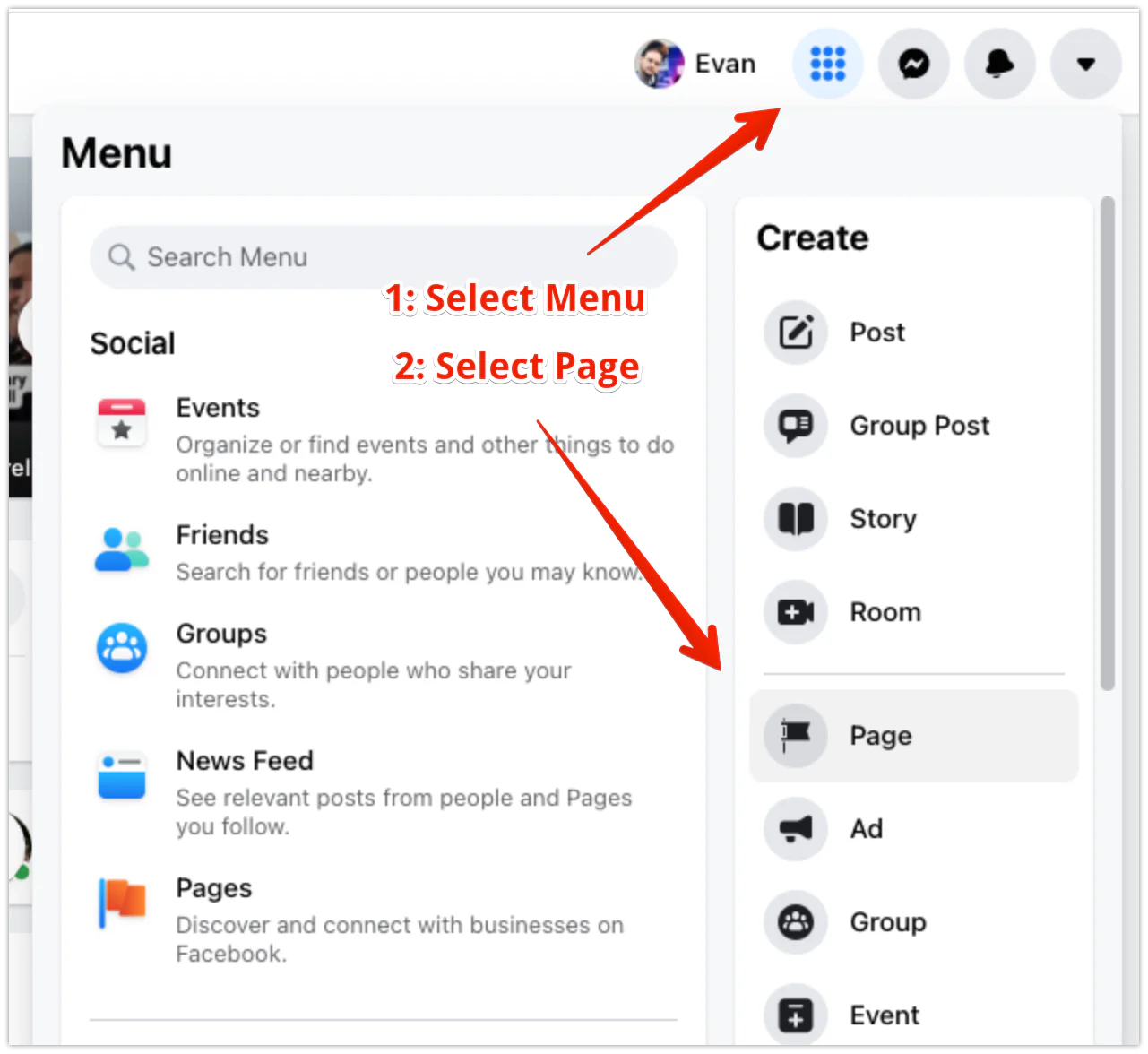
- Open The Facebook App: Tap the three horizontal lines at the top right corner of the screen.
- Click on Marketplace: Select “Marketplace” from the menu.
- Tap “Sell Something”: Choose an item category and add a photo, title, price, description, and location.
- Select Your Audience: Choose who can see your post, including friends, public, or specific groups.
- Publish: Tap “Post” to make your listing live.
Method 2: Selling on Private Clusters
Private clusters are specialized Facebook groups dedicated to buying and selling specific items. Here’s how to sell on private clusters:
- Open The Facebook App: Tap the three horizontal lines at the top right corner of the screen.
- Click on Groups: Select “Groups” from the menu.
- Search For a Cluster: Type in the name of a cluster related to your item and join it.
- Tap “Sell Something”: Choose an item category and add a photo, title, price, description, and location.
- Publish: Tap “Post” to make your listing live.
Method 3: Selling on Facebook Business
Facebook Business is a platform designed for businesses to sell their products or services directly through the app. Here’s how to sell on Facebook Business:
- Open The Facebook App: Tap the three horizontal lines at the top right corner of the screen.
- Click on Settings: Select “Settings” from the menu.
- Tap “Business”: Choose your business category and add a profile picture, cover photo, and bio.
- Tap “Create a Shop”: Add products, prices, descriptions, and images to create a virtual store.
- Publish: Tap “Post” to make your listing live.
Tips For Selling on Facebook
- Use high-quality photos and detailed descriptions to showcase your product or service.
- Set competitive prices based on market research.
- Engage with potential buyers by responding to comments and messages promptly.
- Utilize Facebook’s advertising features to reach a wider audience.
Conclusion
Selling on Facebook is an excellent way to reach a large audience interested in buying what you’re selling. By following these methods and tips, you can increase your online sales and grow your business. Remember to always follow Facebook’s guidelines and terms of service when using the platform for commercial purposes.
Faqs
- What Are The Fees Associated With Selling on Facebook?
Facebook charges a commission fee ranging from 2.9% + $0.30 Per transaction for credit card payments, depending on the payment method used. - How do I Know if my Item is Eligible to be Sold on Facebook Marketplace?
Make sure your item meets Facebook’s guidelines and terms of service before posting it for sale. - Can I Sell Services on Facebook Business?
Yes, you can sell services directly through Facebook Business by creating a virtual shop window. - How do I Handle Customer Inquiries or Disputes on Facebook?
Respond to comments and messages promptly, and use Facebook’s built-in messaging system to resolve any issues that may arise. - Can I Transfer my Business Profile From Another Platform to Facebook?
Yes, you can import your business profile from other platforms using Facebook’s Business Manager tool. - What if I Want to Sell my Products on Both Facebook And Instagram?
You can link your Instagram account to your Facebook Business page by following the instructions in this article. - How do I Measure The Success of my Sales on Facebook?
Use Facebook’s built-in analytics tools to track sales, revenue, and customer engagement. - Can I Sell my Products or Services Internationally Using Facebook?
Yes, you can reach customers worldwide by using Facebook’s international shipping features.
Additional Resources
For more information on selling on Facebook, check out the following resources:
- Facebook’s official guidelines for Marketplace
- Facebook Business Manager
- Facebook Help Center
- Instagram Commerce


