
How to Sell on Wallapop: A Step-by-step Guide
Are you looking to declutter your home and make some extra money by selling unwanted items? Look no further than Wallapop, one of the most popular online marketplaces in Italy. In this article, we’ll take you through a step-by-step guide on how to sell on Wallapop, from creating an account to dispatching your sold items.
Why Choose Wallapop?
Wallapop is an excellent platform for buying and selling used goods, with millions of active users across Italy and Spain. The platform offers a user-friendly interface, making it easy to list your items and connect with potential buyers. With Wallapop, you can sell everything from clothes and electronics to furniture and more.
Creating an Account on Wallapop
To get started on Wallapop, you’ll need to create an account. Here’s how:
- Download the Wallapop app or visit the website.
- Fill out the registration form with your details.
- Verify your email address by clicking on the link sent to you.
Listing Your Items on Wallapop
Now that you have an account, it’s time to list your items for sale. Here’s how:
- Open the app or visit the website and click on “Sell.”
- Take a clear photo of the item you want to sell.
- Fill out the description form with details about the item.
- Set a competitive price for your item.
Dispatching Your Sold Items
Once your item has been sold, it’s time to dispatch it to the buyer. Here’s how:
- Open the app or visit the website and click on “Sales.”
- Select the sale you want to view details about.
- Click on “Confirm” to confirm that you’ve dispatched the item.
Packaging Your Item
To ensure safe delivery, follow these tips for packaging your item:
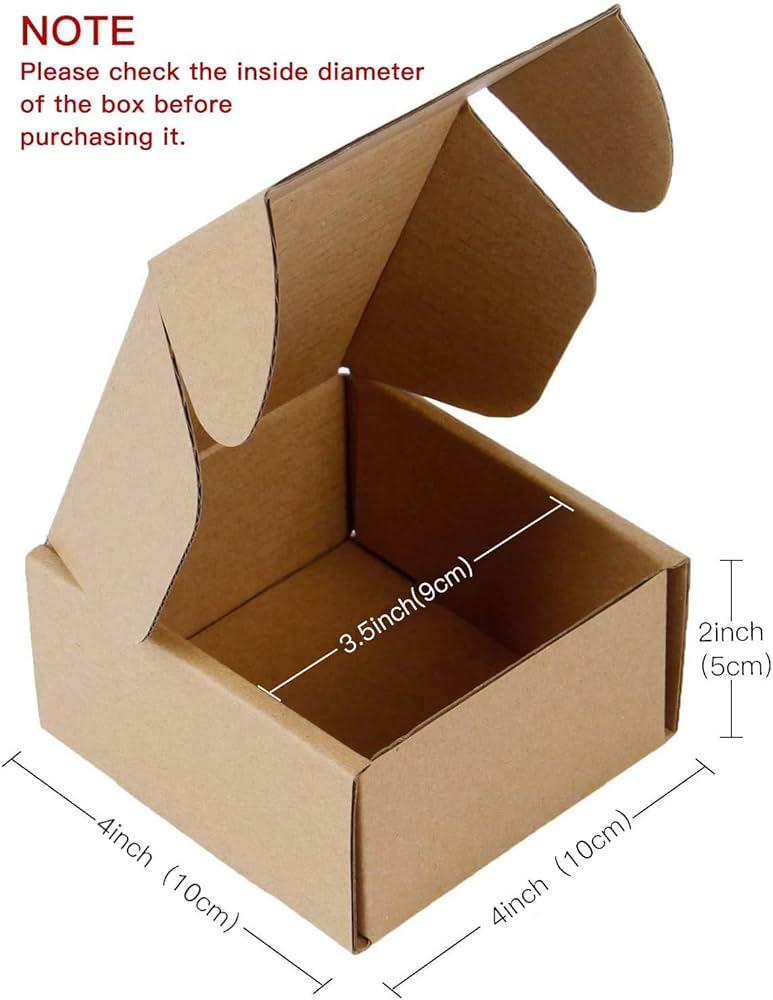
- Use a sturdy box that’s the right size for your item.
- Fill any empty spaces in the box with bubble wrap or packing peanuts.
- Seal the box with packing tape and apply it securely.
Creating a Label For Your Item
To create a label for your item, follow these steps:
- Open the app or visit the website and click on “Sales.”
- Select the sale you want to view details about.
- Click on “Display label” to display the QR code generated by Wallapop.
Dispatching Your Item
Dispatching your item is a straightforward process. Here’s how:
- Choose a courier service from the list provided by Wallapop.
- Enter the tracking number for the courier service.
- Display the QR code generated by Wallapop to the courier.
Conclusion
Selling on Wallapop can be a fun and profitable experience, but it requires some knowledge of how the platform works. By following this step-by-step guide, you’ll be well-equipped to list your items for sale and dispatch them safely to buyers. Happy selling!
Frequently Asked Questions (FAQs)
- Q: How do I Know if my Item is Eligible For Dispatch on Wallapop?
A: Items that weigh up to 30 kg can be dispatched using the QR code generated by Wallapop. - Q: Can I Use a Different Courier Service Than Those Provided by Wallapop?
A: No, you must choose from the list of courier services provided by Wallapop. - Q: What if my Item Arrives Damaged During Dispatch?
A: If your item arrives damaged, contact Wallapop customer support for assistance. - Q: Can I Sell International Items on Wallapop?
A: Yes, you can sell international items, but be aware that different rules and regulations may apply. - Q: How Long do I Have to Dispatch my Item After It’s Sold?
A: You have five days from the date of sale to dispatch your item. - Q: What if I’m Not Satisfied With The Price Offered For my Item?
A: You can negotiate the price or refuse the offer, but be aware that this may affect your seller reputation. - Q: Can I List Items on Wallapop That Are Not in Good Condition?
A: No, you must only list items that are in good working order and meet the platform’s standards. - Q: How do I Know if my Item is Eligible For Free Shipping on Wallapop?
A: Free shipping is available for items that weigh up to 20 kg and meet other specific criteria.


