
Enrolling on Facebook: A Step-by-step Guide For Mobile Users
Are you hesitant about enrolling on Facebook using your mobile device? You’re not alone! With the strong insistence of friends, it’s natural to have some doubts about the process. But fear not, dear reader! This article will walk you through a step-by-step guide on how to enroll on Facebook using your smartphone.
Why Enroll on Facebook?
Before we dive into the nitty-gritty, let’s discuss why enrolling on Facebook is worth it. With over 2.7 Billion monthly active users, Facebook is one of the most popular social media platforms in the world. By joining, you’ll be able to:
- Connect with friends and family
- Share updates and photos
- Join groups and communities that interest you
- Access a wide range of features, including messaging, video calling, and more
Getting Started: Downloading Facebook on Android or Ios
To enroll on Facebook using your mobile device, you’ll first need to download the official Facebook app. Here’s how:
Downloading Facebook on Android
- Open the Google Play Store on your Android device.
- Tap on the search bar and type “Facebook”.
- Select the Facebook app from the list of results.
- Tap the “Install” button to begin the download process.
- Once the installation is complete, tap the “Open” button to launch the app.
Downloading Facebook on Ios
- Open the App Store on your iOS device.
- Tap on the search bar and type “Facebook”.
- Select the Facebook app from the list of results.
- Tap the “Get” button to begin the download process.
- Once the installation is complete, tap the “Open” button to launch the app.
Enrolling on Facebook: A Step-by-step Guide
Now that you’ve downloaded and installed the Facebook app, it’s time to enroll! Here’s a step-by-step guide:
Step 1: Create a New Account
- Open the Facebook app on your mobile device.
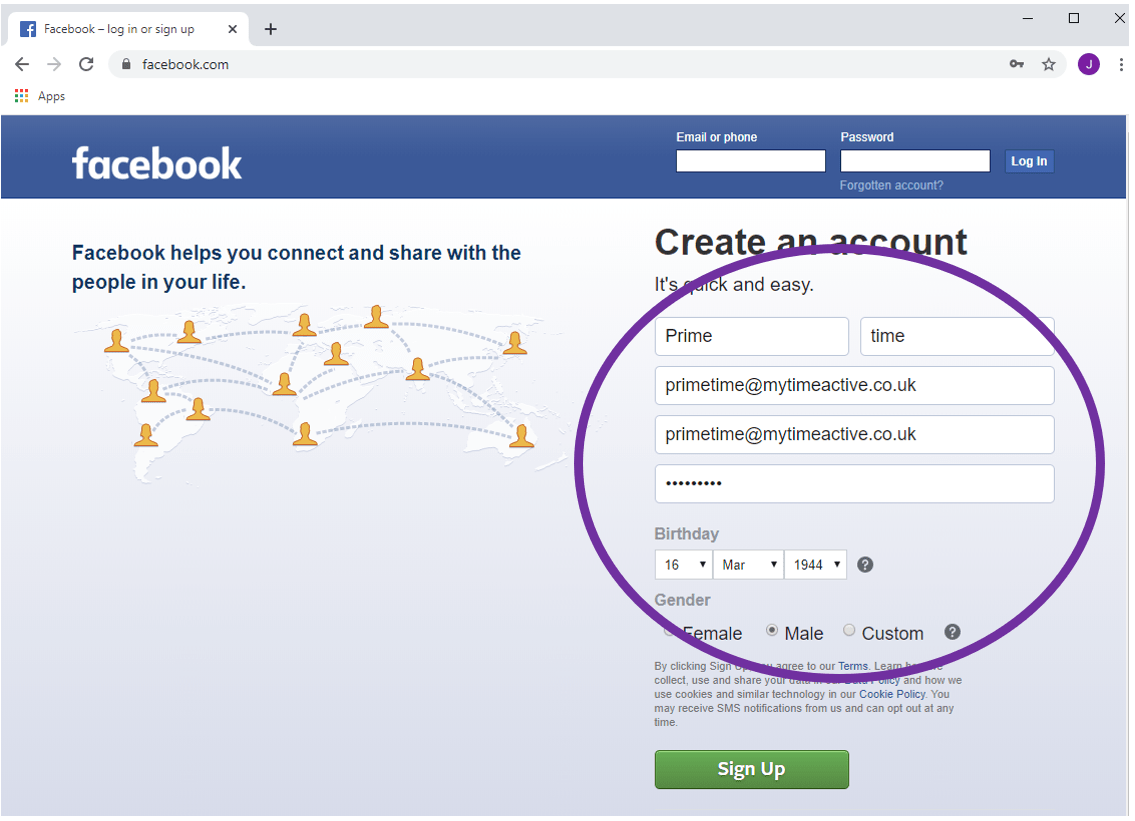
- Tap on the “Create new account” button.
- Enter your name and surname in the required fields.
- Select your date of birth from the menu.
- Choose your gender from the options provided.
Step 2: Verify Your Account
- You’ll receive a code via SMS or WhatsApp to verify your account.
- Enter the code in the required field.
- If you don’t receive the code, tap on the “Resend code” button.
- Once verified, tap on the “Next” button.
Step 3: Add Additional Information
- You’ll be asked to add additional information, such as your email address and password.
- Enter the required details and tap on the “Next” button.
Step 4: Review And Accept Terms
- Review Facebook’s terms of service and privacy policy.
- Tap on the “Accept” button to agree to the terms.
Step 5: Complete Your Profile
- You’ll be asked to complete your profile by adding a profile picture, cover photo, and other details.
- Tap on the “Save” button to save your changes.
Alternative Methods: Enrolling Without a Phone Number or Using The Browser
If you don’t want to download the Facebook app or prefer to use the browser, here are some alternative methods:
Enrolling Without a Phone Number
- Open the Facebook app and tap on the “Create new account” button.
- Select the option to enroll using your email address instead of your phone number.
- Enter your email address and password in the required fields.
Enrolling Using The Browser
- Open the Facebook website on your mobile browser.
- Tap on the “Sign up” button.
- Follow the same steps as above to enroll.
Conclusion
And that’s it! Enrolling on Facebook using your mobile device is a straightforward process. With this guide, you should be able to successfully create an account and start exploring the world of Facebook. Remember to follow the necessary precautions when enrolling, such as verifying your account and reviewing Facebook’s terms of service.
Frequently Asked Questions (FAQs)
- Q: Do I Need to Download The Facebook App to Enroll?
A: No, you can also enroll using the browser. - Q: What if I Don’t Receive a Code Via Sms or Whatsapp?
A: Tap on the “Resend code” button or contact Facebook support for assistance. - Q: Can I Change my Account Information After Enrolling?
A: Yes, you can edit your profile and other details at any time. - Q: Is Enrolling on Facebook Free?
A: Yes, creating an account is free, but you may need to pay for additional features or subscriptions. - Q: How do I Report a Problem With my Facebook Account?
A: Contact Facebook support via their website or mobile app. - Q: Can I Use Multiple Accounts on The Same Device?
A: Yes, but ensure that each account is properly verified and secured. - Q: What Are The System Requirements For Using Facebook on my Mobile Device?
A: Check your device’s specifications to ensure compatibility with the Facebook app or browser. - Q: How do I Recover my Facebook Password if I Forget It?
A: Tap on the “Forgot password” button and follow the recovery process.
I hope this article has been helpful in guiding you through the enrolling process on Facebook using your mobile device!


