
How to Speed Up Your Internet Connection
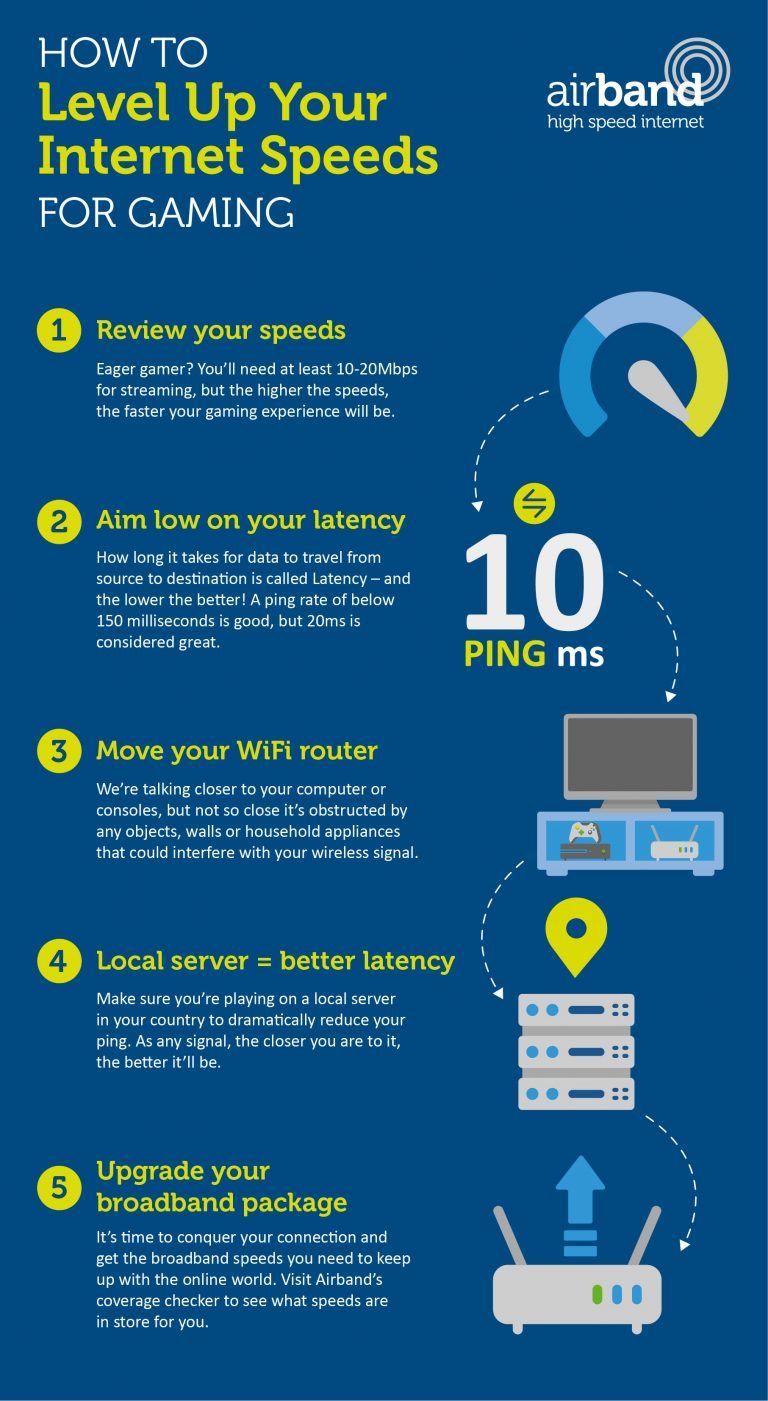
Are you tired of waiting for what feels like an eternity for your internet connection to load? Do you get frustrated when trying to open a website or stream a video only to have it slow down or freeze? You’re not alone! Many people face this issue, but there are ways to speed up your internet connection. In this article, we’ll explore some tips and tricks to help you improve your online experience.
Optimizing Your PC Connection
If you’re using a computer with a Windows operating system, there are several things you can do to optimize your internet connection.
- Check Your Wi-fi Settings: Make sure your Wi-Fi is turned on and that you’re connected to the correct network. You can do this by clicking on the Wi-Fi icon in your taskbar.
- Restart Your Router: Sometimes, simply restarting your router can resolve connectivity issues.
- Update Your Dns Settings: Your DNS (Domain Name System) settings may be affecting your internet speed. You can try changing to a faster DNS service like Google’s public DNS or Cloudflare.
Tips For Mobile Users
If you’re using a mobile device, there are also some things you can do to improve your internet connection.
- Check Your Network Coverage: Make sure you have a strong signal by checking the number of bars on your screen. If you’re in an area with poor coverage, try moving to a different location.
- Use a Vpn: A Virtual Private Network (VPN) can help protect your data and improve your internet speed.
- Update Your Dns Settings: Like with computers, updating your DNS settings can also improve your mobile internet connection.
Speeding Up Your Ps5 Connection
If you’re using a PlayStation 5, there are some additional tips to help you improve your internet connection.
- Use an Ethernet Cable: Connecting your console directly to your router via an Ethernet cable can provide a faster and more stable connection.
- Check Your Nat Settings: Your NAT (Network Address Translation) settings may be affecting your online gaming experience. Try changing to a type 1 or 2 NAT for improved performance.
Conclusion
Speeding up your internet connection doesn’t have to be a daunting task. By following these tips and tricks, you can improve your online experience and enjoy faster loading times, smoother streaming, and more responsive gameplay. Remember to always check your Wi-Fi settings, restart your router, and update your DNS settings for optimal performance.
Frequently Asked Questions
- Q: What is The Best Way to Speed up my Internet Connection?
A: The best way to speed up your internet connection is to optimize your PC or mobile device’s settings, check your network coverage, use a VPN, and update your DNS settings. - Q: How Can I Improve my Ps5 Connection?
A: To improve your PS5 connection, try using an Ethernet cable, checking your NAT settings, and updating your DNS settings. - Q: What Are Some Common Issues That Affect Internet Speed?
A: Some common issues that affect internet speed include poor network coverage, outdated DNS settings, and incorrect Wi-Fi settings.


