
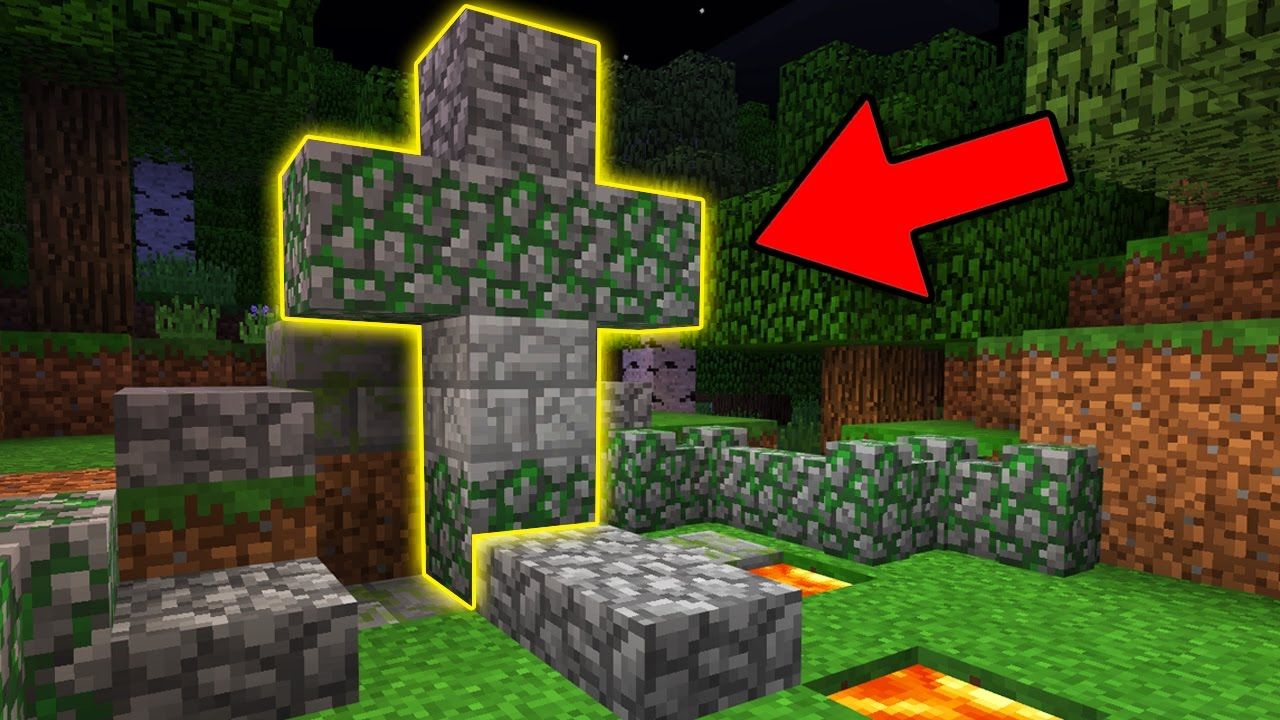
The Mysterious Case of Herobrine: A Guide to Evoking Him on Minecraft
Table of Contents
- Introduction
- What is Herobrine?
- The History of Herobrine
- Can I Really Evoke Herobrine?
- How to Install The Necessary Components
- Installing Fabric And The Mod
- Downloading The Mod
- Setting Up The Altar And Cursed Diamond
- Evoking Herobrine
Introduction
Minecraft, the popular video game, has a vast array of mods that can be installed to enhance gameplay. Among these mods is the mysterious figure of Herobrine, a legendary entity said to appear in the game under specific circumstances.
What is Herobrine?
Herobrine is a mysterious figure said to appear in Minecraft when certain conditions are met. He is described as having white eyes and human-like features, and is often associated with horror stories among players.
The History of Herobrine
The origins of Herobrine date back to the early days of Minecraft streaming, where a streamer created a story about a mysterious figure that appeared in the game. The story gained popularity and eventually became a legend among players.
However, it’s worth noting that Herobrine is not an official part of Minecraft, and his existence has been largely debunked as a myth by the game’s developers.
Can I Really Evoke Herobrine?
While Herobrine may not exist in the classical sense, there are mods available that can simulate his appearance in the game. By installing specific mods and following certain steps, players can evoke Herobrine and experience the thrill of encountering this legendary entity.
How to Install The Necessary Components
To install the mod required to evoke Herobrine, follow these steps:
- Download the Fabric mod from the official website.
- Install the mod by running the downloaded file and selecting the Minecraft version in the options menu.
- Once installed, download the Herobrine mod from Modrinth.
Installing Fabric And The Mod
To install Fabric and the mod, follow these steps:
- Download the Fabric mod from the official website.
- Run the downloaded file and select the Minecraft version in the options menu to initiate the installation process.
- Once installed, download the Herobrine mod from Modrinth.
Downloading The Mod
To download the Herobrine mod, follow these steps:
- Go to the Modrinth website and search for the Herobrine mod.
- Select the version of the mod compatible with your Minecraft version.
- Click on the “Download” button to download the mod.
Setting Up The Altar And Cursed Diamond
To set up the altar and cursed diamond required to evoke Herobrine, follow these steps:
- Create a 3×3 block pit in Minecraft.
- Place a netherrack block at the center of the pit.
- Surround the netherrack block with gold blocks.
- Fill the corners with dry lava and diamonds.
- Place redstone dust on top of the gold blocks.
Evoking Herobrine
To evoke Herobrine, follow these steps:
- Activate the altar by placing a cursed diamond at its center.
- Right-click the altar to initiate the evocation process.
- Stand back and prepare for Herobrine’s appearance.
Conclusion
While Herobrine may not exist in the classical sense, his legend has captured the imagination of Minecraft players worldwide. By following these steps and installing the required mods, players can evoke Herobrine and experience the thrill of encountering this legendary entity.
Frequently Asked Questions (FAQs)
- Q: What is Herobrine?
A: Herobrine is a mysterious figure said to appear in Minecraft when certain conditions are met. - Q: Is Herobrine an official part of Minecraft?
A: No, Herobrine is not an official part of Minecraft and his existence has been largely debunked as a myth by the game’s developers. - Q: Can I really evoke Herobrine?
A: Yes, players can evoke Herobrine by installing specific mods and following certain steps. - Q: What are the requirements for evoking Herobrine?
A: Players need to install the Fabric mod and download the Herobrine mod from Modrinth.


