
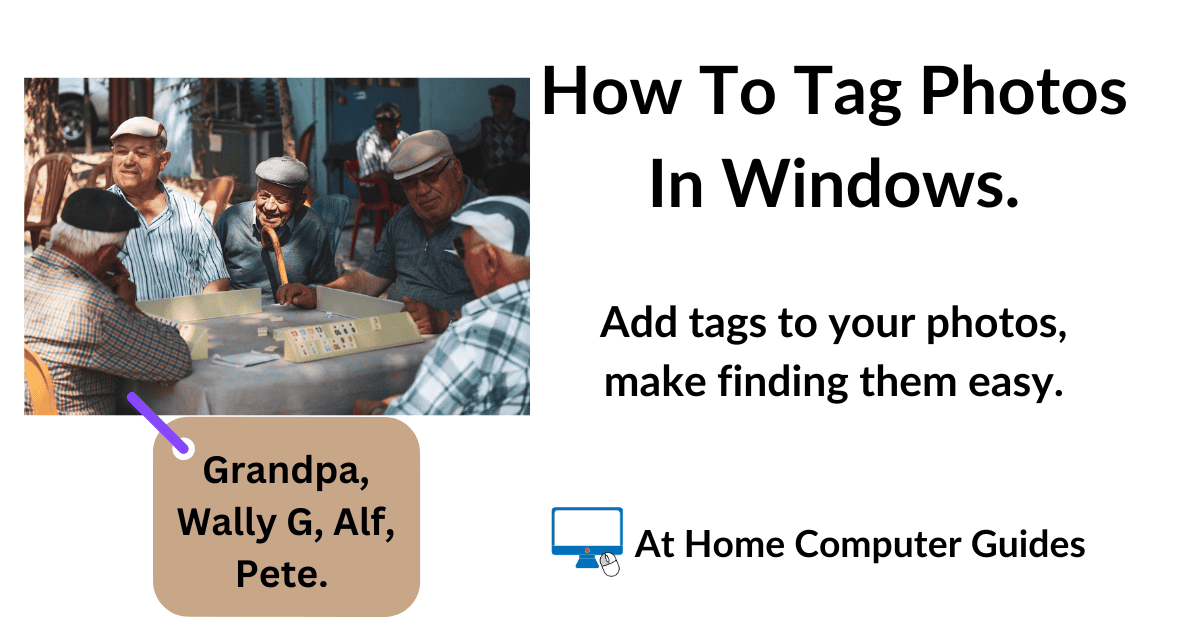
How to Tag a Photo on Social Media: A Comprehensive Guide
Are you tired of asking your friends to tag you in their photos, only to be met with confusion and forgetfulness? Do you want to learn how to tag a photo on social media like a pro? Look no further! In this article, we will take you through the step-by-step process of tagging a photo on Facebook, Instagram, Twitter, and more.
What is Tagging a Photo?
Before we dive into the specifics, let’s first understand what tagging a photo means. The term “tag” comes from English, where it means to “contrassegnare” or “contact a’label.” In simple terms, tagging a photo is like labeling someone in a picture so that they can easily find and access it.
Tagging a Photo on Facebook
Facebook makes it easy to tag friends in your photos. Here’s how:
- On Devices Android: Access the app and tap on the “Home” page. Tap on the “+” icon in the bottom-right corner and select “Photo/Video.” Choose a photo from your gallery or take a new one. Tap on the “Tag People” option and search for friends you want to tag.
- On Devices Iphone/ipad: Access the app and tap on the “Home” page. Tap on the “+” icon in the bottom-right corner and select “Photo/Video.” Choose a photo from your gallery or take a new one. Tap on the “Tag People” option and search for friends you want to tag.
- On Pc: Log in to your Facebook account, click on the “Create Post” button, and drag and drop a photo from your folder into the window. Click on the photo, then click on the “Tag People” button. Search for friends you want to tag and click on their name.
Tagging a Photo on Instagram
Instagram is another popular social media platform where tagging photos is easy. Here’s how:
- On Devices Android: Access the app, tap on the “+” icon in the bottom-right corner, and select “Photo.” Choose a photo from your gallery or take a new one. Tap on the “Next” button, then tap on the “Tag People” option and search for friends you want to tag.
- On Devices Iphone: Access the app, tap on the “+” icon in the bottom-right corner, and select “Photo.” Choose a photo from your gallery or take a new one. Tap on the “Next” button, then tap on the “Tag People” option and search for friends you want to tag.
- On Pc: Log in to your Instagram account, click on the “+” icon in the top-right corner, and select “Post.” Drag and drop a photo from your folder into the window. Click on the photo, then click on the “Tag People” button. Search for friends you want to tag and click on their name.
Tagging a Photo on Twitter
Twitter is another social media platform where tagging photos is easy. Here’s how:
- On Devices Android: Access the app and tap on the “+” icon in the bottom-right corner. Select “Photo” and choose a photo from your gallery or take a new one. Tap on the “Next” button, then tap on the “Tag People” option and search for friends you want to tag.
- On Devices Iphone/ipad: Access the app and tap on the “+” icon in the bottom-right corner. Select “Photo” and choose a photo from your gallery or take a new one. Tap on the “Next” button, then tap on the “Tag People” option and search for friends you want to tag.
- On Pc: Log in to your Twitter account, click on the “+” icon in the top-right corner, and select “Tweet.” Drag and drop a photo from your folder into the window. Click on the photo, then click on the “Tag” button. Search for friends you want to tag and click on their name.
Benefits of Tagging Photos
Tagging photos has several benefits, including:
- Easy Discovery: Tagged photos are easily discoverable by the people tagged in them.
- Improved Engagement: Tagging photos can lead to improved engagement, as people who are tagged tend to interact with the post more frequently.
- Increased Visibility: Tagged photos have increased visibility, as they appear on the profiles of the people tagged.
Conclusion
Tagging a photo on social media is easy and straightforward. By following these simple steps, you can tag your friends in their photos and make it easier for them to find and access them. Remember, tagging photos has several benefits, including easy discovery, improved engagement, and increased visibility.


