
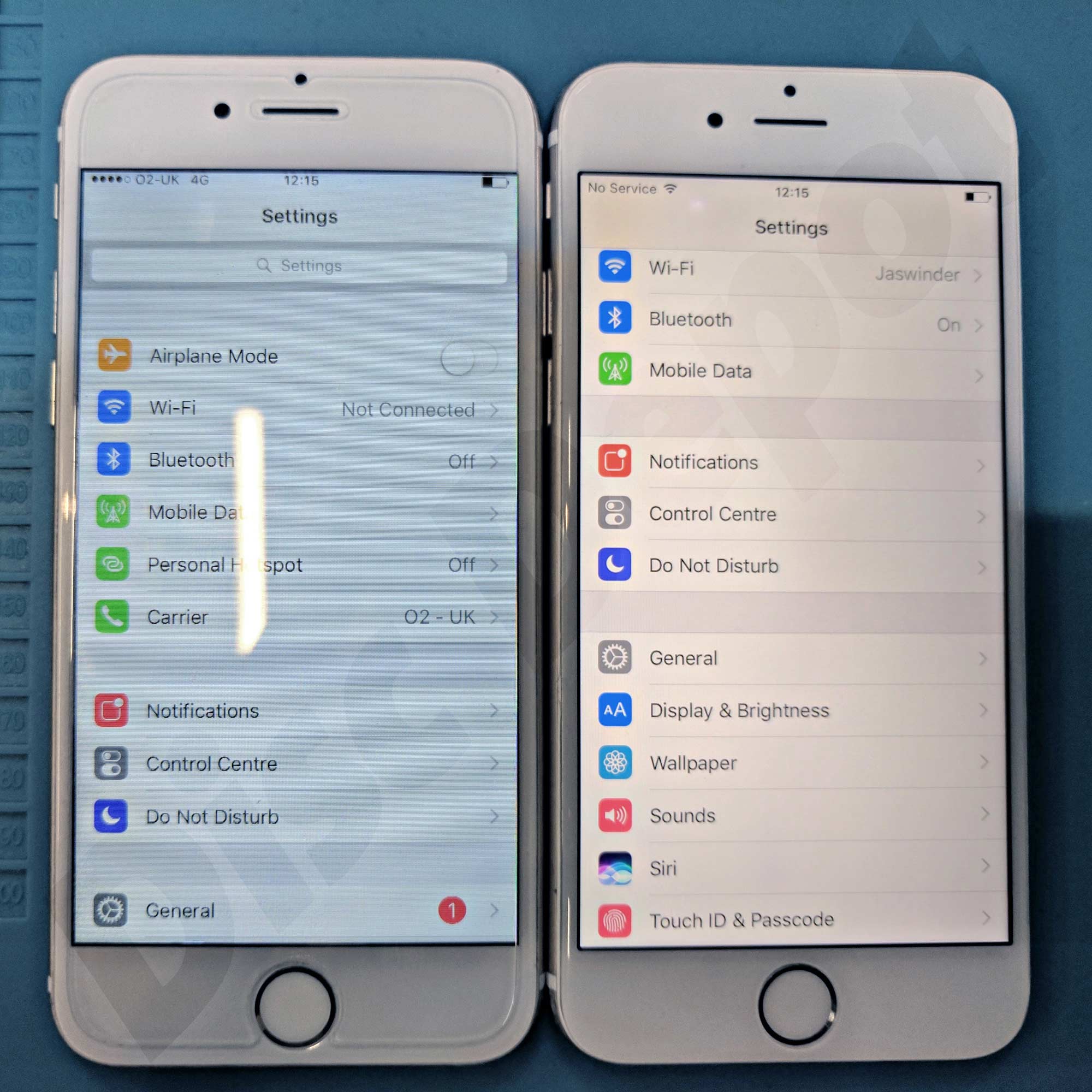
Understanding if Your Iphone is Original or Not: A Step-by-step Guide
Are you about to purchase a new iPhone, but unsure if it’s an original device? Have you bought a used iPhone and want to know its authenticity? This article will guide you through the process of checking if your iPhone is original or not.
What Makes an Iphone Original or Not?
Before we dive into the details, let’s understand what makes an iPhone original or not. An original iPhone is one that has been manufactured by Apple and meets their quality standards. On the other hand, a non-original iPhone could be a refurbished device, a clone, or a used phone that has been modified in some way.
Checking The Aesthetic Characteristics And Technical Specifications
One of the first steps to identify an original iPhone is to check its aesthetic characteristics and technical specifications. Here are some key points to look out for:
- Logotype: An original iPhone will have the Apple logo (a bitten apple) centered on the back, with no raised or embossed effect.
- Buttons: The Home button should be located at the bottom center of the front panel, with a power button and volume buttons on either side. All buttons should be functional and responsive to touch.
- Operating System: An original iPhone will run on iOS, which is Apple’s proprietary operating system.
- Form And Colors: The form and colors of an original iPhone should match those described by Apple on their official website.
Checking The Imei Code
The IMEI (International Mobile Equipment Identity) code is a unique identifier that can be used to verify the authenticity of an iPhone. Here’s how to check the IMEI code:
- Through Settings: Go to Settings > General > About, and look for the IMEI number.
- Using The Dialer: Press and hold the green phone icon on your iPhone, then dial #06# (without initiating a call). The IMEI code will appear on your screen.
- On The Package: Check the packaging of your iPhone for the IMEI label.
Checking With Apple
If you’re still unsure about the authenticity of your iPhone, you can contact Apple directly for assistance. They may ask you to provide the IMEI code or other information to verify the device’s identity.
Other Useful Operations
There are other operations you can perform to check if an iPhone is original or not:
- Checking The Reliability of a Vendor: Research the seller online and read reviews on websites like Trustpilot.
- Using Third-party Services: Websites like iPhoneRubato can help identify stolen iPhones.
Conclusion
In conclusion, checking if your iPhone is original or not requires some basic knowledge of its aesthetic characteristics, technical specifications, and IMEI code. By following these steps, you can ensure that you’re purchasing a genuine device from Apple. Remember to contact Apple directly for assistance if you’re unsure about the authenticity of an iPhone.
Frequently Asked Questions (FAQs)
- Q: What Makes an Iphone Original or Not?
A: An original iPhone is one manufactured by Apple and meets their quality standards. - Q: How Can I Check if my Iphone’s Imei Code is Valid?
A: You can use the Apple Support website to verify your iPhone’s IMEI code. - Q: Can I Check if an Iphone Has Been Stolen?
A: Yes, you can use services like iPhoneRubato to identify stolen iPhones. - Q: What Should I do if I Suspect my Iphone is Not Original?
A: Contact Apple directly for assistance and provide the IMEI code or other information to verify the device’s identity. - Q: Can I Check an Iphone’s Aesthetic Characteristics Online?
A: Yes, you can compare your iPhone’s specifications with those described by Apple on their official website. - Q: How do I Know if my Iphone’s Buttons Are Original?
A: An original iPhone will have functional and responsive buttons that match the description provided by Apple. - Q: Can I Use Third-party Services to Verify an Iphone’s Authenticity?
A: Yes, websites like Trustpilot can help research a seller’s reliability, while services like iPhoneRubato can identify stolen iPhones. - Q: What Should I do if my Iphone’s Operating System is Not Ios?
A: Contact Apple directly for assistance and provide the IMEI code or other information to verify the device’s identity.


