
How to Refill Your Binance Account: A Step-by-step Guide
Are you interested in investing in the world of cryptocurrencies but don’t know how to refill your Binance account? You’ve come to the right place! In this article, we’ll guide you through the process of refilling your Binance account using various methods, including credit cards, bank transfers, and more.
Why Refill Your Binance Account?
Before we dive into the nitty-gritty, let’s talk about why you might need to refill your Binance account. As a cryptocurrency investor, you likely want to have sufficient funds to buy and sell cryptocurrencies on the platform. If your balance is zero or negative, you won’t be able to perform transactions, which can be frustrating.
How to Refill Your Binance Account: A Step-by-step Guide
Refilling Your Binance Account With a Credit Card
If you want to refill your Binance account using a credit card, here’s what you need to do:
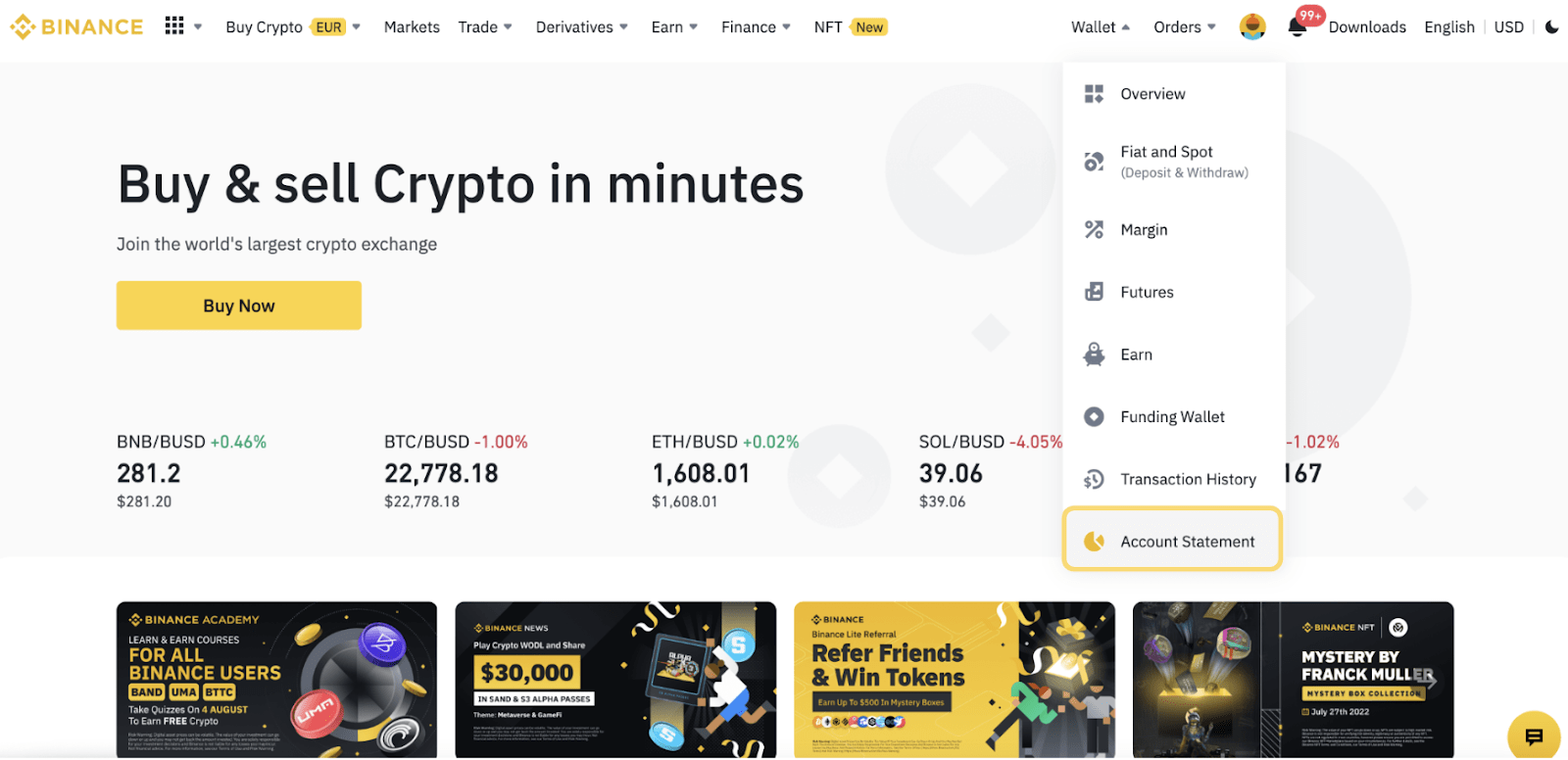
- Log in to your Binance account and go to the “Wallet” section.
- Click on the “Transfer” button next to the currency you want to transfer (e.G., EUR).
- Select the amount you want to transfer from your bank account to your Binance wallet.
- Choose the credit card option as the payment method.
- Enter your credit card details and confirm the transaction.
Note: Be aware that there may be a commission fee associated with using a credit card to refill your Binance account.
Refilling Your Binance Account With a Bank Transfer
If you prefer to use a bank transfer, here’s how:
- Log in to your Binance account and go to the “Wallet” section.
- Click on the “Transfer” button next to the currency you want to transfer (e.G., EUR).
- Select the amount you want to transfer from your bank account to your Binance wallet.
- Choose the bank transfer option as the payment method.
- Enter your bank details and confirm the transaction.
Note: Be aware that there may be a commission fee associated with using a bank transfer to refill your Binance account.
Refilling Your Binance Account With Paypal
Unfortunately, you cannot currently use PayPal to refill your Binance account directly. However, we recommend checking out other platforms like eToro that support PayPal as an option.
How to Refill Your Binance Card
If you have a Binance card connected to your account, you’ll need to refill it periodically to keep using the card for transactions. Here’s how:
- Log in to your Binance account and go to the “Wallet” section.
- Click on the “Transfer” button next to the currency you want to transfer (e.G., EUR).
- Select the amount you want to transfer from your bank account to your Binance wallet.
- Choose the credit card option as the payment method.
- Enter your credit card details and confirm the transaction.
How to Refill Your Binance Account With Revolut
If you have a Revolut card connected to your account, you can use it to refill your Binance account without incurring commission fees. Here’s how:
- Log in to your Revolut app and go to the “Transfer” section.
- Select the amount you want to transfer from your Revolut wallet to your Binance account.
- Choose the credit card option as the payment method.
- Enter your credit card details and confirm the transaction.
Frequently Asked Questions (FAQs)
Q: How do I Know if my Binance Account is Refilled?
A: Once you’ve successfully transferred funds to your Binance account, your balance should be updated in real-time.
Q: Can I Use Multiple Payment Methods to Refill my Binance Account?
A: Yes, you can use different payment methods to refill your Binance account, such as credit cards, bank transfers, and more.
Q: Are There Any Commission Fees Associated With Refilling my Binance Account?
A: Yes, some payment methods may incur commission fees, which will be deducted from the amount you’re transferring to your Binance account.
Conclusion
Refilling your Binance account is a straightforward process that can be done using various payment methods. Remember to always check for any commission fees associated with each method and follow the step-by-step guides above to ensure a smooth transaction. Happy investing!


