
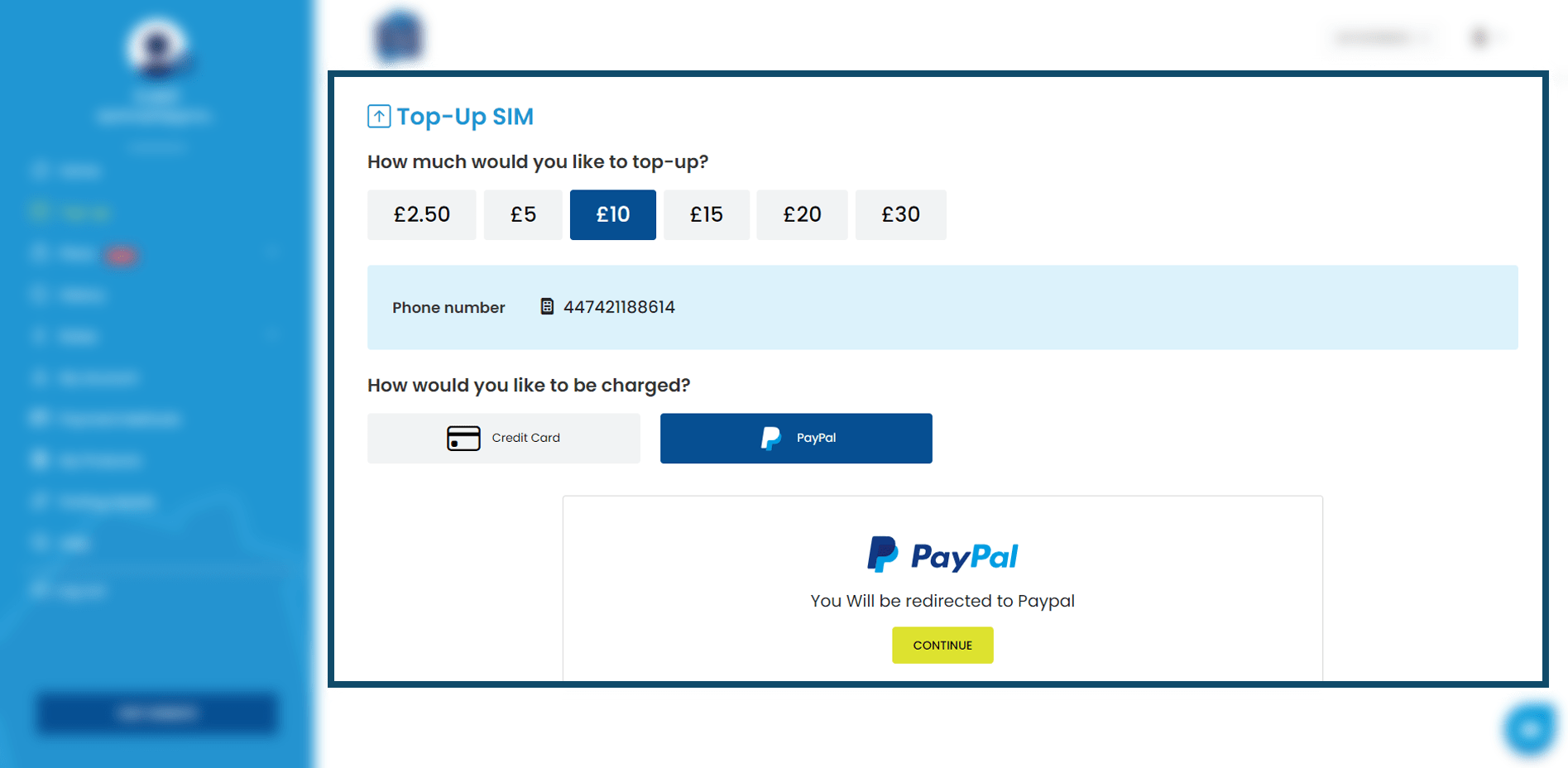
How to Top Up Your Paypal Account: A Step-by-step Guide
Are you wondering how to top up your PayPal account? Do you have friends or family members who need help with their PayPal balances? Look no further! In this article, we’ll guide you through the process of topping up your PayPal account, both online and in-person.
Why Top Up Your Paypal Account?
Before we dive into the steps, let’s quickly discuss why topping up your PayPal account might be necessary. Maybe you’ve received payments that haven’t been deposited into your account yet. Perhaps you need to send money to someone else or make a payment online. Whatever the reason, topping up your PayPal balance is a straightforward process.
Method 1: Top Up Your Paypal Account Online
To top up your PayPal account online, follow these steps:
Step 1: Log in to Your Paypal Account
Access your PayPal account by visiting the website and logging in with your email address and password.
Step 2: Click on “Balance”
Once you’re logged in, click on the “Balance” tab at the top of the page.
Step 3: Select “Transfer Money”
From the Balance page, select the option to transfer money into your account.
Step 4: Choose Your Payment Method
Choose your preferred payment method, such as a bank account or credit card. You can also use funds from another PayPal user (more on that later).
Step 5: Enter The Amount And Complete The Transaction
Enter the amount you want to transfer into your PayPal account and complete the transaction.
Method 2: Top Up Your Paypal Account In-person at a Tabacco
If you prefer to top up your PayPal balance in-person, you can visit a tabacco (a convenience store) that accepts PayPal. Here’s how:
Step 1: Find a Nearby Tabacco
Find a nearby tabacco that accepts PayPal.
Step 2: Inform The Staff
Let the staff know that you want to top up your PayPal balance using their services.
Step 3: Provide Your Payment Details
Provide your payment details, such as your credit card or cash, and let them process the transaction for you.
Method 3: Top Up Someone Else’s Paypal Account
If you need to top up someone else’s PayPal account, follow these steps:
Step 1: Log in to Your Own Paypal Account
Access your own PayPal account by logging in with your email address and password.
Step 2: Click on “Send Money”
From the dashboard, click on the option to send money to another user.
Step 3: Enter The Recipient’s Details
Enter the recipient’s details, including their email address or phone number.
Step 4: Choose Your Payment Method
Choose your preferred payment method, such as a bank account or credit card.
Step 5: Complete The Transaction
Complete the transaction and send the funds to the recipient’s PayPal account.
Method 4: Use a Banking Transfer
If you prefer to use a banking transfer to top up someone else’s PayPal account, follow these steps:
Step 1: Log in to Your Online Banking Account
Access your online banking account by logging in with your username and password.
Step 2: Click on “Transfer”
From the dashboard, click on the option to transfer funds to another account.
Step 3: Select Paypal as The Recipient
Select PayPal as the recipient of the transfer.
Step 4: Enter The Amount And Complete The Transaction
Enter the amount you want to transfer into the recipient’s PayPal account and complete the transaction.
Method 5: Link a Payment Method to Your Paypal Account
If you haven’t already, link a payment method (such as a bank account or credit card) to your PayPal account. This way, when someone sends money to your PayPal address, it will be automatically deposited into your account.
Step 1: Log in to Your Paypal Account
Access your PayPal account by logging in with your email address and password.
Step 2: Click on “Wallet”
From the dashboard, click on the option to add a payment method to your wallet.
Step 3: Select Your Payment Method
Select your preferred payment method (such as a bank account or credit card).
Step 4: Complete The Linking Process
Complete the linking process and verify that your payment method has been successfully added to your PayPal account.
Conclusion
Topping up your PayPal account is a simple process, whether you’re doing it online or in-person. By following these steps, you can ensure that your balance stays topped up and ready for use whenever you need it.


