
The Ultimate Guide to Locating a Lost Phone
Are you worried about losing your phone? Do you want to know how to locate it if it’s turned off or out of reach? You’re not alone! Losing a phone can be frustrating, especially when you have sensitive data stored on it. In this article, we’ll explore the various ways to locate a lost phone, including the steps to take if your device is turned off.
The Problem With Location Services
When your phone is turned off, it’s unable to send location signals. This means that traditional location services like GPS or cellular networks won’t be able to pinpoint its exact position. However, there are other ways to locate a lost phone, and we’ll discuss them in detail below.
Locating an Android Phone
If you have an Android device, the process of locating it is relatively straightforward. Here’s how:
- Access The Find My Device Service: Go to the Google website and sign in with your Google account.
- Select The Device: Choose the Android device that you want to locate from the list of devices associated with your account.
- View The Location: A map will be displayed showing the last known position of your phone.
- Block or Reset The Device: You can also use this service to block or reset your phone remotely.
Locating an Iphone
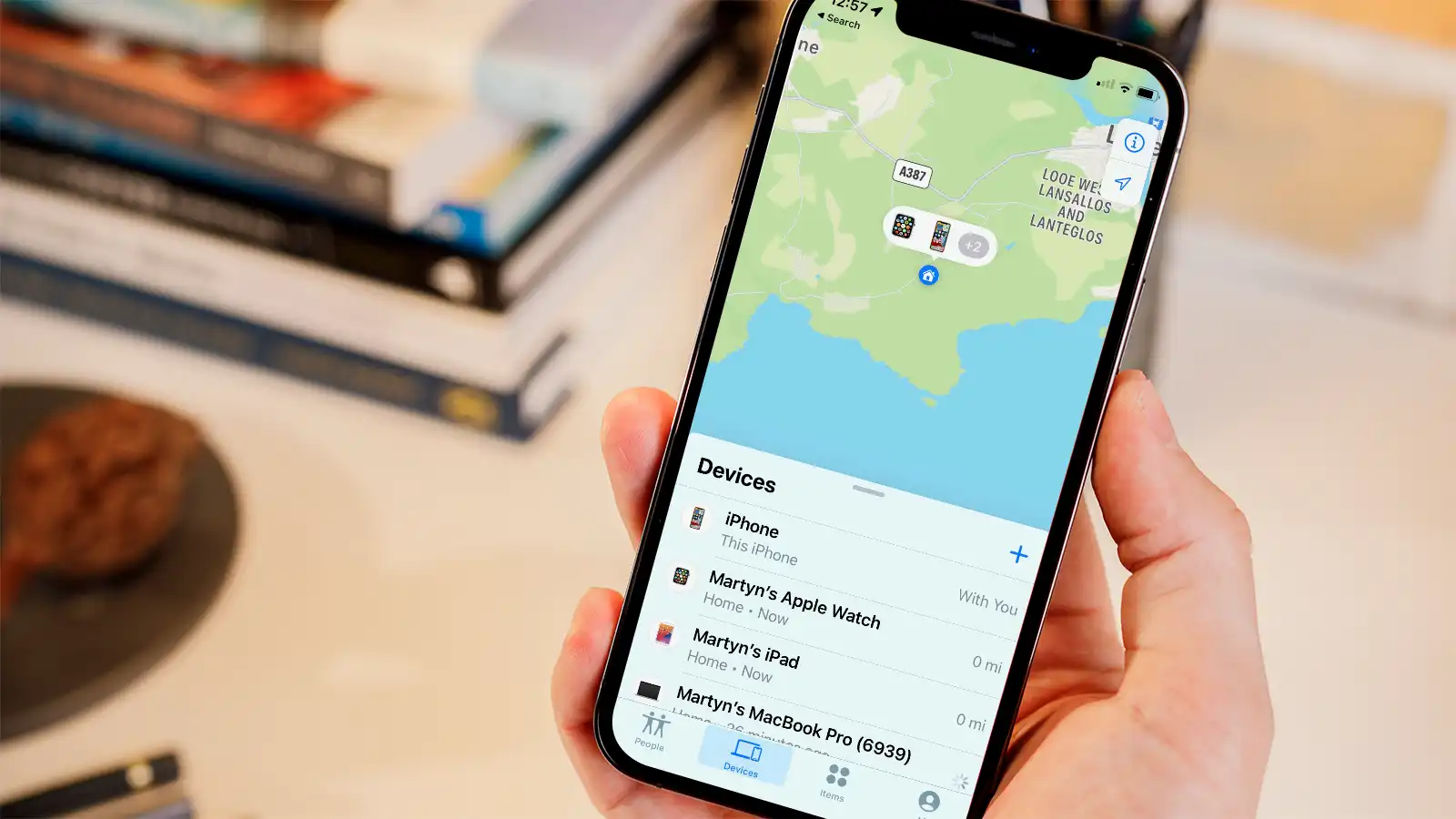
If you have an iPhone, locating it is equally easy:
- Access The Icloud Website: Sign in with your Apple ID on the iCloud website.
- Select The Device: Choose the iPhone that you want to locate from the list of devices associated with your account.
- View The Location: A map will be displayed showing the last known position of your phone.
- Block or Reset The Device: You can also use this service to block or reset your phone remotely.
The Airtag Solution
If you have an iPhone, you may want to consider using Apple’s AirTag system to locate it. This is a small Bluetooth-enabled device that can be attached to your phone and will send location signals even when the phone is turned off.
Additional Tips
Here are some additional tips to help you locate a lost phone:
- Use a Lock Screen Message: If you think someone may find your phone, consider setting a lock screen message with your contact information.
- Block The Device Remotely: If you’re unable to retrieve your phone, use the remote block feature to prevent unauthorized access.
- Reset The Device Remotely: If all else fails, you can reset your phone remotely to remove any sensitive data.
Conclusion
Locating a lost phone doesn’t have to be a frustrating experience. With the right tools and knowledge, you can recover your device even if it’s turned off or out of reach. Remember to always take precautions to protect your sensitive data and use the remote block feature if necessary.
Frequently Asked Questions (FAQs)
Here are some additional FAQs related to locating a lost phone:
- Q: Can I Locate my Phone if It’s Turned Off?
A: Yes, but only if you’ve set up location services on your device beforehand. - Q: How do I Block or Reset my Phone Remotely?
A: Check the instructions provided by your device manufacturer for guidance. - Q: Is it Safe to Use a Remote Lock Feature on my Phone?
A: Yes, this feature is designed to prevent unauthorized access and protect your sensitive data. - Q: Can I Locate my Phone Using a Third-party App?
A: Some apps claim to offer location services, but be cautious of any that require payment or ask for sensitive information. - Q: What Should I do if I’m Unable to Retrieve my Phone?
A: Contact your device manufacturer or the police department for assistance. - Q: How Can I Prevent Losing my Phone in The Future?
A: Consider using a phone case with an RFID-blocking material, and always keep track of your belongings. - Q: Can I Use a Tracking Device to Locate my Phone?
A: Yes, there are various tracking devices available that can be attached to your phone or other valuables. - Q: Is it Worth Investing in a Phone-tracking Service?
A: If you’re prone to losing your phone regularly, yes – these services offer valuable peace of mind and can save you money in the long run.
References
- [1] Google Find My Device
- [2] Apple iCloud Website


