
How to Locate a Lost Iphone of a Friend: A Step-by-step Guide
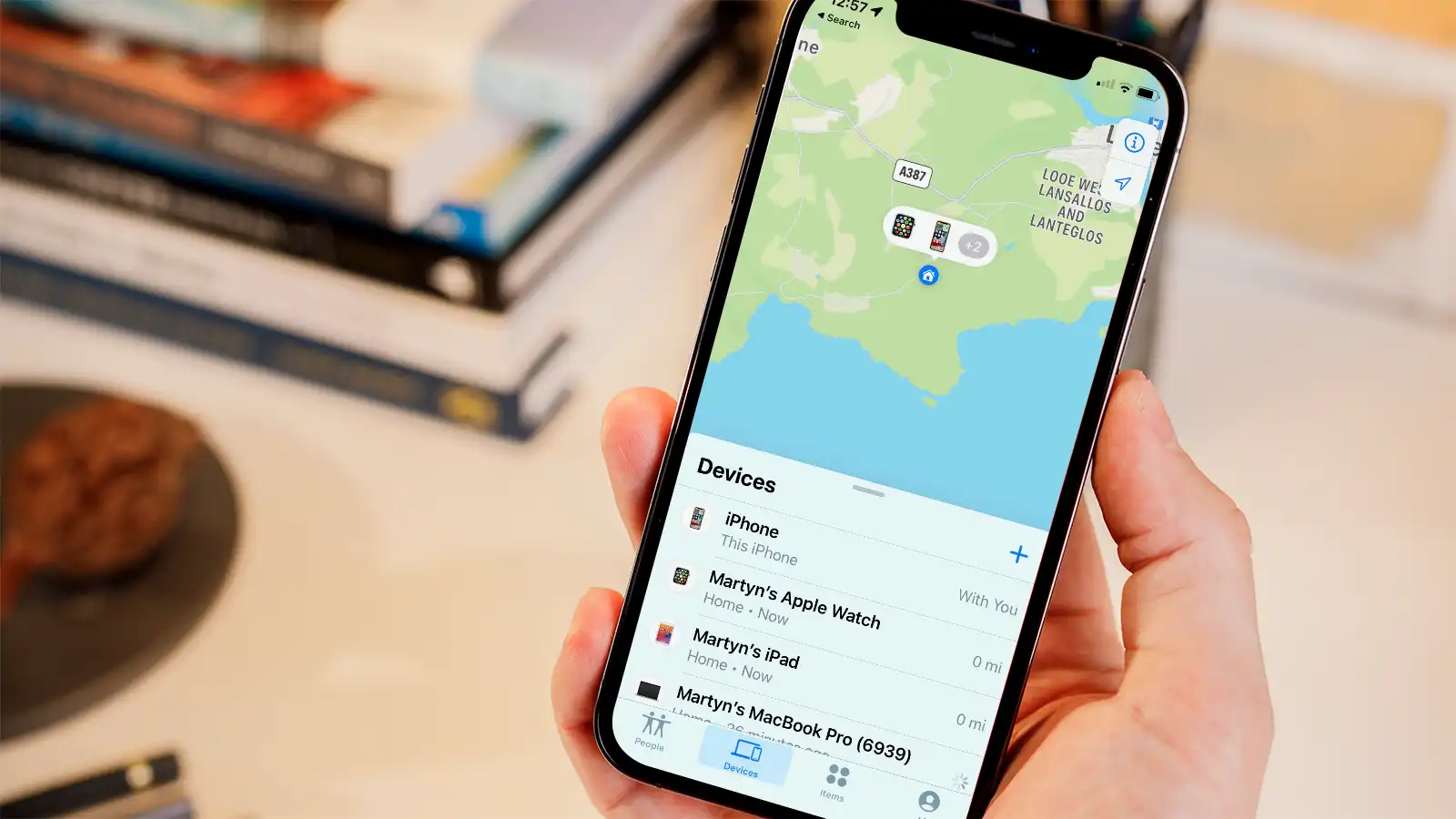
Are you worried about your friend who lost their iPhone? Do you want to help them locate it quickly? Look no further! In this article, we will guide you through the process of locating a lost iPhone using the “Where’s My” app.
Understanding The Problem
Losing an iPhone can be frustrating and stressful. But with the right tools and knowledge, you can help your friend locate their device in no time.
What is Where’s My?
Where’s My is an app developed by Apple that allows users to share their location with friends and family. It’s a free app available on all iOS devices.
Step 1: Open The Where’s My App
To begin, open the Where’s My app on your iPhone or iPad. Tap on the “Persons” tab at the bottom of the screen.
Step 2: Share Your Location
Tap on the “Start to share the position” button to share your location with your friend. This will enable them to see where you are in real-time.
Step 3: Invite Friends to Share Their Location
To invite friends to share their location, tap on the “+” icon at the top right corner of the screen. Select the contacts you want to invite from your list.
Step 4: Choose How Long to Share Your Location
Tap on the “Forward” button and select how long you want to share your location with your friend. You can choose to share it for a specific hour, until the end of the day, or always.
How Does It Work?
Once you’ve shared your location with your friend, they will be able to see where you are in real-time on a map. They can also share their location with you, and you’ll receive notifications when they do.
What If My Friend’s Iphone is Lost?
If your friend’s iPhone is lost, you can still use the Where’s My app to help locate it. Follow these steps:
- Open the Where’s My app on your iPhone or iPad.
- Tap on the “Help a friend” button.
- Log in with your friend’s Apple ID and password.
- Select the device you want to locate (in this case, their lost iPhone).
- Wait for the map to load, which will display the exact location of the device.
What If My Friend’s Iphone is Turned Off?
If your friend’s iPhone is turned off or out of battery, you can still use the Where’s My app to help locate it. From iOS 15 onwards, the app uses a feature called “AirTag” to locate devices even when they’re not online.
Conclusion
Locating a lost iPhone can be a stressful experience, but with the right tools and knowledge, you can help your friend find it quickly. The Where’s My app is a powerful tool that allows users to share their location with friends and family, making it easier to locate devices in real-time.
Faqs
- What is The Where’s My App?
The Where’s My app is an app developed by Apple that allows users to share their location with friends and family. - How do I Use The Where’s My App?
To use the Where’s My app, open it on your iPhone or iPad, tap on the “Persons” tab, and start sharing your location with your friend. - Can I Help my Friend Locate Their Lost Iphone Using The Where’s My App?
Yes, you can help your friend locate their lost iPhone by following the steps outlined in this article. - What if my Friend’s Iphone is Turned Off or Out of Battery?
If your friend’s iPhone is turned off or out of battery, you can still use the Where’s My app to help locate it using the AirTag feature. - Is The Where’s My App Free?
Yes, the Where’s My app is a free app available on all iOS devices.
Additional Tips
- Make sure your friend has the latest version of iOS installed on their iPhone.
- Encourage your friend to enable location services and Bluetooth on their iPhone to improve location accuracy.
- If you’re unable to locate the device using the Where’s My app, consider contacting Apple Support for further assistance.


