
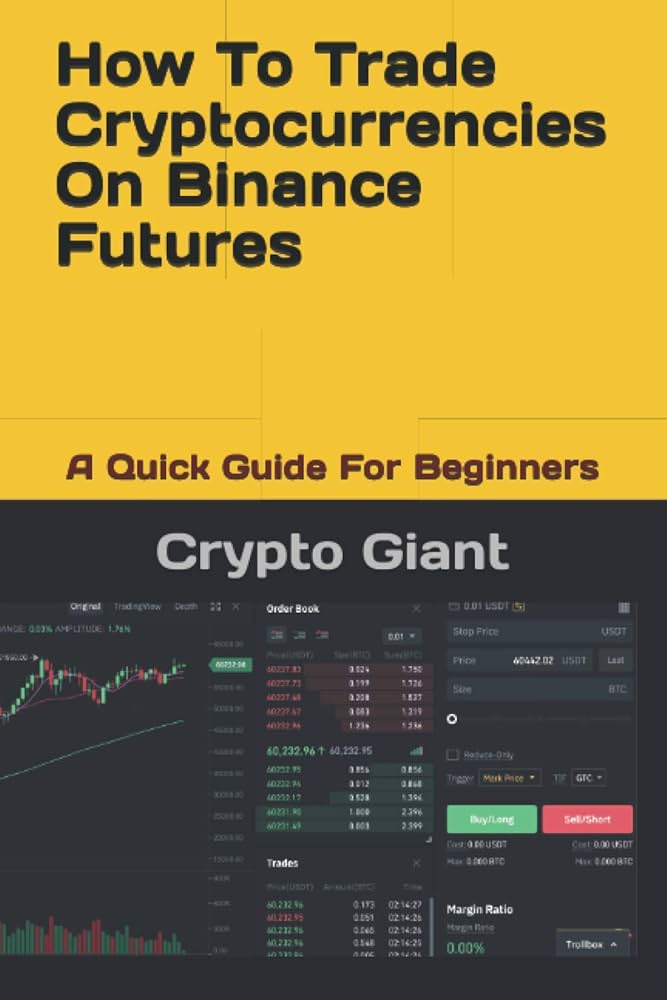
How to Trade on Binance: A Comprehensive Guide
Are you interested in trading cryptocurrencies on Binance? With its user-friendly interface and advanced features, Binance has become one of the most popular platforms for buying, selling, and trading digital assets. In this article, we will provide a step-by-step guide on how to trade on Binance, covering the basics of trading, advanced features, and tips for success.
Why Trade on Binance?
Binance is an ideal platform for traders due to its:
- Security: Binance has implemented robust security measures to protect users’ funds and personal data.
- Liquidity: With a large user base and high trading volume, Binance offers competitive prices and tight spreads.
- Diversified Asset Base: Binance supports over 500 cryptocurrencies, providing traders with a wide range of assets to choose from.
Getting Started
Before you can start trading on Binance, you need to:
- Create an Account: Sign up for a Binance account by providing basic information and verifying your email address.
- Deposit Funds: Fund your Binance account using a payment method such as credit card, bank transfer, or cryptocurrency deposit.
- Complete Kyc Verification: Complete Know Your Customer (KYC) verification to enhance security and compliance.
Trading on Binance: A Beginner’s Guide
Here are the basic steps for trading on Binance:
- Select an Asset: Choose a cryptocurrency pair you want to trade, such as Bitcoin (BTC) or Ethereum (ETH).
- Set Order Type: Select from various order types, including Market, Limit, Stop-Limit, and others.
- Specify Quantity: Enter the number of coins you wish to buy or sell.
- Choose Timeframe: Select a timeframe for your trade, such as immediate execution or a specific date.
Advanced Trading Features
Binance offers advanced features to enhance trading experiences:
- Margin Trading: Trade with borrowed funds to amplify potential gains but also increase risks.
- Stop-limit Order: Set a stop-loss order to limit potential losses and exit trades at predetermined levels.
- Oco (One Cancels The Other): Create multiple orders that cancel each other out if one is executed.
Trading on Binance App
The Binance app provides an intuitive interface for trading on-the-go:
- Version Lite: Offers a simplified trading experience with basic features.
- Version Pro: Provides advanced features, including margin trading and charting tools.
Tips For Success
To maximize your chances of success when trading on Binance:
- Educate Yourself: Understand the basics of trading, cryptocurrencies, and market analysis.
- Develop a Trading Plan: Set clear goals, risk management strategies, and exit rules.
- Stay Informed: Monitor market trends, news, and economic indicators to make informed decisions.
Conclusion
Trading on Binance can be an exciting experience with its robust features, high liquidity, and diversified asset base. By understanding the basics of trading, leveraging advanced features, and following best practices, you can navigate the world of cryptocurrencies with confidence.
Frequently Asked Questions (FAQs)
- Q: What is The Minimum Deposit Required to Start Trading on Binance?
A: The minimum deposit varies depending on your location and payment method. - Q: Can I Trade Cryptocurrencies on The Binance App?
A: Yes, the Binance app offers a user-friendly interface for trading on-the-go. - Q: How do I Set up Margin Trading on Binance?
A: Margin trading can be enabled by following specific instructions in the Binance dashboard.
By understanding these basics and advanced features, you’ll be well-equipped to navigate the world of cryptocurrencies on Binance.


