
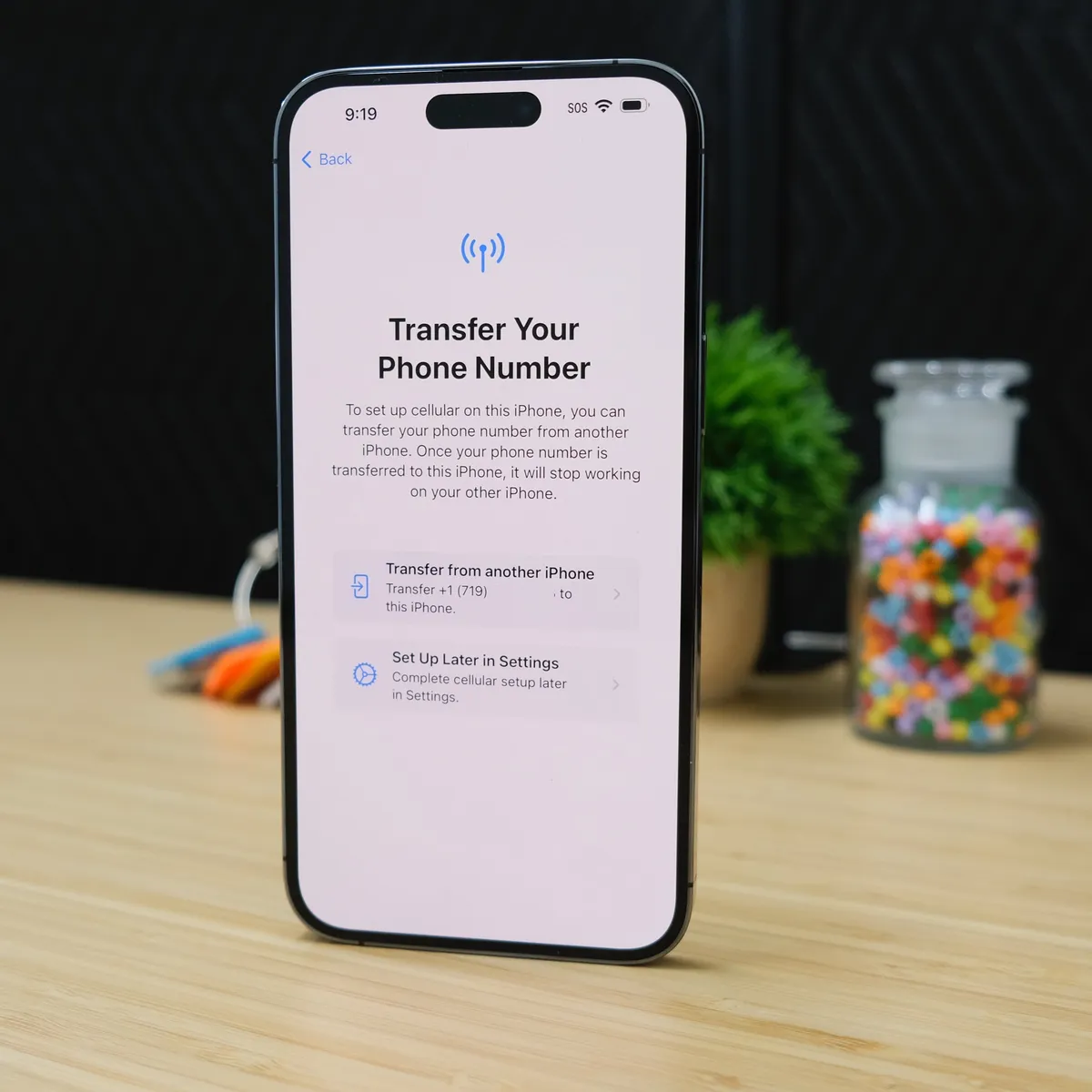
How to Transfer Phone Numbers From One Mobile Device to Another: A Comprehensive Guide
Are you wondering how to transfer phone numbers from one mobile device to another? Whether you’re switching from an Android to an iPhone, or vice versa, this guide will walk you through the steps to ensure a seamless transition.
Introduction
Transferring phone numbers between devices can be a daunting task, but with the right guidance, it’s easier than ever. In this article, we’ll cover the different methods for transferring phone numbers from one mobile device to another, including Android to iPhone, iPhone to Android, and more.
Why Transfer Phone Numbers?
Transferring phone numbers between devices ensures that you don’t lose any important contacts or numbers. This is especially crucial when switching to a new device or operating system.
Method 1: Transferring Phone Numbers From an Android Device to Another Android Device
To transfer phone numbers from one Android device to another, follow these steps:
- Synchronize With Google Account: Associate your old Android device with your Google account.
- Export Contacts: Go to Settings > Accounts > Google > Contact sync and enable the toggle for “Contacts.”
- Import Contacts: On your new Android device, go to Settings > Accounts > Google > Contact sync and enable the toggle for “Contacts.”
Method 2: Transferring Phone Numbers From an Iphone to Another Iphone
To transfer phone numbers from one iPhone to another, follow these steps:
- Synchronize With Icloud: Associate your old iPhone with your iCloud account.
- Export Contacts: Go to Settings > [Your Name] > iCloud and enable the toggle for “Contacts.”
- Import Contacts: On your new iPhone, go to Settings > [Your Name] > iCloud and enable the toggle for “Contacts.”
Method 3: Transferring Phone Numbers From an Android Device to an Iphone
To transfer phone numbers from an Android device to an iPhone, follow these steps:
- Synchronize With Google Account: Associate your old Android device with your Google account.
- Export Contacts: Go to Settings > Accounts > Google > Contact sync and enable the toggle for “Contacts.”
- Import Contacts: On your new iPhone, go to Settings > [Your Name] > iCloud and enable the toggle for “Contacts.”
Method 4: Transferring Phone Numbers From an Iphone to an Android Device
To transfer phone numbers from an iPhone to an Android device, follow these steps:
- Export Contacts: Go to Settings > [Your Name] > iCloud and enable the toggle for “Contacts.”
- Import Contacts: On your new Android device, go to Settings > Accounts > Google > Contact sync and enable the toggle for “Contacts.”
Method 5: Manual Transfer of Phone Numbers
If you prefer a manual transfer, follow these steps:
- Export Contacts: Export your contacts from one device as a .Vcf file.
- Import Contacts: Import the .Vcf file onto the new device.
Conclusion
Transferring phone numbers between devices is a straightforward process when you know how. Whether you’re switching from an Android to an iPhone or vice versa, following these methods ensures that your contacts are transferred seamlessly. Remember to synchronize with Google Account or iCloud for a hassle-free experience.
Frequently Asked Questions (FAQs)
- Q: How do I Transfer Phone Numbers From my Old Device to my New Device?
A: Follow the steps outlined in this guide, depending on the type of devices you’re switching between. - Q: Can I Transfer Only Some Contacts And Not All?
A: Yes, if you want to transfer only specific contacts, follow the method for manual transfer using a .Vcf file. - Q: Will Transferring Phone Numbers Affect my Existing Contacts on The New Device?
A: No, transferring phone numbers will not overwrite your existing contacts on the new device.
Troubleshooting Tips
- Make sure to associate your devices with the correct accounts (Google or iCloud) for seamless synchronization.
- Ensure that you enable the toggle for “Contacts” in the settings menu for both devices.
- If you encounter any issues during transfer, restart both devices and try again.
Additional Resources
For more information on transferring phone numbers between devices, consult the official guides from Apple and Google:
Remember to always follow the manufacturer’s instructions for your specific device.


