
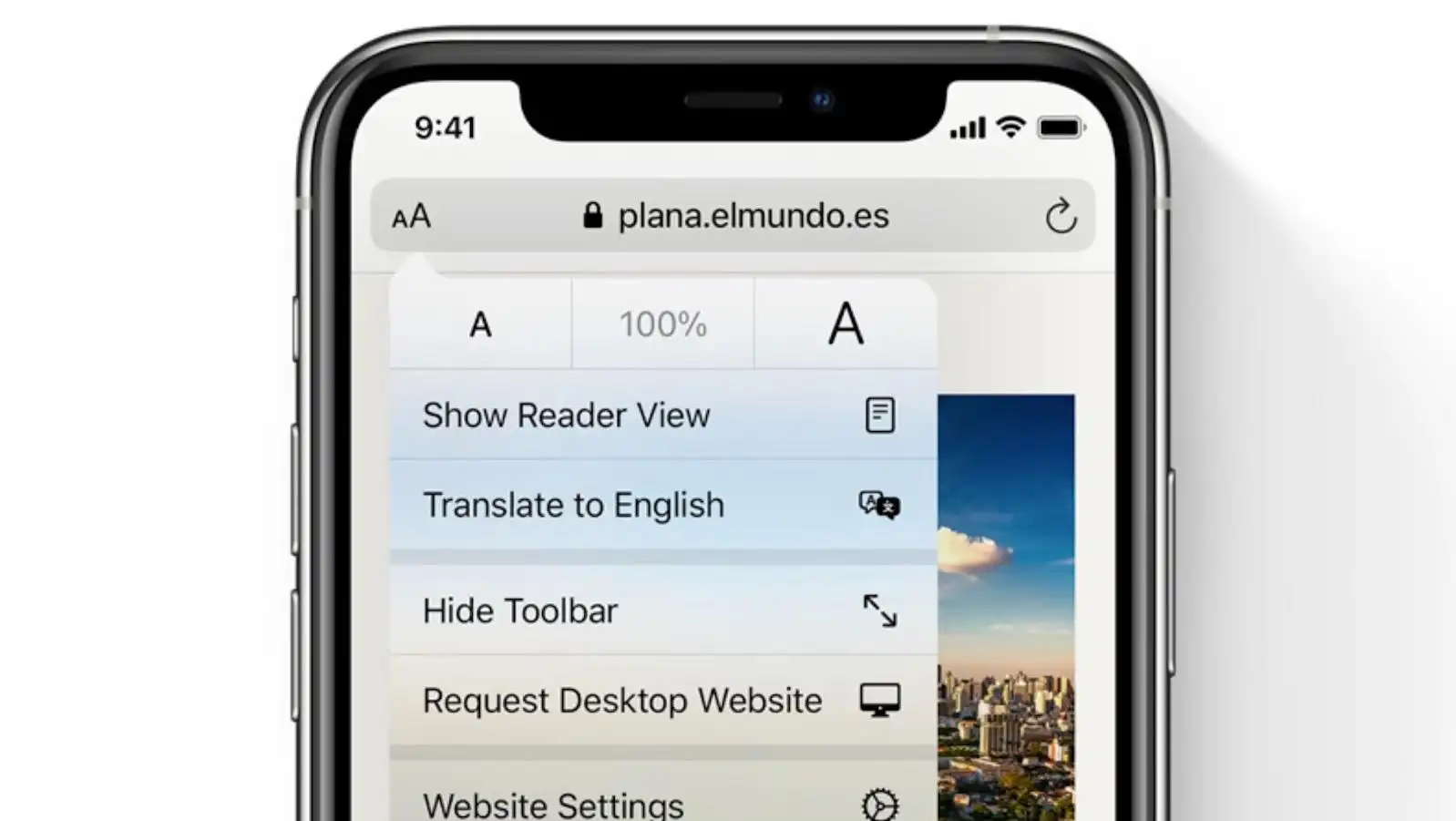
As we navigate the vast expanse of the internet, it’s not uncommon to come across texts written in languages that are unfamiliar to us. Whether you’re a traveler trying to read menus in a foreign country or a researcher looking for information on a specific topic, being able to translate texts online can be a game-changer.
In this article, we’ll explore some of the best services and tools available for translating texts online. From Google Translator to DeepL, we’ll delve into the features and benefits of each option, so you can choose the one that suits your needs.
What is Text Translation?
Text translation refers to the process of converting written text from one language to another. This can include phrases, sentences, paragraphs, or even entire documents. With the rise of online services, it’s now easier than ever to translate texts quickly and accurately.
Why Do You Need to Translate Texts Online?
There are many reasons why you might need to translate texts online. Here are a few examples:
- Traveling Abroad: When traveling to foreign countries, being able to read menus, signs, and other written materials can be incredibly helpful.
- Research And Study: Students and researchers often encounter texts in languages they’re not familiar with.
- Business And Communication: Translating texts online can facilitate global communication and business dealings.
Google Translator: A Popular Choice
Google Translator is one of the most widely used text translation services available. Here’s why:
- Accurate Translations: Google Translator uses advanced algorithms to provide accurate translations.
- Multiple Languages: The service supports over 100 languages, making it an ideal choice for global communication.
- Offline Access: Google Translator can be accessed offline through the app.
How to Use Google Translator
Using Google Translator is relatively straightforward. Here’s a step-by-step guide:
- Open Google Translate on your device.
- Select the language of origin and destination.
- Type or paste the text you want to translate into the input field.
- Click the “Translate” button to see the translated text.
Alternative Translation Services
While Google Translator is an excellent choice, there are other services that can be useful depending on your needs:
- Bing Translator: Microsoft’s translation service offers accurate translations and supports multiple languages.
- Deepl: A powerful translation tool that provides high-quality translations without the need for subscription or ads.
- Wordreference: A comprehensive dictionary that allows you to look up words, phrases, and idioms in various languages.
Tips For Translating Texts Online
When translating texts online, keep these tips in mind:
- Choose The Right Service: Select a service that suits your needs, considering factors like accuracy, language support, and offline access.
- Be Aware of Context: Consider the context in which the text was written to ensure accurate translations.
- Verify Translations: Always verify translations to ensure they’re accurate and suitable for your purpose.
Conclusion
Translating texts online has never been easier. With a range of services available, you can choose the one that best suits your needs. Remember to consider factors like accuracy, language support, and offline access when selecting a service.


