
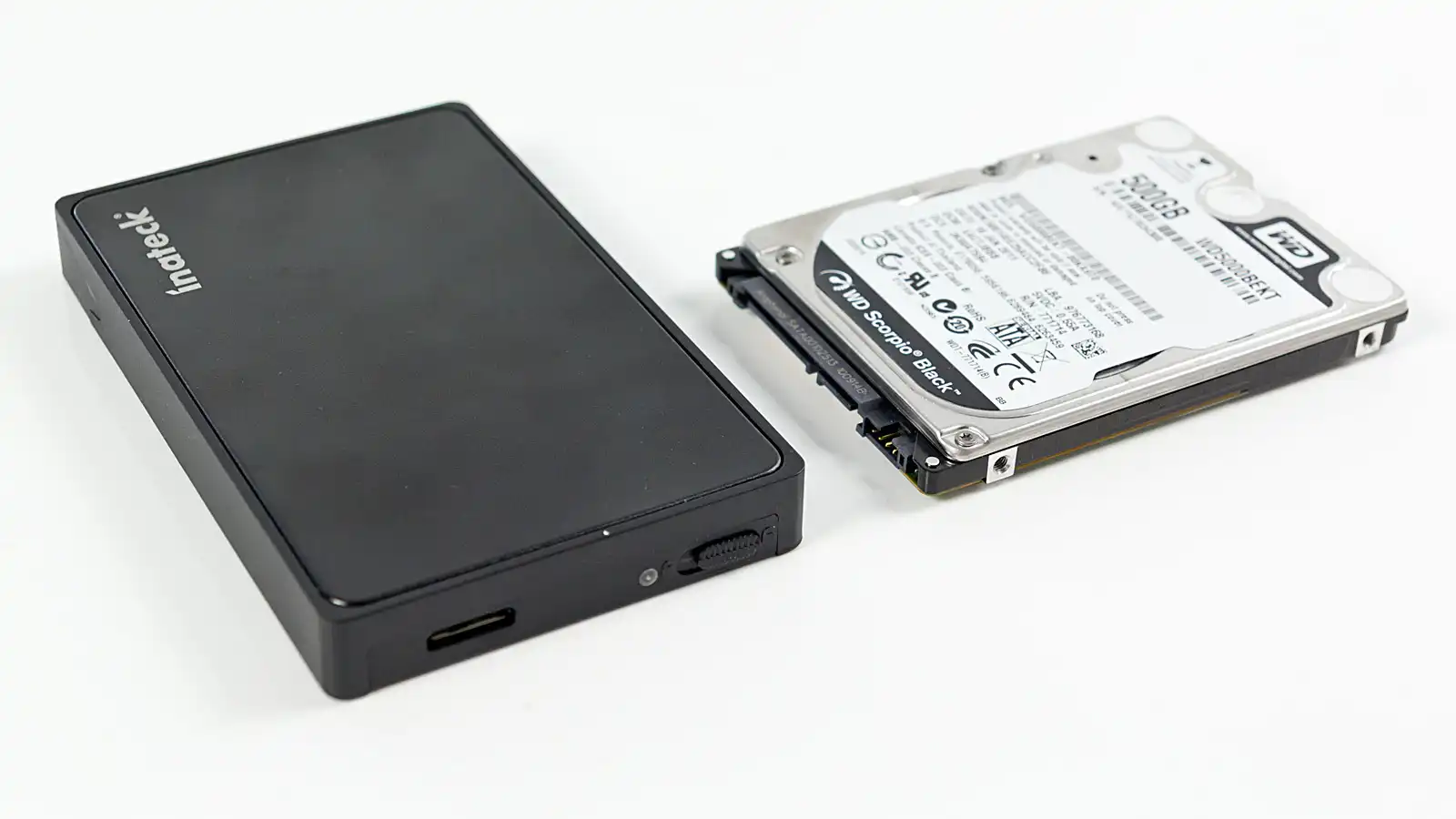
Reviving Your Old Hard Drive: Transforming an Internal Disk Into an External One
Are you ready to give new life to your old hard drive? In this article, we’ll explore the possibility of transforming an internal hard disk into an external one without the need for a box or enclosure.
Understanding Your Hard Drive’s Characteristics
Before diving into the transformation process, it’s essential to understand your hard drive’s characteristics. Check the format and interface type to ensure compatibility with available adapters or docking stations.
Format And Interface Type
- If your hard drive is from a portable computer, it’s likely 2.5″ In size.
- If it’s from a desktop PC, it’s probably 3.5″.
- The most common interface type for modern hard drives is SATA (Serial Advanced Technology Attachment).
Transforming With a Cable Adapter
Using a cable adapter is an excellent solution to transform your internal hard disk into an external one. These adapters are simple cables that come with USB and the other end specifically designed for connecting with your hard drive.
Choosing The Right Adapter
To choose the right adapter, ensure it’s compatible with your hard drive’s format and interface type. Most modern adapters support SATA interfaces and are compatible with both HDDs (Hard Disk Drives) and SSDs (Solid-State Drives).
The Cost of Adapters
Adapters for 2.5″ And 3.5″ HDDs are generally affordable, with prices ranging from €8 to €20.
Transforming With a Docking Station
Another option is using a docking station, which is connected to your computer via a USB cable. Some docking stations require additional power cables.
Universal Docking Stations
For those who need to connect multiple hard drives simultaneously, consider investing in an universal docking station that supports various formats and interfaces.
The Cost of Docking Stations
Docking stations for single hard drive connections typically range from €16 to €30. Universal docking stations supporting multiple hard drives can cost around €30.
Other Solutions
If you have an external hard drive that doesn’t work, consider repurposing it as a makeshift enclosure for your internal hard disk. You’ll need some patience and basic DIY skills.
Repurposing External Hard Drives
Identify the reusable components inside the faulty external hard drive. These often include the range chip, USB connector, and adapter for connecting the internal hard disk.
Recovering Components From Faulty Hard Drives
Carefully disassemble the faulty external hard drive to recover the necessary components. You can then connect your internal hard disk to these components and use it as an external hard drive.
Recycling External Hard Drives
If recovering components is not feasible, consider repurposing the external hard drive’s enclosure for your internal hard disk. This may involve modifying or extending the existing design to match your internal hard disk’s dimensions.
Transforming Your Old Hard Drive
Revive your old hard drive and breathe new life into it by transforming it into an external one without a box or enclosure.
Conclusion
By following these steps, you can transform your internal hard disk into an external one using adapters or docking stations. Be sure to understand your hard drive’s characteristics before selecting the right solution for you.


