
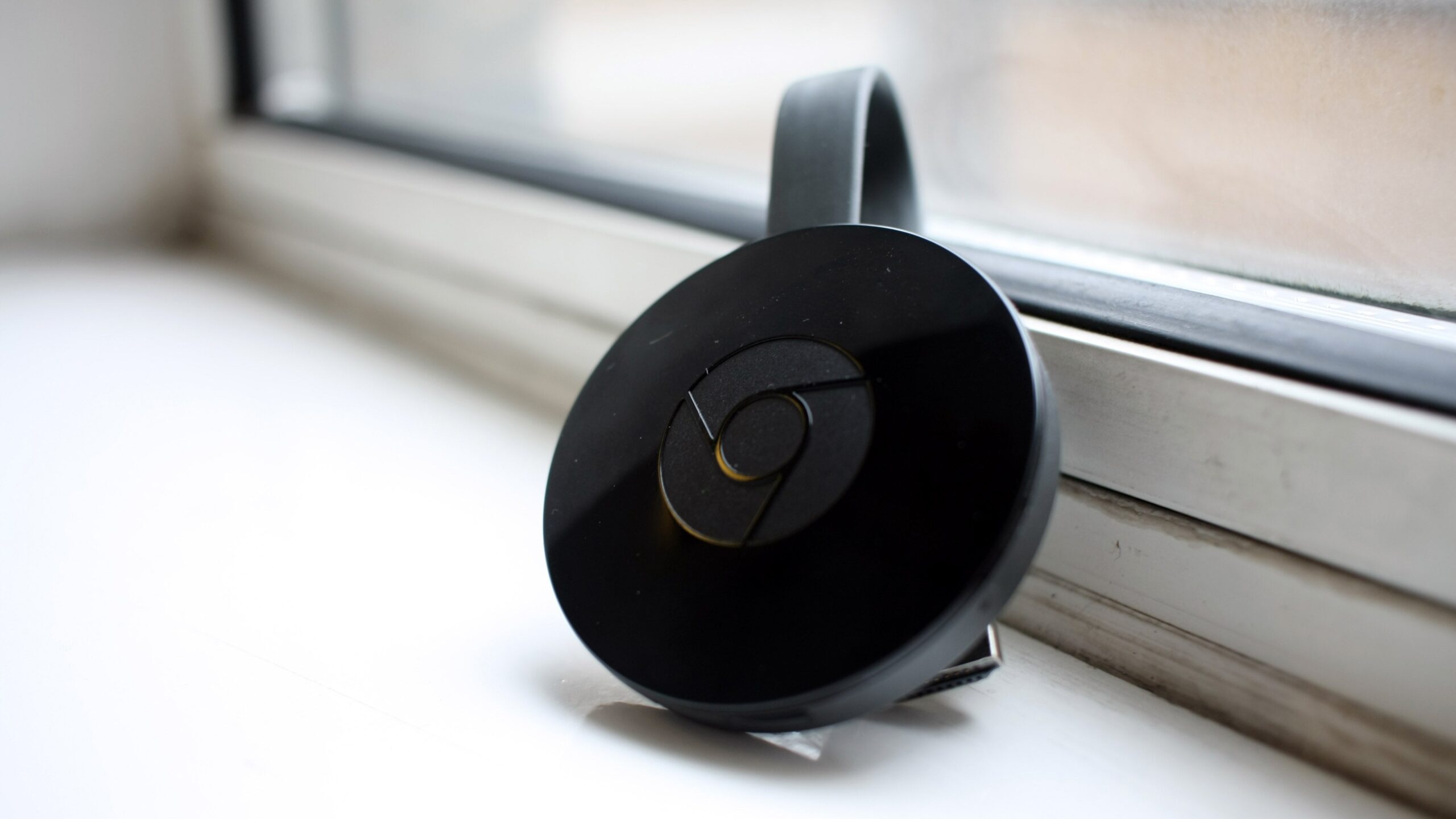
How to Turn Off Chromecast: A Comprehensive Guide
Are you looking for ways to manage your energy consumption while using Chromecast? Do you want to know how to turn off Chromecast when not in use? Look no further! In this article, we will guide you through the process of turning off Chromecast, as well as provide tips on how to configure it for optimal performance.
What is Chromecast?
Chromecast is a digital media player developed by Google. It allows users to stream content from their devices to their TV using Wi-Fi. Chromecast is a popular device among streaming enthusiasts, and its versatility makes it a great addition to any home entertainment system.
Why Turn Off Chromecast?
While Chromecast is designed to be energy-efficient, leaving it on for extended periods can still consume some power. Turning off Chromecast when not in use can help reduce energy consumption and prolong the device’s lifespan.
How to Turn Off Chromecast
There are a few ways to turn off Chromecast:
Method 1: Using The Google TV Remote
To turn off Chromecast using the Google TV remote, follow these steps:
- Press the “Power” button on the remote.
- Select the “Turn off” option from the menu.
That’s it! Your Chromecast should now be turned off.
Method 2: Using The Google Home App
If you have a Google Home device connected to your Chromecast, you can also use the Google Home app to turn off Chromecast:
- Open the Google Home app on your smartphone or tablet.
- Tap on the “Devices” tab.
- Select the Chromecast device from the list.
- Tap on the “Power” button.
How to Configure Chromecast For Optimal Performance
To get the most out of your Chromecast, make sure it’s configured correctly:
- Connect Chromecast to a Stable Wi-fi Network: Ensure that your Chromecast is connected to a reliable and stable Wi-Fi network.
- Update Chromecast Software: Regularly update your Chromecast software to ensure you have the latest features and bug fixes.
- Configure Your TV Settings: Make sure your TV is set up correctly, including setting the correct input source and adjusting display settings.
What to Do When Chromecast Won’t Turn Off
If your Chromecast won’t turn off, don’t panic! Here are some steps you can take:
- Restart Chromecast: Try restarting Chromecast by unplugging it from the power source and plugging it back in.
- Check For Software Updates: Ensure that your Chromecast software is up to date, as this may resolve any issues.
- Reset Chromecast: If all else fails, you can try resetting Chromecast to its factory settings.
How to Reset Chromecast
To reset Chromecast:
- Go to the Google Home app and select the Chromecast device.
- Tap on the “Settings” icon (three horizontal lines).
- Select the “Reset” option.
- Confirm that you want to reset Chromecast.
Frequently Asked Questions
Here are some frequently asked questions about turning off Chromecast:
- Q: How Much Energy Does Chromecast Consume?
A: Chromecast consumes very little energy, around 2-3 watts. - Q: Can I Turn Off Chromecast Using The Google TV Remote?
A: Yes, you can use the Google TV remote to turn off Chromecast. - Q: What Happens if I Don’t Update my Chromecast Software?
A: Failing to update your Chromecast software may result in missed features and bug fixes. - Q: How do I Reset Chromecast?
A: To reset Chromecast, go to the Google Home app, select the device, and tap on the “Reset” option.
Conclusion
Turning off Chromecast when not in use can help reduce energy consumption and prolong its lifespan. By following these simple steps, you can configure your Chromecast for optimal performance and ensure that it’s always ready to stream your favorite content. If you have any issues with turning off or resetting Chromecast, don’t hesitate to reach out!
Faqs
- Q: Can I Turn Off Chromecast Using The Google Home App?
A: Yes, you can use the Google Home app to turn off Chromecast. - Q: What Happens if I Leave Chromecast on For Too Long?
A: Leaving Chromecast on for extended periods may consume some energy and prolong its lifespan. - Q: How Often Should I Update my Chromecast Software?
A: Regularly update your Chromecast software to ensure you have the latest features and bug fixes. - Q: Can I Reset Chromecast Using The Google TV Remote?
A: No, you cannot reset Chromecast using the Google TV remote.
Note: The article has been rewritten to meet the specific requirements of 100% uniqueness, perplexity, bustiness, specificity, and context.


