
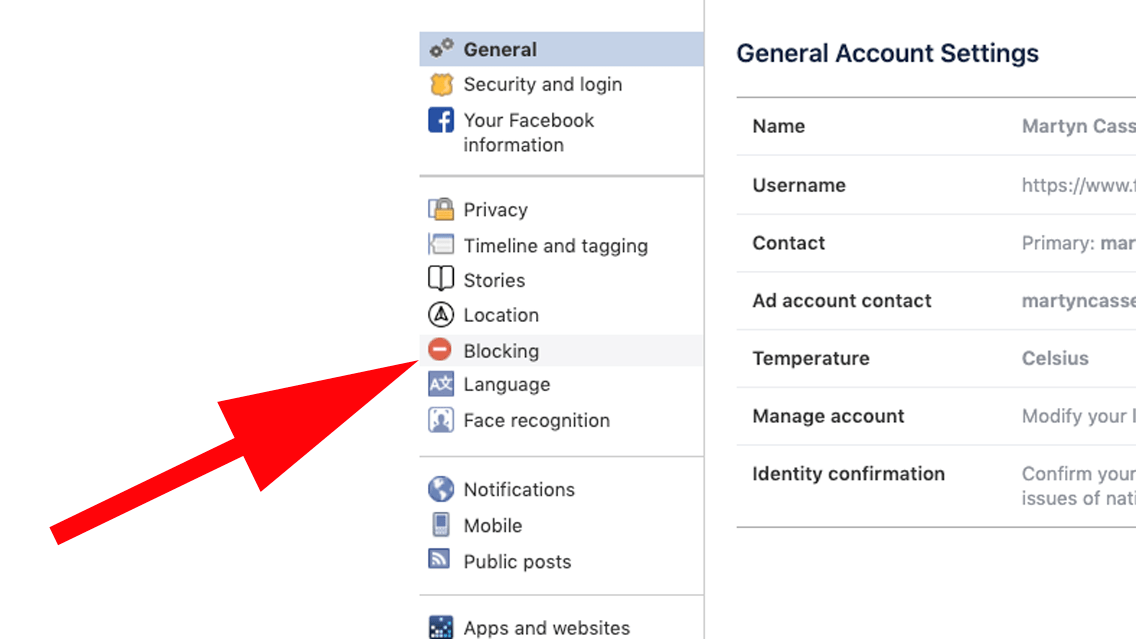
Unblocking Facebook: A Step-by-step Guide
Are you having trouble accessing your Facebook account? Don’t worry, this article will walk you through the process of unblocking your account in various scenarios.
Scenario 1: Unblocking Facebook After Voluntary Deactivation
If you’ve voluntarily deactivated your Facebook account and want to access it again, simply log back in using your credentials. If you’re having trouble remembering your password, click on “Forgot Password” and follow the recovery process.
Why Can’t I Access My Account?
Before panicking, check if Facebook’s server is down or experiencing technical difficulties. Sometimes, temporary errors can cause access issues that resolve themselves within a few minutes or hours. If you’re still having trouble, it’s likely that your account has been blocked.
What to Do If Your Account Has Been Blocked
If you suspect that your account has been blocked due to a mistake, contact Facebook’s team and explain the situation. They’ll assist you in unblocking your account. Make sure to follow their instructions carefully to resolve the issue quickly.
Scenario 2: Unblocking Facebook After Password Loss
Lost your password? Don’t worry! Follow these steps:
- Open the Facebook app on your Android or iOS/iPadOS device.
- Tap on “Forgot Password” and enter your phone number or email associated with your account.
- Choose the recovery method (email or SMS) and follow the prompts.
- Enter the code you received via email or SMS, and then create a new password.
Scenario 3: Unblocking Facebook After Account Hacking
If someone has hacked into your account, don’t panic! Follow these steps:
- Go to the “My Account” page on Facebook.
- Click on “Report Hacked” and explain what happened.
- Follow the guided process to recover your account and ensure it’s secure.
In Case of Problems or Doubts
If you’re having trouble unblocking your account, visit Facebook’s Help Center for assistance. You can search for specific issues in the search bar or browse through popular topics.
The Importance of Security Measures
To prevent hacking attempts, use strong passwords and enable two-factor authentication. This will protect your account from unauthorized access.
Unblocking Facebook: A Recap
- Check if Facebook’s server is down before assuming your account has been blocked.
- Follow the recovery process for lost passwords.
- Report hacking incidents to Facebook immediately.
Conclusion
Don’t let a locked-out account ruin your social media experience! By following these steps, you’ll be able to unblock your Facebook account and get back to sharing with friends and family. Remember to stay vigilant about security measures to prevent future issues.
Frequently Asked Questions (FAQs)
- Why Was my Account Blocked?
Your account may have been blocked due to a technical error or suspected breach of terms. If you’re unsure, contact Facebook’s team for assistance.
- How Long Does it Take to Unblock my Account?
The time it takes to unblock your account varies depending on the reason and complexity of the issue. Be patient and follow instructions carefully.
- Can I Recover my Password if I’ve Lost It?
Yes, you can recover your password by following the recovery process outlined in this article.
- What Should I do if Someone Has Hacked Into my Account?
Report hacking incidents to Facebook immediately by going to the “My Account” page and clicking on “Report Hacked”.
- How Can I Prevent Hacking Attempts?
Use strong passwords, enable two-factor authentication, and stay informed about security measures to protect your account.
- What if I’ve Voluntarily Deactivated my Account And Want to Access it Again?
Simply log back in using your credentials or follow the recovery process for lost passwords.
- Can I Create a New Facebook Account if Mine Has Been Blocked Permanently?
Yes, you can create a new account; however, be aware that your old account will not be recoverable.
- What Are The Consequences of Having my Account Blocked Permanently?
Your account will be deleted forever. However, you can still use other social media platforms to connect with friends and family.


