
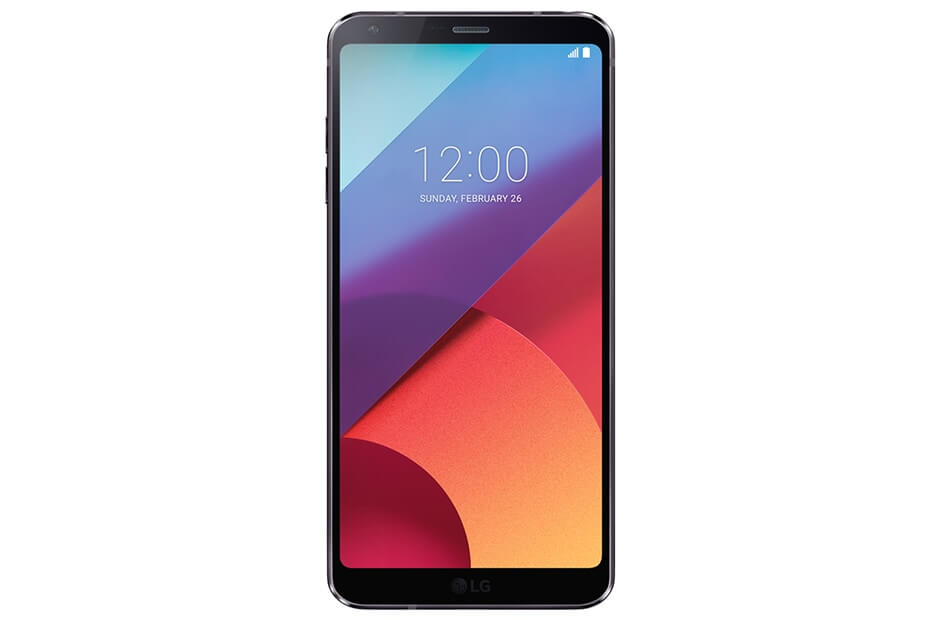
How to Unblock a LG Phone: A Step-by-step Guide
Are you tired of dealing with a locked LG phone? Do you want to know how to unblock it and get back to your usual routine? Look no further! In this article, we will guide you through the process of unblocking a LG phone that has been blocked by its operating system, PIN, or even an operator.
Understanding Why Your Phone Might be Blocked
Before we dive into the solution, let’s first understand why your phone might be blocked in the first place. A locked phone can occur due to various reasons such as:
- Operating system issues
- Incorrect PIN entry
- Unpaid bills with your service provider
Method 1: Forced Restart
The first and most straightforward method is to try a forced restart of your phone. This involves pressing and holding the Power button for around 10 seconds, or until you see the Recovery mode screen on your device. If this doesn’t work, move on to the next method.
Method 2: Reset Your Phone
If the forced restart didn’t work, it’s time to reset your phone. You can do this by going into Settings > Backup & reset and selecting “Factory data reset.” This will erase all your data, so make sure you have a backup before proceeding.
Method 3: Unblocking a Phone Blocked by Pin
If your phone is blocked due to an incorrect PIN entry, you’ll need to enter the correct code to unlock it. If you’ve forgotten your PIN, try using the “Forgot pattern” or “Forgot password” option on your lock screen.
Method 4: Unblocking a Phone Blocked by Operator
If your phone has been blocked by your service provider, you’ll need to contact them directly to resolve the issue. They may ask for identification and proof of payment, so be prepared with these documents.
What to Do If You’re Still Having Issues
If none of the above methods work, it’s time to seek further assistance. You can try contacting LG’s customer support or visiting a local repair center for help. Remember to back up your data before attempting any further troubleshooting steps.
Conclusion
Unblocking a locked LG phone doesn’t have to be a daunting task. By following these simple steps, you should be able to get your device working again in no time. Just remember to always follow the manufacturer’s instructions and take necessary precautions when resetting or factory resetting your phone.
Frequently Asked Questions (FAQs)
- Why is my LG Phone Blocked?
A: Your phone may be blocked due to operating system issues, incorrect PIN entry, unpaid bills with your service provider, or other reasons. - How do I Unblock a Phone Blocked by Pin?
A: Enter the correct code to unlock your device. If you’ve forgotten your PIN, try using the “Forgot pattern” or “Forgot password” option on your lock screen. - What Should I do if my Phone is Blocked by an Operator?
A: Contact your service provider directly to resolve the issue. They may ask for identification and proof of payment. - How Can I Prevent my Phone From Getting Locked Again?
A: Regularly back up your data, ensure you have a correct PIN or password, and keep your operating system updated. - Can I Still Use my LG Phone if It’s Blocked by an Operator?
A: No, you won’t be able to use your device until the issue is resolved with your service provider. - How do I Reset my LG Phone?
A: Go into Settings > Backup & reset and select “Factory data reset.” This will erase all your data, so make sure you have a backup before proceeding. - What Should I do if None of These Methods Work?
A: Contact LG’s customer support or visit a local repair center for further assistance.
Additional Resources
- Visit the official LG website for more information on unlocking and troubleshooting your device.
- Check out online forums and communities for users with similar issues.
- Consult the user manual or contact customer support if you need further guidance.


