
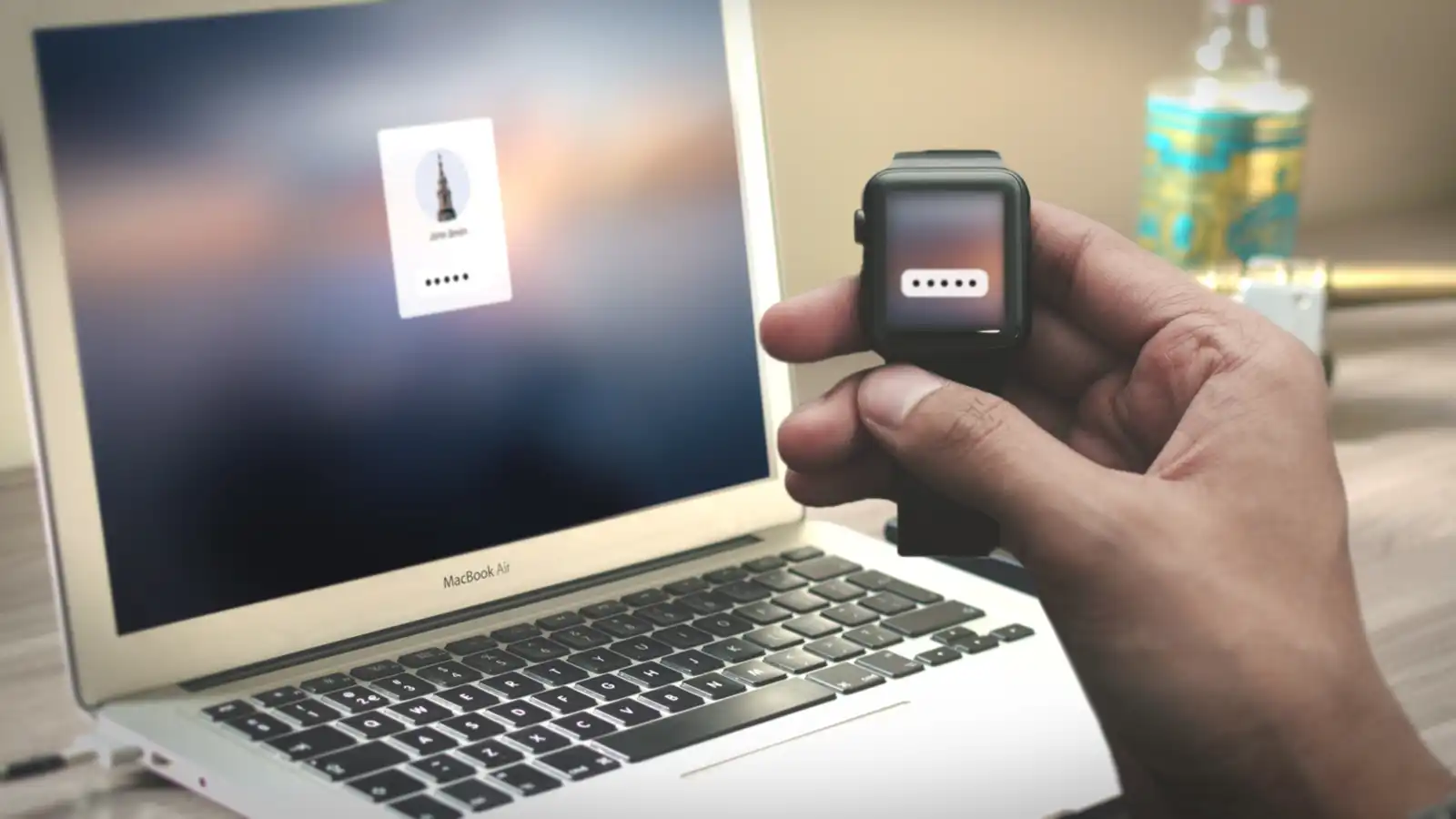
Unlocking The Power of Your Mac: How to Unblock Your Mac With Apple Watch
As a Mac user, you’re likely no stranger to the frustration of having to input your password every time you want to access your computer. But what if I told you there’s a way to unblock your Mac without typing in your password? Enter Apple Watch, which can unlock your Mac automatically when it’s nearby and authenticated with two-factor authentication.
What is Unblock Automatic on Macos?
Unblock Automatic is a feature that allows your Mac to be unlocked automatically when it detects the presence of an authenticated Apple Watch. This means you’ll no longer need to type in your password every time you want to access your computer.
Requirements For Using Unblock Automatic
Before we dive into the tutorial, there are some requirements you need to meet:
- Your Mac must be running macOS 10.13 High Sierra or later.
- Your Apple Watch must be running watchOS 3 or later.
- You must have an authenticated Apple Watch and a compatible Mac.
- Two-factor authentication must be enabled on your Mac.
Step-by-step Guide to Unblocking Your Mac With Apple Watch
- Open the System Preferences window on your Mac.
- Click on “Security & Privacy.”
- Select the “General” tab.
- Check the box next to “Use Apple Watch to unlock apps and Mac.”
- If prompted, enter the password for your Apple ID account.
- Click “Unblock.”
Troubleshooting: Why Doesn’t Unblock Automatic Work on My Mac?
If you’re having trouble using Unblock Automatic on your Mac, try these solutions:
- Make sure your Mac meets the system requirements and that your Apple Watch is authenticated with two-factor authentication.
- Try restarting both your Mac and Apple Watch to see if it resolves any issues.
- If none of these steps work, consult the Apple Support website for further assistance.
How Does Unblock Automatic Work?
When you’re near your Mac and wearing an authenticated Apple Watch, your computer will be unlocked automatically. This means you won’t need to input your password every time you want to access your Mac.
Additional Uses For Apple Watch on Your Mac
Apple Watch can do more than just unlock your Mac. You can also use it to:
- Approve requests from apps, such as viewing passwords or approving installations.
- Unlock grades and preferences.
Conclusion: Unlocking The Power of Your Mac With Apple Watch
Unblock Automatic is a game-changer for any Mac user who’s tired of typing in their password every time they want to access their computer. By following these simple steps, you can unlock your Mac automatically when it detects the presence of an authenticated Apple Watch. So why wait? Get started today and experience the convenience of using Unblock Automatic on your Mac!


