
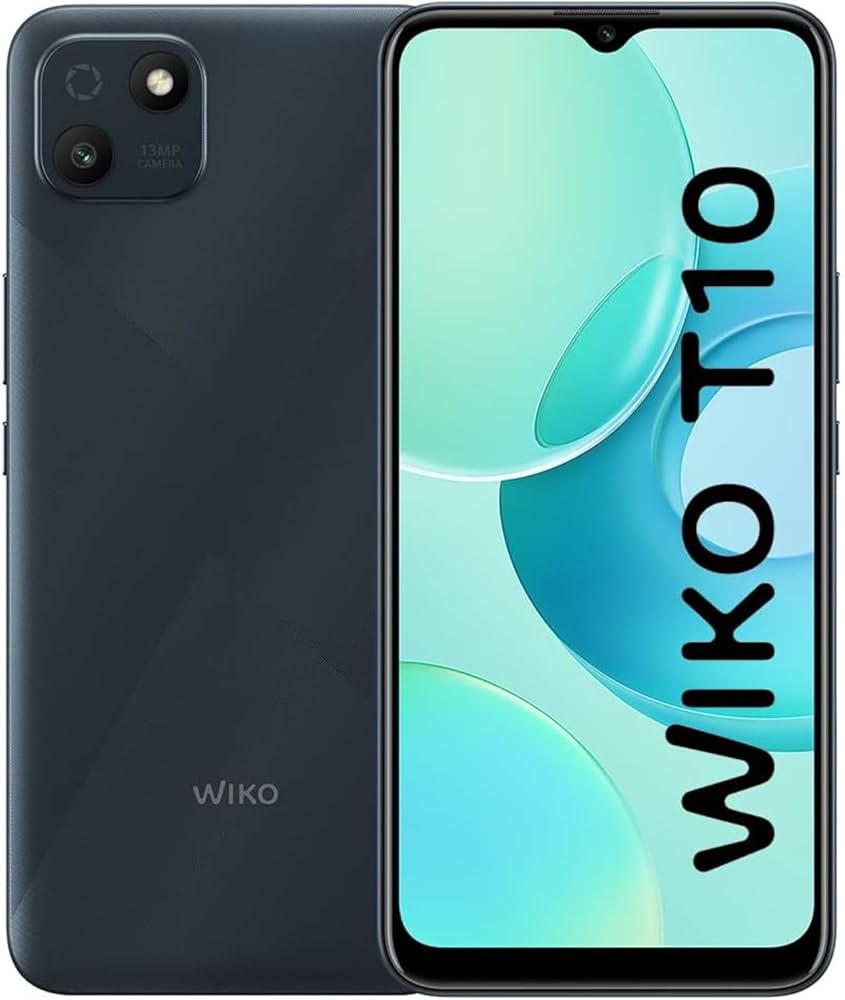
How to Unlock a Wiko Smartphone Without Password: A Step-by-step Guide
Are you struggling to unlock your Wiko smartphone because you’ve forgotten the password or PIN? Don’t worry, we’ve got you covered! In this article, we’ll guide you through various methods to unlock your Wiko smartphone without password, including using recovery mode, factory reset, and rooting.
Why You Need to Unlock Your Smartphone
Unlocking your smartphone is essential for accessing important data, settings, and features. If you’re unable to unlock your phone due to forgotten credentials, it can be frustrating and time-consuming. Fortunately, there are several ways to unlock a Wiko smartphone without password.
Method 1: Recovery Mode (TWRP)
If you have already rooted your device or have a custom recovery installed, you can use TWRP (Team Win Recovery Project) to unlock your smartphone. Here’s how:
- Turn off your phone and press the Volume Down + Power buttons simultaneously.
- Release the Power button but continue holding down the Volume Down button.
- Use the Volume Up button to navigate through the menu, and select “Wipe data/Factory Reset”.
- Confirm the deletion by selecting “Yes” using the Volume Down button.
Method 2: Factory Reset
Another way to unlock your Wiko smartphone is to perform a factory reset. This method will erase all data on your device, so make sure you’ve backed up any important files before proceeding.
- Turn off your phone and press the Power + Volume Up buttons simultaneously.
- Release the Power button but continue holding down the Volume Up button.
- Use the Volume Down button to navigate through the menu, and select “Wipe data/Factory Reset”.
- Confirm the deletion by selecting “Yes” using the Volume Down button.
Method 3: Rooting Your Smartphone
If you’re comfortable with rooting your smartphone, this method can be used to unlock your Wiko device. However, keep in mind that rooting may void your warranty and potentially cause data loss or other issues.
- Download and install SuperSU (or Magisk) on your device.
- Follow the instructions provided by SuperSU (or Magisk) to grant root permissions.
- Once granted, you’ll have full access to your device’s settings and features.
Conclusion
Unlocking a Wiko smartphone without password can be achieved through various methods. We’ve outlined three ways to unlock your device, each with its own set of instructions and potential risks. Before attempting any of these methods, ensure that you’ve backed up all important data on your phone.
Frequently Asked Questions (FAQs)
- Q: How do I Reset my Wiko Smartphone?
A: To reset your Wiko smartphone, go to Settings > Backup & Reset > Factory Data Reset. - Q: What’s The Difference Between a Factory Reset And Rooting?
A: A factory reset will erase all data on your device, while rooting provides administrative access to your phone’s operating system. - Q: Can I Restore my Data After Performing a Factory Reset?
A: Unfortunately, no. Once you’ve performed a factory reset, there’s no way to recover any deleted data.
Additional Resources
For more information on unlocking Wiko smartphones or other related topics, check out these resources:


