
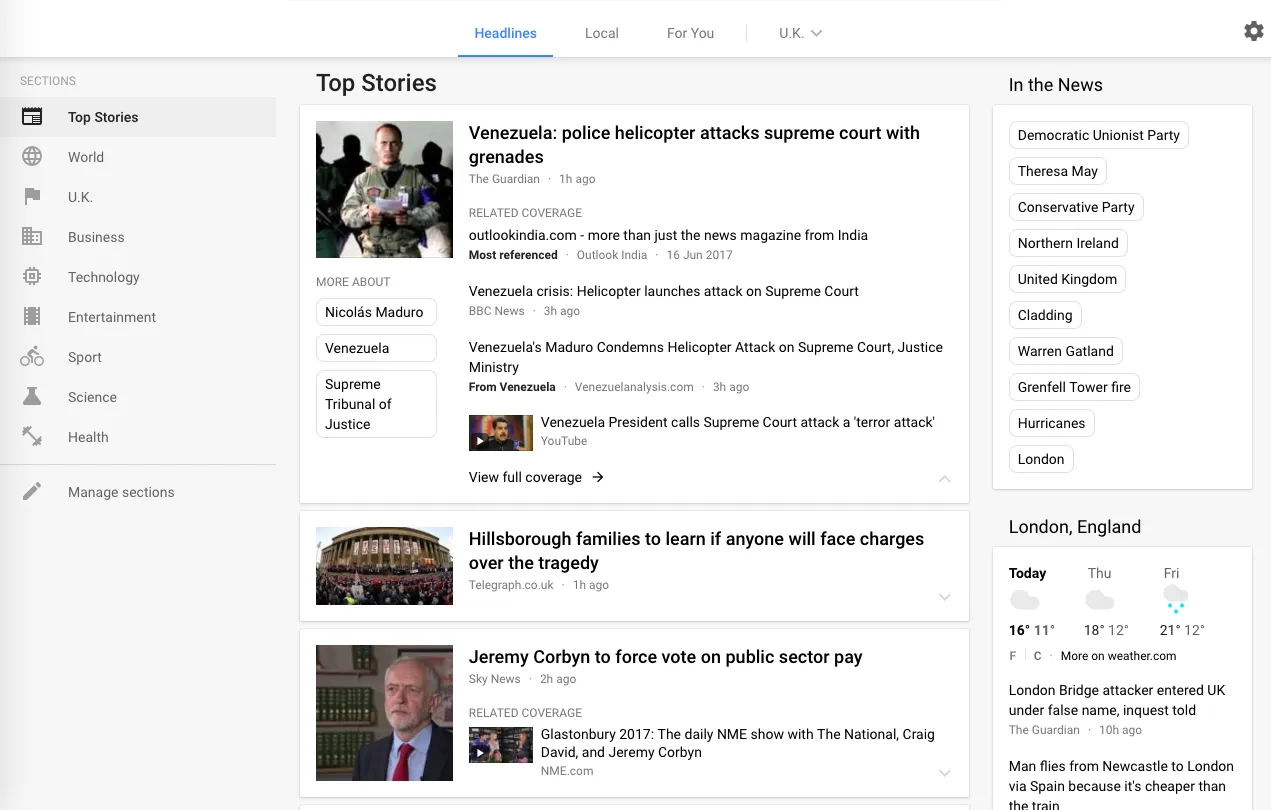
How to Update Google News And Meteo: A Step-by-step Guide
Are you tired of missing out on the latest news and weather updates? Do you want to stay informed about what’s happening in your world without having to constantly check multiple sources? Look no further! In this article, we’ll show you how to update Google News and Meteo on your smartphone or tablet, and get the most out of these essential services.
Why Update Google News And Meteo?
Google News and Meteo are two powerful tools that can help you stay informed about the latest news and weather updates. By updating them regularly, you’ll be able to:
- Stay up-to-date on current events
- Get weather forecasts for your area
- Save time by having all the information you need in one place
Updating Google News And Meteo on Your Smartphone or Tablet
To update Google News and Meteo on your smartphone or tablet, follow these simple steps:
- Download And Install The App: First, make sure you have the latest version of the Google News and Meteo app installed on your device.
- Open The App: Once you’ve installed the app, open it up and navigate to the main menu.
- Check For Updates: Look for the update button or icon, which will guide you through the process of updating the app.
- Follow The On-screen Instructions: Simply follow the on-screen instructions to complete the update process.
How to Update Google News And Meteo on Your PC
If you prefer to use your computer to stay informed, here’s how to update Google News and Meteo:
- Open The Google News Website: Go to the Google News website in your browser.
- Check For Updates: Look for any updates or notifications on the site, which will guide you through the process of updating the content.
- Refresh The Page: Simply refresh the page to see the latest updates.
Personalizing Your Experience
One of the best things about Google News and Meteo is that they allow you to personalize your experience. Here’s how:
- Customize Your Feed: You can customize your feed by selecting specific sources, topics, or locations.
- Save Articles For Later: Save articles for later reading when you don’t have time to read them right away.
Saving News And Weather Updates
Don’t miss out on important news and weather updates! Here’s how to save them:
- Open The App: Open the Google News app.
- Select an Article: Select an article you’d like to save.
- Save For Later: Save the article by selecting the “Save” button.
Why Use Google News And Meteo?
So, why should you use Google News and Meteo? Here are just a few reasons:
- Stay Informed: Stay up-to-date on current events and weather updates.
- Save Time: Save time by having all the information you need in one place.
- Customize Your Experience: Personalize your experience to suit your needs.
Frequently Asked Questions (FAQs)
Here are some frequently asked questions about updating Google News and Meteo:
- Q: How Often Should I Update Google News And Meteo?
A: It’s recommended that you update these services regularly to stay informed. - Q: Can I Customize my Feed on The App or Pc?
A: Yes, you can customize your feed by selecting specific sources, topics, or locations. - Q: How do I Save Articles For Later Reading?
A: You can save articles for later reading by selecting the “Save” button in the app or website. - Q: Why is it Important to Update Google News And Meteo Regularly?
A: It’s essential to stay informed about current events and weather updates, which can affect your daily life.
Conclusion
Updating Google News and Meteo is an easy process that can help you stay informed about the latest news and weather updates. By following these simple steps, you’ll be able to customize your experience, save time, and stay up-to-date on current events. Don’t miss out – update Google News and Meteo today!
Frequently Asked Questions (FAQs)
- Q: How do I Update Google News And Meteo on my Smartphone or Tablet?
A: To update Google News and Meteo on your smartphone or tablet, download and install the app, open it up, check for updates, follow the on-screen instructions. - Q: Can I Customize my Feed on The App or Pc?
A: Yes, you can customize your feed by selecting specific sources, topics, or locations. - Q: How do I Save Articles For Later Reading?
A: You can save articles for later reading by selecting the “Save” button in the app or website. -
Q: Why is it Important to Update Google News And Meteo Regularly?
A: It’s essential to stay informed about current events and weather updates, which can affect your daily life. -
Q: How Often Should I Update Google News And Meteo?
A: It’s recommended that you update these services regularly to stay informed. -
Q: Can I Use Google News And Meteo on Multiple Devices?
A: Yes, you can use Google News and Meteo on multiple devices by signing in with your Google account. -
Q: How do I Reset my Google News And Meteo Settings?
A: To reset your Google News and Meteo settings, go to the settings menu and select “Reset” or contact Google support for assistance. -
Q: Can I Use Google News And Meteo Offline?
A: Yes, you can use Google News and Meteo offline by enabling the offline mode in the app settings.


