
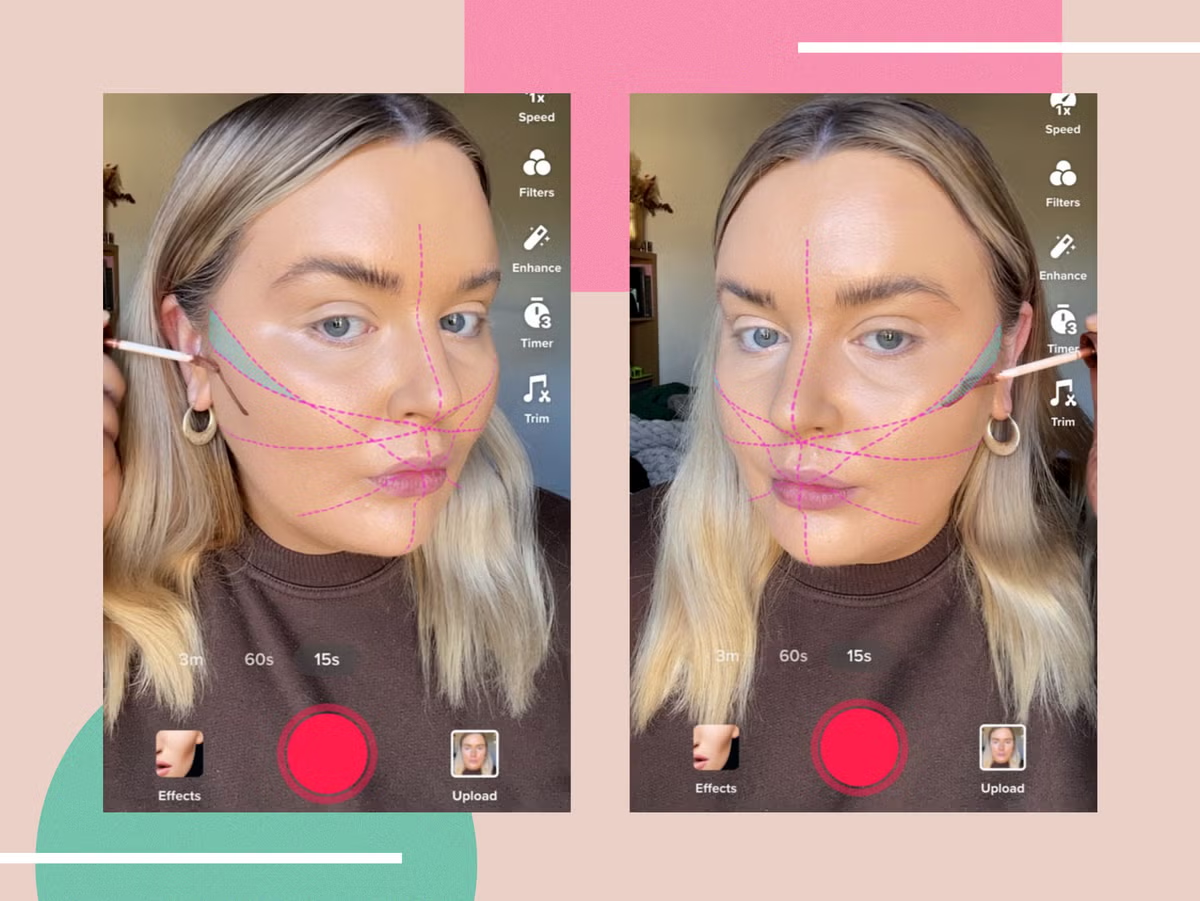
How to Use Tiktok Filters Like a Pro: A Step-by-step Guide
Are you tired of using TikTok filters like a novice? Do you want to take your content creation game to the next level? Look no further! In this article, we’ll show you how to use TikTok filters like a pro. From searching and applying filters to creating custom ones, we’ve got you covered.
Table 1: Search Filters on Tiktok
| Action | Description |
|---|---|
| Tap + | Create new content |
| Go to Filter menu | Search for filters |
Step-by-step Guide to Searching Filters on Tiktok
Searching for filters on TikTok is a breeze. Here’s how you can do it:
- Open the TikTok app and create new content by tapping the + button.
- Tap the “Filters” icon on the right-hand side of the screen.
- Scroll through the menu to find the filter you want to apply.
Table 2: Bolded Title How to Contact Filters on Tiktok
| Action | Description |
|---|---|
| Select Filter | Choose your desired filter |
| Regulate degree of application | Adjust filter intensity |
Step-by-step Guide to Contacting Filters on Tiktok
Now that you’ve found the perfect filter, it’s time to apply it. Here’s how:
- Tap on the filter you want to use.
- Scroll through the options to select your desired filter.
- Regulate the degree of application by adjusting the intensity.
How to Create Filters on Tiktok
Want to create custom filters for your TikTok content? We’ve got a separate guide on how to do it!
Table 3: Common Questions About Using Filters on Tiktok
| Question | Answer |
|---|---|
| Can I use multiple filters on TikTok? | Yes, you can apply up to two filters at once. |
| How do I remove a filter from my content? | Tap the filter icon and select “Cancel” |
Tips And Tricks For Using Filters on Tiktok
- Experiment with different filter intensities to find what works best for your content.
- Use filters strategically to enhance your video or photo without overpowering it.
- Practice makes perfect! Try out different filters and see what works best for you.
Conclusion
Using filters on TikTok doesn’t have to be intimidating. By following these simple steps, you can become a filter master in no time! Don’t forget to experiment with different effects and intensities to find the perfect look for your content.
Frequently Asked Questions (FAQs)
- Q: Can I use multiple filters on TikTok?
A: Yes, you can apply up to two filters at once. - Q: How do I remove a filter from my content?
A: Tap the filter icon and select “Cancel”. - Q: Can I create custom filters for my TikTok content?
A: Yes, but we have a separate guide on how to do it! - Q: Can I apply effects in addition to filters?
A: Yes, but only if you’re using the new effect feature. - Q: How do I save and reuse filters on TikTok?
A: Tap the “Save” button and select the filter you want to use again. - Q: Can I share custom filters with friends or community members?
A: Yes, but make sure they have permission to access your account. - Q: What if I accidentally apply a filter to my content and don’t like it?
A: Don’t worry! You can always delete the content and start again. - Q: Can I use filters on TikTok videos or just photos?
A: Filters work on both photos and videos.
Happy filtering, TikTok creators!


