
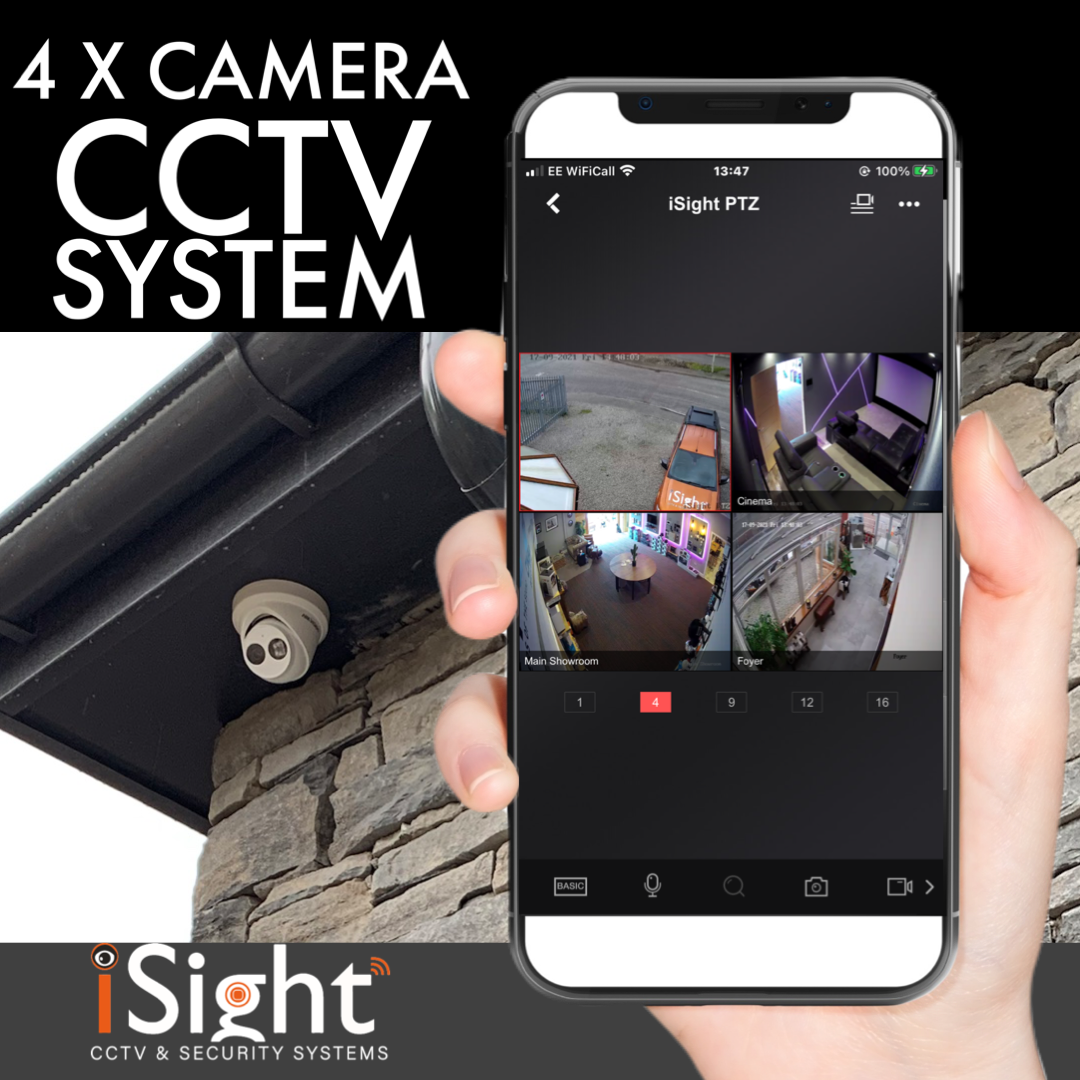
How to Use Isight as a Video Surveillance Tool
Are you looking for ways to monitor your home or office space without breaking the bank? Look no further than using your Mac’s iSight camera as a video surveillance tool. In this article, we’ll show you how to use Alfred Camera, Periscope Pro, and Uglog online services to turn your Mac into a discreet and effective monitoring system.
Programs to Use For Video Surveillance
Before we dive into the tutorials, let’s take a look at some of the programs available for video surveillance. We’ll be covering three services: Alfred Camera, Periscope Pro, and Uglog Online.
Alfred Camera
Alfred Camera is a service that allows you to use your Mac’s webcam as a video surveillance tool. It’s free to use, but advanced features require a subscription. To get started:
- Go to the Alfred Camera website and sign up for an account.
- Click on the “Get Started” button and follow the instructions to set up your account.
- Download the Alfred Camera app and install it on your Mac.
- Launch the app and click on the “Next” button to configure your webcam settings.
- Activate the motion detection feature by clicking on the corresponding button.
- Choose how you want to receive notifications when motion is detected.
Periscope Pro
Periscope Pro is another service that allows you to use your Mac’s webcam as a video surveillance tool. It offers more advanced features than Alfred Camera, including support for external IP cameras and customizable settings. To get started:
- Go to the Periscope Pro website and sign up for an account.
- Download the app and install it on your Mac.
- Launch the app and click on the “Try Now” button to initiate the free trial version.
- Configure your webcam settings by clicking on the corresponding buttons.
- Choose how you want to receive notifications when motion is detected.
Uglog Online
Uglog Online is a service that allows you to use your Mac’s webcam as a video surveillance tool without installing any software. It’s free to use, but advanced features require a subscription. To get started:
- Go to the Uglog Online website and sign up for an account.
- Click on the “Sign Up Now” button and follow the instructions to set up your account.
- Download and install the Adobe Flash Player plugin if you haven’t already.
- Launch the Uglog Online service in your browser.
- Configure your webcam settings by clicking on the corresponding buttons.
Tips And Tricks
Here are some tips and tricks to keep in mind when using your Mac’s iSight camera as a video surveillance tool:
- Make sure your Mac is plugged into power to ensure continuous recording.
- Use a high-quality webcam for better image quality.
- Adjust the sensitivity settings to avoid false triggers.
- Consider investing in an external IP camera for more advanced features.
- Keep your recordings organized by using folders and tags.
Conclusion
Using your Mac’s iSight camera as a video surveillance tool is a cost-effective and discreet way to monitor your home or office space. With services like Alfred Camera, Periscope Pro, and Uglog Online, you can choose the one that best fits your needs. Remember to follow the tutorials carefully, and don’t hesitate to reach out if you have any questions.
Frequently Asked Questions
Here are some frequently asked questions about using your Mac’s iSight camera as a video surveillance tool:
- Q: Do I Need to Install Any Software to Use my Mac’s Webcam For Video Surveillance?
A: Yes, you’ll need to download and install the Alfred Camera or Periscope Pro apps on your Mac. - Q: Can I Use my Mac’s Webcam With Uglog Online Without Installing Any Software?
A: Yes, but you’ll still need to download and install the Adobe Flash Player plugin if you haven’t already. - Q: How do I Configure my Webcam Settings For Video Surveillance?
A: Follow the instructions provided by each service (Alfred Camera, Periscope Pro, or Uglog Online) to configure your webcam settings. - Q: Can I Use Multiple Cameras With These Services?
A: Yes, but you’ll need to purchase additional licenses or subscriptions for each camera. - Q: Are These Services Compatible With Older Mac Models?
A: Check the system requirements for each service (Alfred Camera, Periscope Pro, or Uglog Online) to ensure compatibility with your Mac model.
I hope this article has been informative and helpful in getting you started with using your Mac’s iSight camera as a video surveillance tool. Happy monitoring!


