
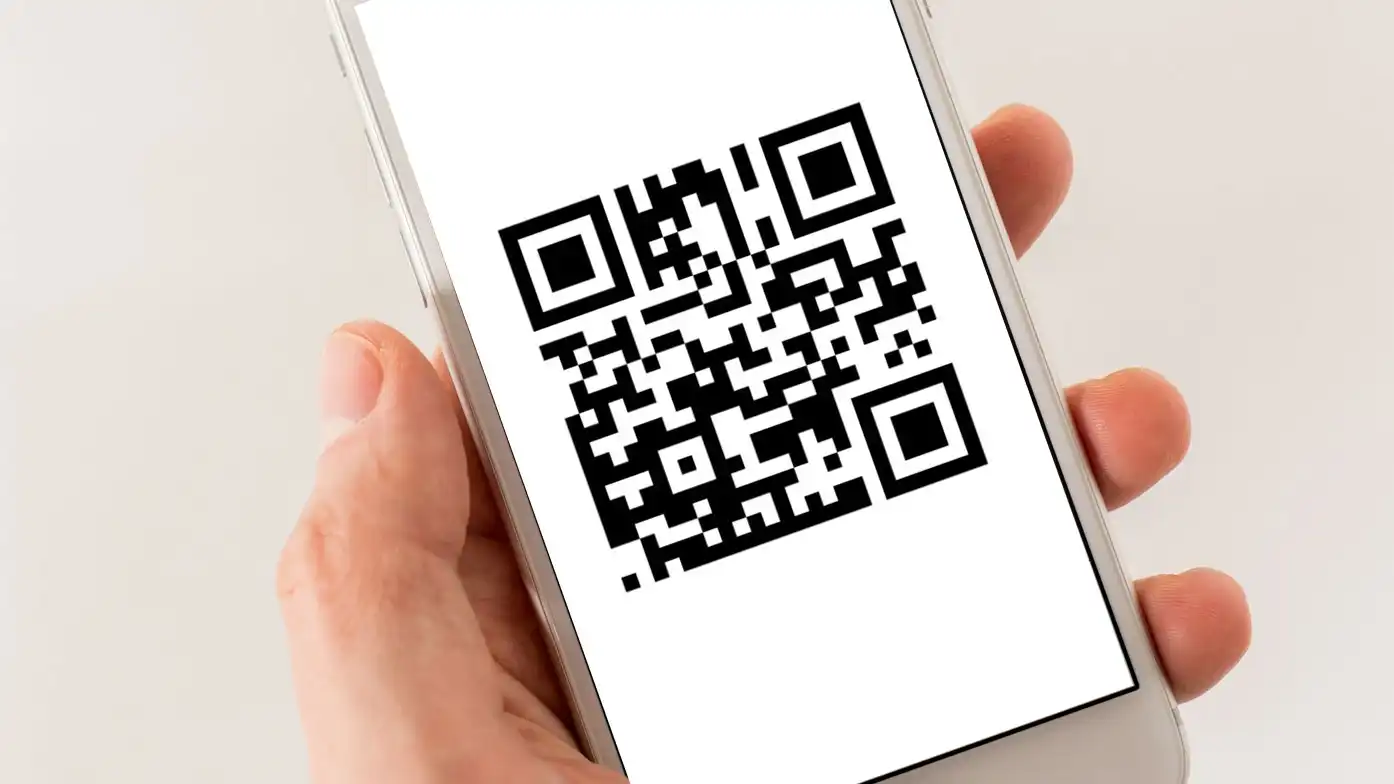
How to Use QR Codes on Your Iphone: A Step-by-step Guide
Are you wondering how to use QR codes on your iPhone? Look no further! In this article, we will guide you through the process of reading and creating QR codes using various apps.
Understanding QR Codes
QR codes are two-dimensional barcodes that can store a variety of information, such as website links, contact details, or even virtual tickets. They are widely used in various industries, including retail, tourism, and marketing.
Reading QR Codes on Your Iphone
There are several ways to read QR codes on your iPhone. Let’s explore some of the most popular methods:
Method 1: Using The Camera App
The first method is to use the built-in Camera app on your iPhone. Here’s how:
- Open the Camera app and point it at a QR code.
- Tap on the grey icon with a square in the bottom left corner of the screen.
- Select the “Scan Documents” option.
- The camera will automatically detect the QR code and display its contents.
Method 2: Using an App
There are several third-party apps available that can read QR codes on your iPhone. Some popular options include:
- Scan (free)
- QR Code Reader (free)
- Barcode Scanner (free)
To use these apps, simply download and install them from the App Store. Then, open the app and point it at a QR code.
Creating QR Codes on Your Iphone
In addition to reading QR codes, you can also create your own using various apps. Here are some popular options:
- QR Code Generator by Qrysta: This app is free to download and use. Simply choose the type of content you want to include in your QR code (e.G., Website link or contact details), enter the relevant information, and tap “Create” to generate a unique QR code.
Other Ways to Create QR Codes
If you’re not satisfied with the above methods, there are other ways to create QR codes on your iPhone. Here are some alternatives:
- QR Code Generator by Cloudconvert: This online tool allows you to create QR codes without installing any software. Simply upload a file or enter a URL to generate a QR code.
- Docspal: This service offers a QR code generator that can be used to convert various types of documents into QR codes.
Converting Files to Word Format
Are you looking for ways to convert files from other formats to Word format? Here are some options:
- Libreoffice: This free and open-source office suite allows you to create, edit, and save files in various formats, including Word.
- Doxillion Software Converter of Documents: This software converter can be used to convert various types of documents into Word format.
Converting Files Online
If you don’t want to download any software, there are online services that allow you to convert files from one format to another. Here are some popular options:
- Cloudconvert: This cloud-based service offers a wide range of file conversion options, including converting files to Word format.
- Zamzar: This online file converter can be used to convert various types of documents into Word format.
Conclusion
In this article, we have explored the world of QR codes and how they can be used on your iPhone. Whether you want to read or create QR codes, there are various methods and apps available that can help you achieve your goals. Additionally, we have discussed ways to convert files from one format to another, including converting files to Word format.
Frequently Asked Questions
Here are some frequently asked questions related to the topic:
Q: What is a QR code?
A: A QR code (Quick Response code) is a two-dimensional barcode that can store various types of information.
Q: How do I read QR codes on my iPhone?
A: You can use the Camera app or download a third-party app, such as Scan or QR Code Reader.
Q: Can I create QR codes on my iPhone?
A: Yes, you can use apps like QR Code Generator by Qrysta to create your own QR codes.
Q: How do I convert files from one format to another?
A: You can use software converters, online services, or cloud-based tools, such as CloudConvert or Zamzar.
Q: What is the difference between a DOC and a DOCX file?
A: A DOC file is an older version of Microsoft Word, while a DOCX file is a newer version with more features and capabilities.


