
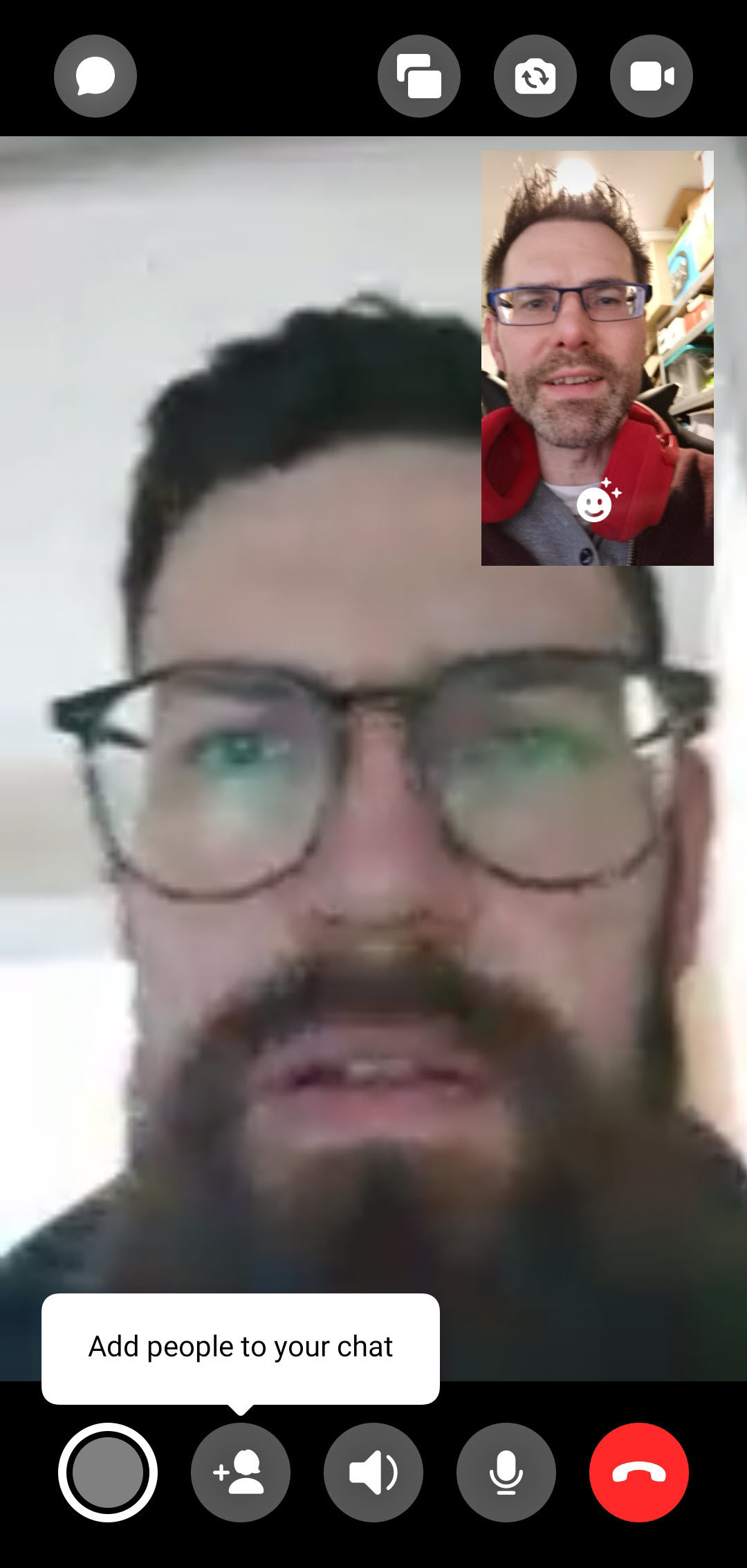
Videochiamata on Facebook: A Comprehensive Guide
Are you tired of sending messages or making voice calls? Do you want to connect with your friends and family in a more personal way? Look no further than videochiamata on Facebook! In this article, we will guide you through the process of videochiamating with your loved ones using both your smartphone and computer.
Is Videochiamata on Facebook Free?
Before we dive into the nitty-gritty details, let’s address a common concern: Is videochiamata on Facebook free? The answer is yes! All calls and videochiamate are completely free. However, to access Facebook, you’ll need an internet connection. If you’re not sure about your internet package, we’ve got some tips below.
Requirements For Videochiamata on Facebook
To use the videochiamata feature on Facebook, you’ll need:
- A Facebook account
- An internet connection (Wi-Fi or mobile data)
- The Messenger app installed on your smartphone or tablet
How to Videochiamare With Facebook on Smartphone And Tablet
If you’re using a smartphone or tablet, follow these steps:
- Download the Messenger app from the App Store (for iOS devices) or Google Play Store (for Android devices).
- Open the app and sign in with your Facebook account.
- Tap on the “Continuous” button to access Messenger.
- Search for the person you want to videochiamate, or select them from your chat list.
- Tap on the camera icon to initiate the videochiamata.
How to Videochiamare With Facebook on Computer
If you prefer using your computer, follow these steps:
- Log in to your Facebook account and navigate to the Messenger section.
- Search for the person you want to videochiamate, or select them from your chat list.
- Click on the camera icon to initiate the videochiamata.
Videochiamata Features
Facebook’s videochiamata feature offers a range of exciting features, including:
- Effects And Filters: Add some fun effects and filters to your videochiamate!
- Screen Sharing: Share your screen with your loved ones in real-time.
- Collaboration Tools: Create surveys or set up a timer during the videochiamata.
- Gambling: Play games together with your friends and family.
How to Add More Participants to Your Videochiamata
Want to invite more people to join the fun? Here’s how:
- Tap on the + icon in the top-right corner of the screen.
- Select the person you want to add from your contacts list.
- Assign a name to the group, if desired.
Tips And Tricks
- Make sure you have a stable internet connection for smooth videochiamate experiences.
- Use headphones or speakers for better audio quality.
- Don’t forget to share your screen or play games together with your loved ones!
Frequently Asked Questions (FAQs)
Q: Is videochiamata on Facebook free?
A: Yes, all calls and videochiamate are completely free.
Q: Do I need an internet connection to use videochiamata on Facebook?
A: Yes, you’ll need a stable internet connection to access Facebook and make videochiamate.
Q: Can I add more participants to my videochiamata?
A: Absolutely! You can invite up to 50 people to join your videochiamata using Messenger Rooms.
Q: How do I share my screen or play games during the videochiamata?
A: Simply tap on the + icon and select the desired option from the menu.
Q: Can I use videochiamata on Facebook with my computer?
A: Yes, you can access videochiamata using your computer by navigating to the Messenger section on Facebook.
Q: Is there a time limit for videochiamate on Facebook?
A: No, there is no time limit for videochiamate. You can chat and play games as long as you’d like!
Q: Can I use videochiamata with my friends who don’t have a Facebook account?
A: Unfortunately, not all features are available for non-Facebook users. However, you can still send messages or make voice calls using the Messenger app.
Conclusion
Videochiamata on Facebook is an exciting way to connect with your loved ones in real-time. With its range of features and user-friendly interface, it’s never been easier to catch up with friends and family from anywhere in the world!


