
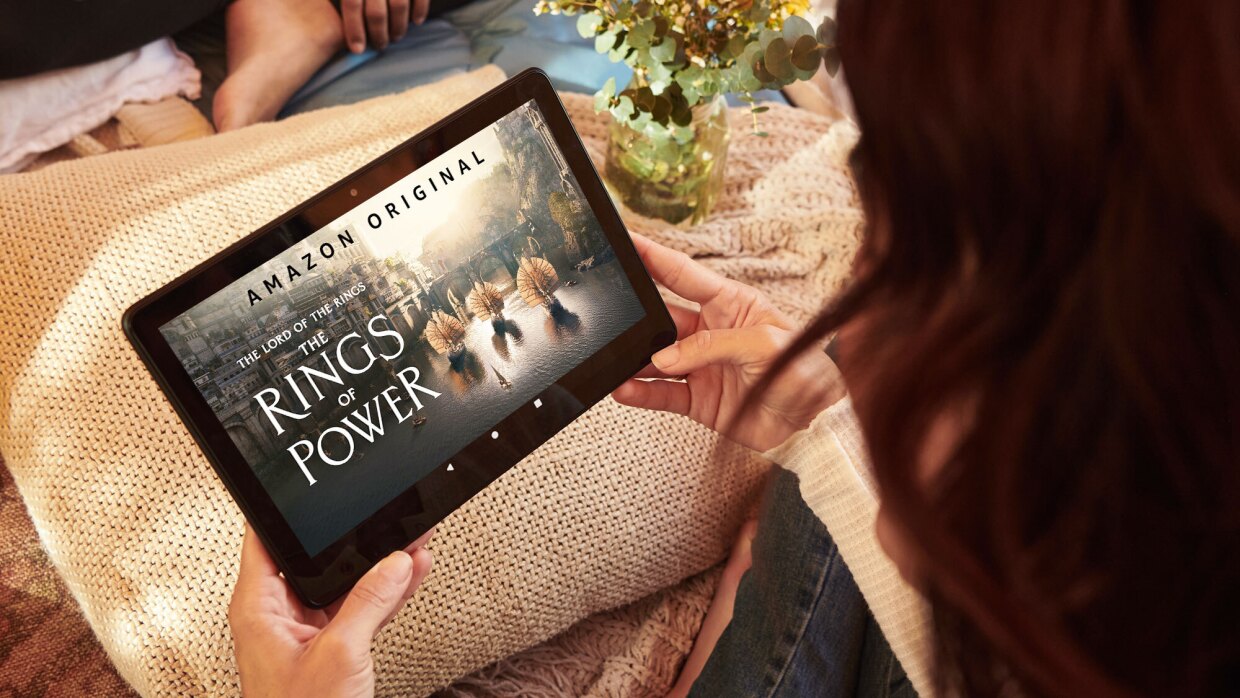
Unlocking The Secrets of Amazon Prime: A Comprehensive Guide
Are you ready to unlock a world of endless entertainment on demand? Look no further than Amazon Prime! As a loyal reader, we’re about to take you on a journey through the ins and outs of this fantastic service. From its impressive library of movies and TV shows to its seamless streaming capabilities, we’ll show you how to make the most out of your Amazon Prime experience.
What is Amazon Prime?
Amazon Prime is a subscription-based service that offers an array of benefits, including:
- Access to thousands of movies, TV shows, and original content
- Free two-day shipping on millions of products
- Music streaming with Amazon Prime Music
- Photo storage with Amazon Drive
- Early access to deals and discounts
How Do I Get Started With Amazon Prime?
Getting started is a breeze! Here’s what you need to do:
- Sign up For an Amazon Account: If you haven’t already, create an account on Amazon.Com.
- Choose Your Subscription Plan: Select the plan that suits your needs – monthly or annual.
- Create a Prime Video Account: Once subscribed, set up your Prime Video account by downloading the Prime Video app or visiting PrimeVideo.Com.
How Do I Access Amazon Prime on My Devices?
Amazon Prime is available on a wide range of devices, including:
PC And Mac
To access Amazon Prime on your PC or Mac, follow these steps:
- Visit Amazonprime.Com: Sign in to your Amazon account and navigate to the Prime Video section.
- Click “Sign In”: Enter your login credentials to access your Prime Video account.
- Explore The Library: Browse through thousands of movies, TV shows, and original content.
Smart Tvs
Accessing Amazon Prime on your Smart TV is a snap! Here’s how:
- Check Compatibility: Ensure your Smart TV is compatible with Amazon Prime Video.
- Download The App: Search for the Prime Video app in your TV’s app store and download it.
- Sign in: Enter your Amazon login credentials to access your Prime Video account.
Chromecast
Streaming Amazon Prime on Chromecast is easy peasy! Here’s how:
- Connect Your Device: Ensure your device (smartphone, tablet, or computer) is connected to the same Wi-Fi network as your Chromecast.
- Download The Google Home App: Install the Google Home app on your device and follow the setup process.
- Launch Prime Video: Open the Prime Video app on your device and select the content you want to stream.
Fire TV Stick
Streaming Amazon Prime on Fire TV Stick is a breeze! Here’s how:
- Plug in Your Device: Connect your Fire TV Stick to your TV and power it up.
- Download The Prime Video App: Search for the Prime Video app in the Fire TV Stick store and download it.
- Sign in: Enter your Amazon login credentials to access your Prime Video account.
Apple Tv
Streaming Amazon Prime on Apple TV is a cinch! Here’s how:
- Check Compatibility: Ensure your Apple TV is compatible with Amazon Prime Video.
- Download The App: Search for the Prime Video app in the App Store and download it.
- Sign in: Enter your Amazon login credentials to access your Prime Video account.
Ps4
Streaming Amazon Prime on PS4 is easy! Here’s how:
- Check Compatibility: Ensure your PS4 is compatible with Amazon Prime Video.
- Download The App: Search for the Prime Video app in the PlayStation Store and download it.
- Sign in: Enter your Amazon login credentials to access your Prime Video account.
Smartphones And Tablets
Streaming Amazon Prime on smartphones and tablets is a breeze! Here’s how:
- Download The App: Search for the Prime Video app in your device’s app store (Google Play Store or App Store) and download it.
- Sign in: Enter your Amazon login credentials to access your Prime Video account.
How Do I Access Amazon Prime on My Smartphone or Tablet?
To access Amazon Prime on your smartphone or tablet, follow these steps:
- Download The App: Search for the Prime Video app in your device’s app store and download it.
- Sign in: Enter your Amazon login credentials to access your Prime Video account.
Frequently Asked Questions (FAQs)
Q: What is Amazon Prime?
A: Amazon Prime is a subscription-based service that offers an array of benefits, including access to thousands of movies, TV shows, and original content.
Q: How do I Get Started With Amazon Prime?
A: To get started, sign up for an Amazon account, choose your subscription plan, and create a Prime Video account.
Q: Can I Access Amazon Prime on my Device?
A: Yes! Amazon Prime is available on a wide range of devices, including PC, Mac, Smart TVs, Chromecast, Fire TV Stick, Apple TV, PS4, smartphones, and tablets.
Q: How do I Access Amazon Prime on my Device?
A: Follow the specific instructions for your device in this guide to access Amazon Prime.
Q: Can I Stream Amazon Prime Without an Internet Connection?
A: Yes! With the Prime Video app, you can download content to watch offline.
Conclusion
Amazon Prime is an incredible service that offers endless entertainment options. By following the steps outlined in this comprehensive guide, you’ll be able to unlock the secrets of Amazon Prime and enjoy a world of movies, TV shows, and original content at your fingertips. Happy streaming!


