
How to Watch Videos Without Adobe Flash Player
Are you tired of seeing a blank screen when trying to watch videos that were made in the old Adobe Flash format? Don’t worry, we’ve got you covered! With the discontinuation of Adobe Flash Player, many websites have removed support for it. But there are still ways to view and enjoy your favorite Flash-based content.
What Was Adobe Flash Player?
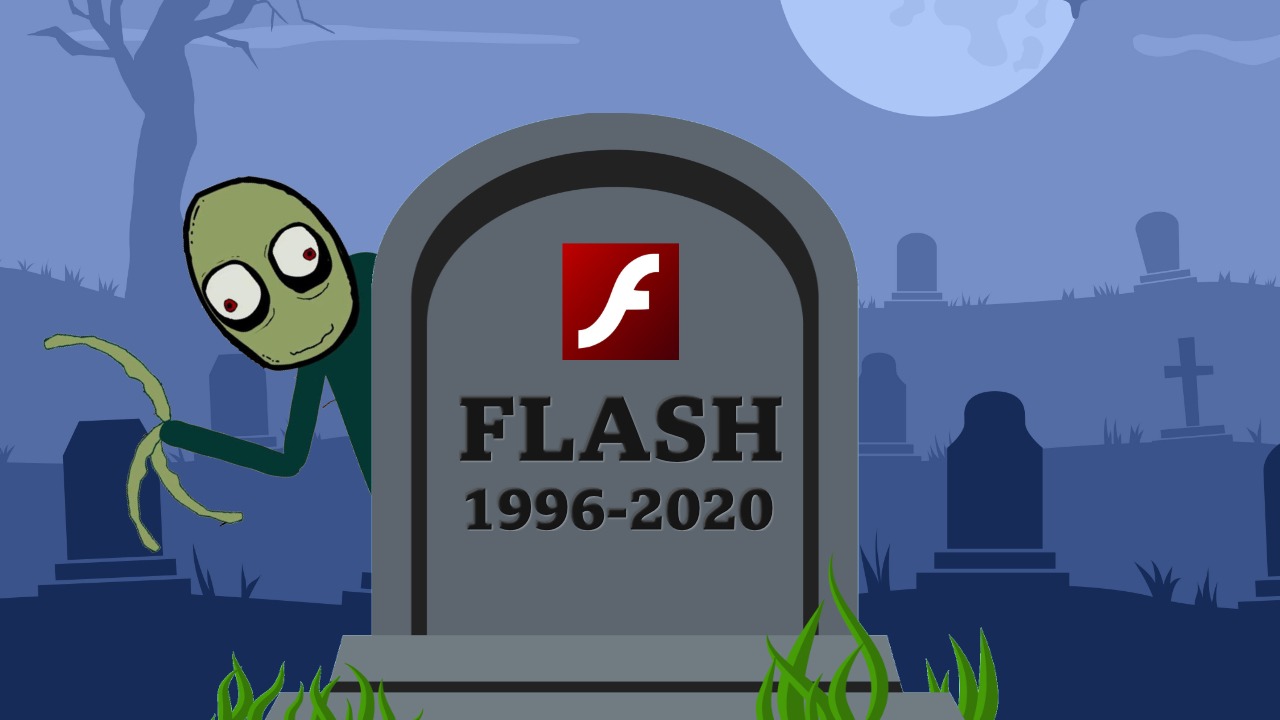
Adobe Flash Player was a software that allowed users to play multimedia content like videos, animations, and games on their computers. It was widely used in the early 2000s and became a standard for online video playback. However, due to security concerns and the rise of newer technologies like HTML5, Adobe decided to discontinue support for Flash Player.
Why is Adobe Flash Player no Longer Supported?
Adobe Flash Player had several issues that led to its demise. Firstly, it was a resource-intensive software that consumed a lot of system resources. This made it difficult to run on lower-end hardware. Secondly, Flash files were often large and could take a while to download. Finally, the security concerns surrounding Adobe Flash Player were significant. Many people used malware-laden Flash files, which put their computers at risk.
What Are Some Alternatives to Adobe Flash Player?
There are several alternatives to Adobe Flash Player that you can use to watch videos online:
Browser-based Solutions
Many modern browsers have built-in support for HTML5 video playback, which is a more secure and efficient alternative to Adobe Flash. Some popular browsers with built-in support include Google Chrome, Mozilla Firefox, Microsoft Edge, and Apple Safari.
Flash Player Projector
Adobe’s own Flash Player Projector is still available for download from their website. This tool allows you to play Flash-based content on your computer without installing the full Adobe Flash Player software.
How to Use Flash Player Projector
To use Flash Player Projector, simply visit the Adobe website and click on the “Get Flash” button. Select your operating system (Windows or macOS) and follow the instructions to download the projector software. Once installed, you can open Flash-based files using the projector by right-clicking on them and selecting “Open with Flash Player Projector”.
Vlc Media Player
VLC Media Player is a free, open-source media player that supports a wide range of video formats, including FLV and SWF. It’s available for Windows, macOS, and Linux.
How to Use Vlc Media Player
To use VLC Media Player to watch Flash videos, simply download the software from their website. Once installed, you can open Flash-based files by right-clicking on them and selecting “Open with VLC”.
Mobile Devices
If you want to watch Flash videos on your smartphone or tablet, you have a few options:
- If you’re using an Android device, you can use the mobile version of VLC Media Player. You can download it from the Google Play Store.
- Unfortunately, the iOS and iPadOS versions of VLC do not support Flash playback.
Conclusion
Watching videos without Adobe Flash Player is definitely possible! While there are some limitations to using Flash-based content on modern devices, there are still ways to enjoy your favorite Flash-based videos. Whether you use browser-based solutions or alternative software like Flash Player Projector or VLC Media Player, you can keep watching and enjoying your favorite online content.
Frequently Asked Questions
Q: What happened to Adobe Flash Player?
A: Adobe Flash Player was discontinued due to security concerns and the rise of newer technologies like HTML5.
Q: Can I still use Adobe Flash Player on my computer?
A: While it’s technically possible, we don’t recommend using Adobe Flash Player due to its security risks.
Q: What are some alternatives to Adobe Flash Player?
A: There are several alternatives, including browser-based solutions, Flash Player Projector, and VLC Media Player.
Q: Can I watch Flash videos on my smartphone or tablet?
A: Yes, you can use the mobile version of VLC Media Player (for Android devices) to watch Flash videos.
Q: Is it safe to download third-party apps to play Flash content?
A: We don’t recommend downloading unknown apps from the internet. Instead, try using built-in browser-based solutions or alternative software like Flash Player Projector or VLC Media Player.


