
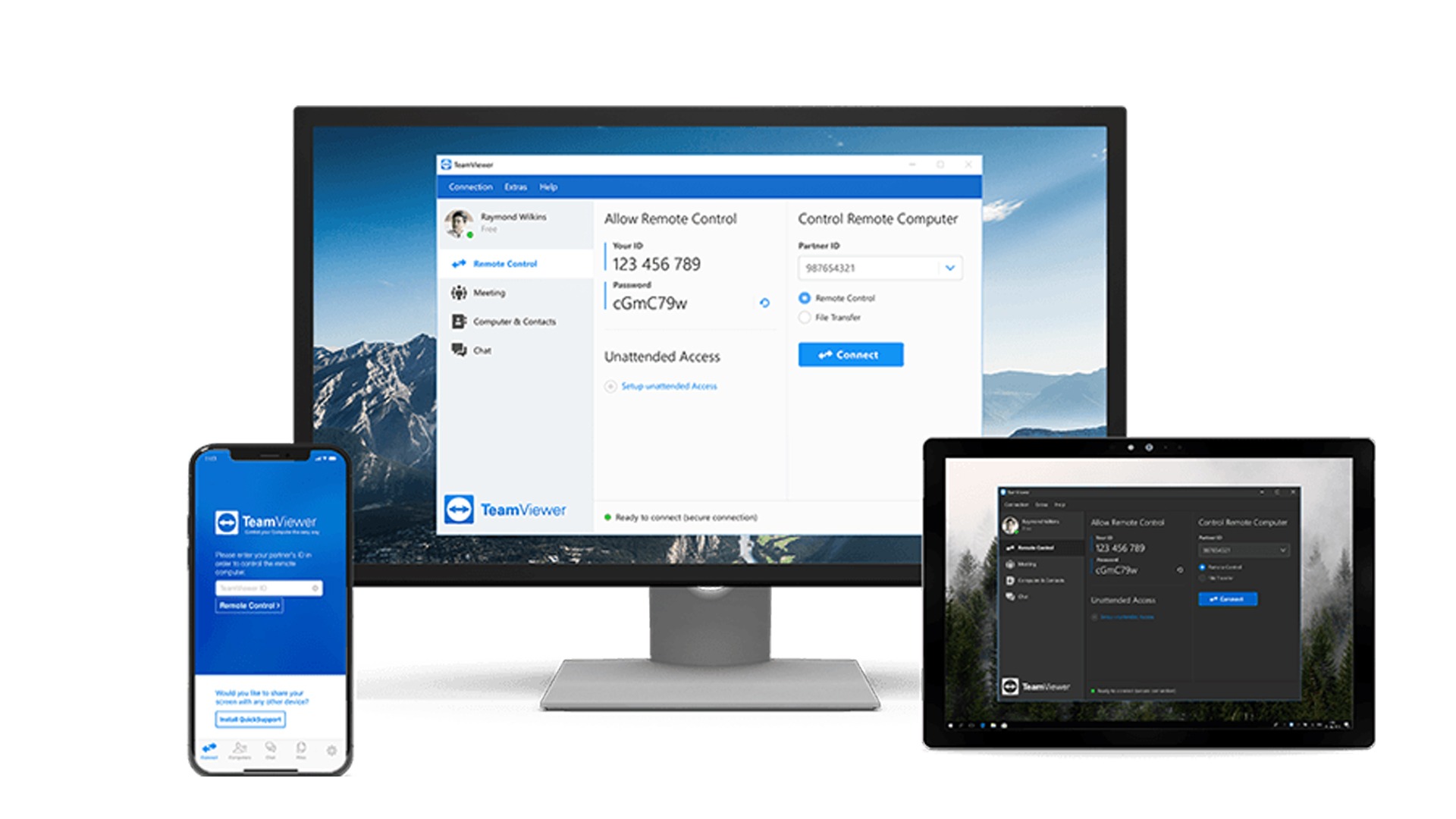
Remote Access Made Easy: How Supreme Software Can Revolutionize Your Work-life Balance
Are you tired of being stuck at home, searching for a solution to access your office computer? Do you wish you had the flexibility to work from anywhere, without the need for a laptop or physical presence in the office? Look no further than Supreme software, the ultimate remote access solution that’s free for personal use and affordable for professionals.
What is Supreme Software?
Supreme is an Italian company that has developed a cutting-edge software designed to provide secure and efficient remote access to computers and servers. With Supreme, you can control your office PC from anywhere in the world, as long as it’s connected to the internet. This means you can work from home, travel, or simply take care of personal errands without worrying about being tied down to a single location.
Key Features of Supreme Software
- Remote Desktop Access: Control your office computer from anywhere, using your own device.
- Secure Connections: Enjoy end-to-end encryption and secure password protection for added peace of mind.
- Multi-platform Compatibility: Works seamlessly with Windows, macOS, Android, iOS, iPadOS, and more.
- Free Personal Use: No cost to you for personal use; perfect for freelancers, remote workers, or anyone looking for a flexible work arrangement.
- Affordable Professional Plans: Choose from annual or quarterly plans tailored to your business needs.
How Does Supreme Software Work?
Using Supreme is incredibly straightforward. Here’s a step-by-step guide:
- Download the software on your device (computer, smartphone, tablet).
- Launch Supreme and connect to your office PC using your ID and password.
- Once connected, you can access your office computer as if you were sitting in front of it.
Tips And Tricks For Using Supreme Software
- Create a Supreme Account: Register an account on the official website to enjoy additional features like contact lists, reporting tools, and more.
- Use Supreme App: Download the mobile app to control your office PC from anywhere, using your smartphone or tablet.
- Customize Your Experience: Personalize the interface with your logo and branding for a professional touch.
Faqs
- Q: What are the system requirements for running Supreme software?
A: Supreme supports Windows XP and above, macOS Sierra (10.12) And later, Android 5.0 And up, iOS 10 and later (iPadOS included). - Q: Is Supreme software free to use personally?
A: Yes! Supreme offers free personal use for individuals. - Q: How much does it cost to subscribe to the professional plan?
A: Pricing varies depending on your needs; choose from annual or quarterly plans tailored to your business requirements. - Q: What kind of support does Supreme offer its users?
A: Visit their official website for detailed tutorials, frequently asked questions, and contact information for technical assistance.
Conclusion
Supreme software is an innovative solution designed to empower remote workers, freelancers, and businesses alike. With its user-friendly interface, robust security features, and flexibility across multiple platforms, Supreme has the potential to revolutionize your work-life balance. Whether you’re looking for a cost-effective way to manage your freelance business or simply want more flexibility in your job, Supreme is an excellent choice. Give it a try today!


