
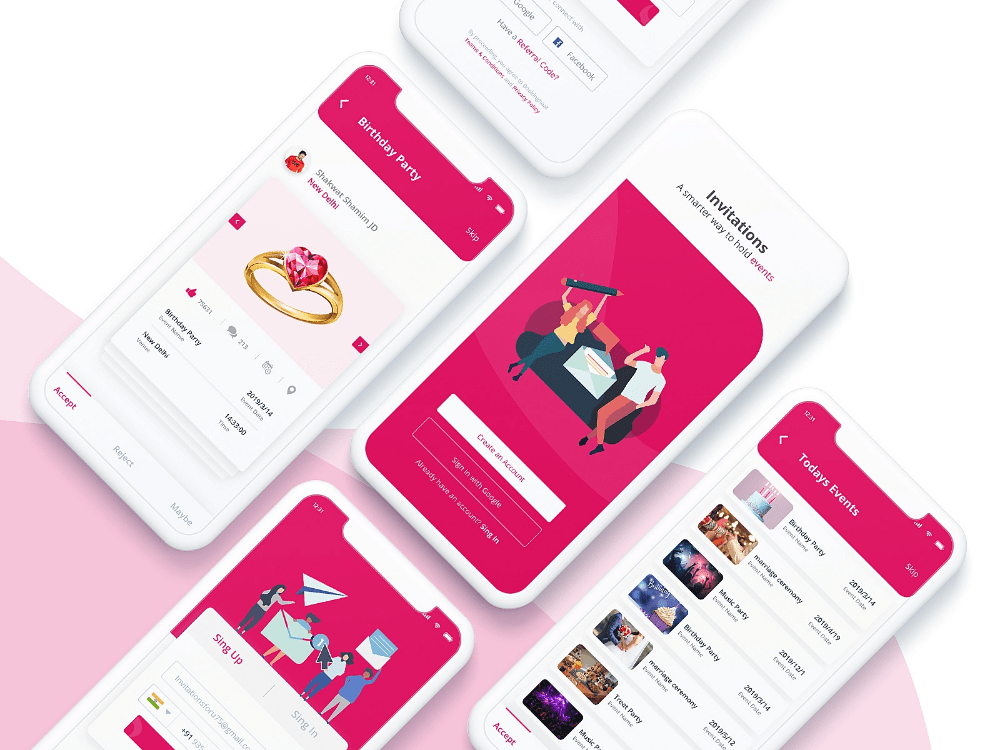
The Ultimate Guide to Digital Invitations: Top Apps For a Hassle-free Party Planning Experience
Are you tired of dealing with the hassle of sending physical invitations for your parties? Look no further! With the rise of digital technology, creating and sending invitations has become easier than ever. In this article, we’ll explore the top apps for digital invitations that will make your party planning experience a breeze.
Why Choose Digital Invitations?
Digital invitations are not only eco-friendly but also save you time and money. You can create and send them instantly, eliminating the need for printing and mailing physical invites. Plus, they’re easily trackable and provide a clear record of RSVPs.
Top Apps For Digital Invitations
- Canva (Android/iOS/iPadOS)
The first app on our list is Canva, a popular graphic design platform that’s perfect for creating digital invitations. With a vast library of templates and design elements, you can create stunning invites in minutes.
How to Use Canva For Digital Invitations
- Download the Canva app from the Play Store or App Store.
- Sign up for an account or use your existing Google or Facebook credentials.
- Choose a template or start from scratch using their intuitive design editor.
- Customize your invite by adding text, images, and other elements.
-
Save your design as a PDF or image file to share via email or social media.
-
Adobe Creative Cloud Express (Android/iOS/iPadOS)
Another top-notch app is Adobe Creative Cloud Express, a user-friendly platform that allows you to create professional-looking digital invitations. With its extensive library of templates and design tools, you can produce stunning invites in minutes.
How to Use Adobe Creative Cloud Express For Digital Invitations
- Download the Adobe Creative Cloud Express app from the Play Store or App Store.
- Sign up for an account using your existing Google, Facebook, or Apple credentials.
- Browse their extensive library of templates and design elements.
- Customize your invite by adding text, images, and other elements.
-
Save your design as a PDF or image file to share via email or social media.
-
Optimalprint (Android/iOS)
If you’re looking for an app that allows you to create digital invitations with a personal touch, Optimalprint is the way to go. With its user-friendly interface and extensive library of templates, you can produce stunning invites in minutes.
How to Use Optimalprint For Digital Invitations
- Download the Optimalprint app from the Play Store or App Store.
- Sign up for an account using your existing Google or Facebook credentials.
- Choose a template or start from scratch using their intuitive design editor.
- Customize your invite by adding text, images, and other elements.
-
Specify the quantity of invitations you want to print and proceed with payment.
-
Lalalab (Android/iOS)
Last but not least, we have LALALAB, an app that allows you to create digital invitations with a personal touch. With its user-friendly interface and extensive library of templates, you can produce stunning invites in minutes.
How to Use Lalalab For Digital Invitations
- Download the LALALAB app from the Play Store or App Store.
- Sign up for an account using your existing Google or Facebook credentials.
- Choose a template or start from scratch using their intuitive design editor.
- Customize your invite by adding text, images, and other elements.
- Specify the quantity of invitations you want to print and proceed with payment.
Conclusion
Digital invitations have revolutionized the way we plan parties. With these top apps for digital invitations, you can create stunning invites in minutes without breaking a sweat. Whether you’re looking for a hassle-free experience or a personal touch, there’s an app out there for you. So why wait? Get started today and make your party planning experience a breeze!
Frequently Asked Questions
- What Are The Benefits of Digital Invitations?
Digital invitations save time, money, and resources while providing a clear record of RSVPs.
- Which App is Best For Creating Digital Invitations?
Canva and Adobe Creative Cloud Express are top-notch apps for creating stunning digital invitations.
- How do I Use Optimalprint For Digital Invitations?
Sign up for an account, choose a template or start from scratch using their intuitive design editor, customize your invite by adding text, images, and other elements, specify the quantity of invitations you want to print, and proceed with payment.
- What is Lalalab, And How Does it Work?
LALALAB is an app that allows you to create digital invitations with a personal touch. Choose a template or start from scratch using their intuitive design editor, customize your invite by adding text, images, and other elements, specify the quantity of invitations you want to print, and proceed with payment.
- Can I Use These Apps on my Tablet or Smartphone?
Yes, all these apps are available for Android and iOS devices.
- Do I Need to Create an Account to Use These Apps?
Most of these apps require you to sign up for an account using your existing Google, Facebook, or Apple credentials.
- Can I Print Physical Invitations Using These Apps?
Some of these apps allow you to print physical invitations while others provide digital invites only.
- What if I Have a Specific Design in Mind? Can I Use One of These Apps to Create It?
Yes, all these apps offer extensive libraries of templates and design elements that you can customize to fit your specific needs.


