
The Ultimate Guide to Apps That Can Modify Your Nose
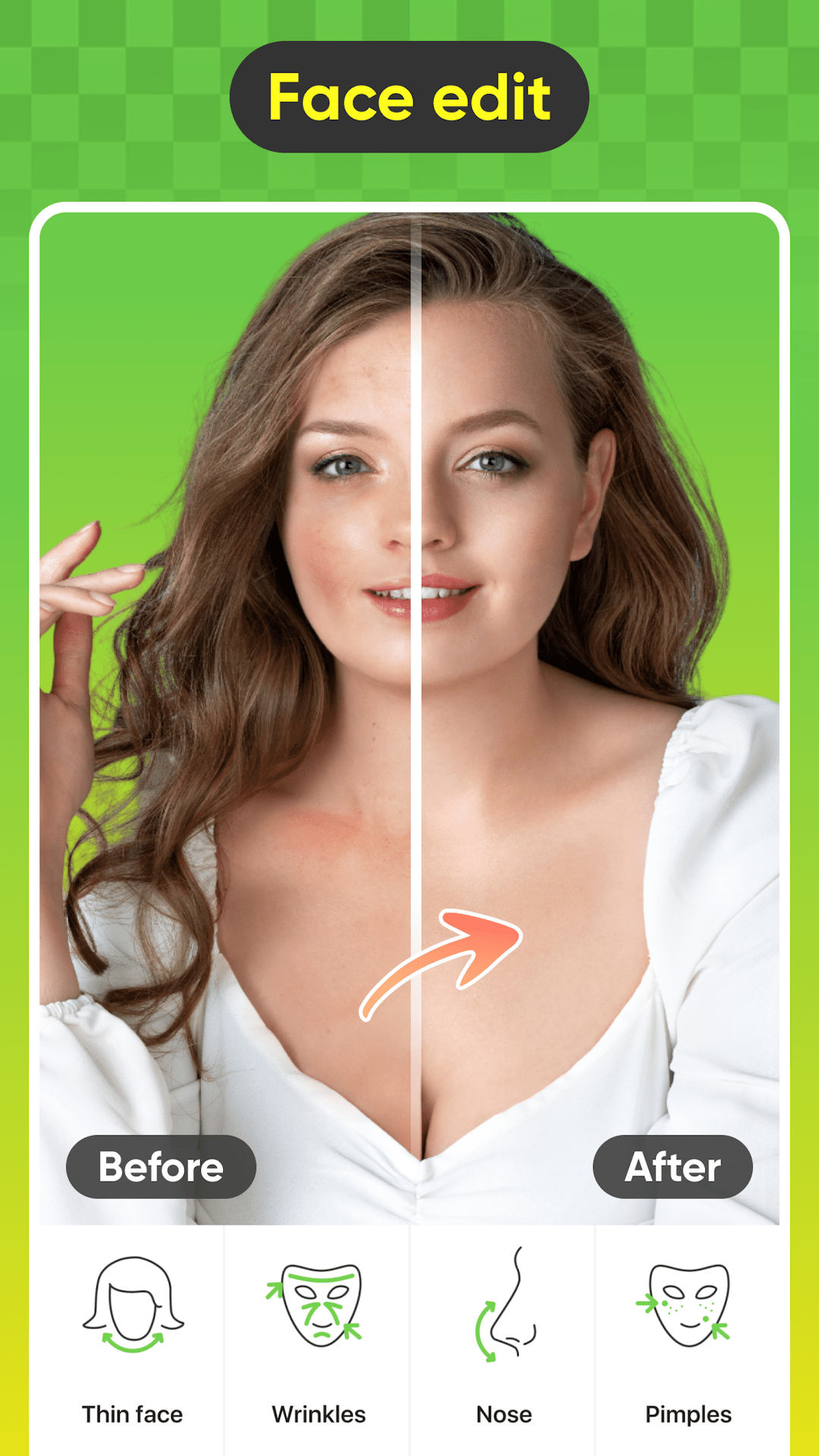
Are you tired of having a nose that doesn’t quite fit your face? Do you wish you could make it smaller, larger, or just more proportional to the rest of your features? You’re in luck! There are several apps available for both Android and iOS devices that can help you modify your nose in photos. In this article, we’ll take a closer look at three such apps: SODA, SNOW, and Peachy.
What Are These Apps All About?
These apps use advanced image editing technology to allow you to make changes to the shape and size of your nose in photos. They’re perfect for anyone who wants to enhance their features or just have a bit of fun with their selfies.
Soda: The Ultimate Nose Modification App
SODA is one of the most popular apps for modifying noses in photos. It’s available for both Android and iOS devices, and it offers a wide range of features that make it easy to edit your nose to perfection. With SODA, you can:
- Narrow or widen your nasal septum
- Resize or adjust the position of your nose
- Change the shape and size of your nostrils
- Even out the bridge of your nose
- And much more!
How to Use Soda
Using SODA is incredibly easy. First, download the app from the Play Store or App Store and launch it on your device. Then, select the photo you want to edit and tap on the “Edit” button. From there, navigate to the “Face” section and choose the “Nose” option. You can then use the various tools provided to make changes to your nose.
Snow: The Fun Way to Modify Your Nose
SNOW is another popular app for modifying noses in photos. It’s available for both Android and iOS devices, and it offers a fun and easy-to-use interface that makes editing your nose a breeze. With SNOW, you can:
- Make changes to the shape and size of your nose
- Add filters and effects to enhance your photo
- Even out the bridge of your nose
- And much more!
How to Use Snow
Using SNOW is just as easy as using SODA. First, download the app from the Play Store or App Store and launch it on your device. Then, select the photo you want to edit and tap on the “Edit” button. From there, navigate to the “Face” section and choose the “Nose” option. You can then use the various tools provided to make changes to your nose.
Peachy: The Professional Photo Editor
Peachy is a more advanced photo editing app that offers a wide range of features for modifying noses in photos. It’s available only for iOS devices, and it’s perfect for anyone who wants to take their photo editing skills to the next level. With Peachy, you can:
- Make changes to the shape and size of your nose
- Add filters and effects to enhance your photo
- Even out the bridge of your nose
- And much more!
How to Use Peachy
Using Peachy is a bit more involved than using SODA or SNOW. First, download the app from the App Store and launch it on your device. Then, select the photo you want to edit and tap on the “Edit” button. From there, navigate to the “Face” section and choose the “Nose” option. You can then use the various tools provided to make changes to your nose.
Programs to Modify Nose on PC
If you prefer to modify your nose on a PC rather than a mobile device, don’t worry! There are several programs available that can help you do just that. Some popular options include:
- Adobe Photoshop
- GIMP
- Canva
These programs offer a wide range of features for editing photos, including the ability to modify noses.
Conclusion
Modifying your nose in photos is easier than ever with the help of apps like SODA, SNOW, and Peachy. These apps use advanced image editing technology to allow you to make changes to the shape and size of your nose, and they’re perfect for anyone who wants to enhance their features or just have a bit of fun with their selfies.
Faqs
- Q: What is Soda?
A: SODA is an app that allows you to modify noses in photos. - Q: How do I Use Soda?
A: To use SODA, simply download the app from the Play Store or App Store and launch it on your device. Then, select the photo you want to edit and tap on the “Edit” button. - Q: What Features Does Soda Offer?
A: SODA offers a wide range of features for modifying noses in photos, including the ability to narrow or widen your nasal septum, resize or adjust the position of your nose, and even out the bridge of your nose. - Q: How do I Use Snow?
A: To use SNOW, simply download the app from the Play Store or App Store and launch it on your device. Then, select the photo you want to edit and tap on the “Edit” button. - Q: What Features Does Snow Offer?
A: SNOW offers a wide range of features for modifying noses in photos, including the ability to make changes to the shape and size of your nose, add filters and effects to enhance your photo, and even out the bridge of your nose. - Q: How do I Use Peachy?
A: To use Peachy, simply download the app from the App Store and launch it on your device. Then, select the photo you want to edit and tap on the “Edit” button. - Q: What Features Does Peachy Offer?
A: Peachy offers a wide range of features for modifying noses in photos, including the ability to make changes to the shape and size of your nose, add filters and effects to enhance your photo, and even out the bridge of your nose. - Q: Can I Modify my Nose on Pc?
A: Yes! There are several programs available that can help you modify your nose on a PC, including Adobe Photoshop, GIMP, and Canva.


