
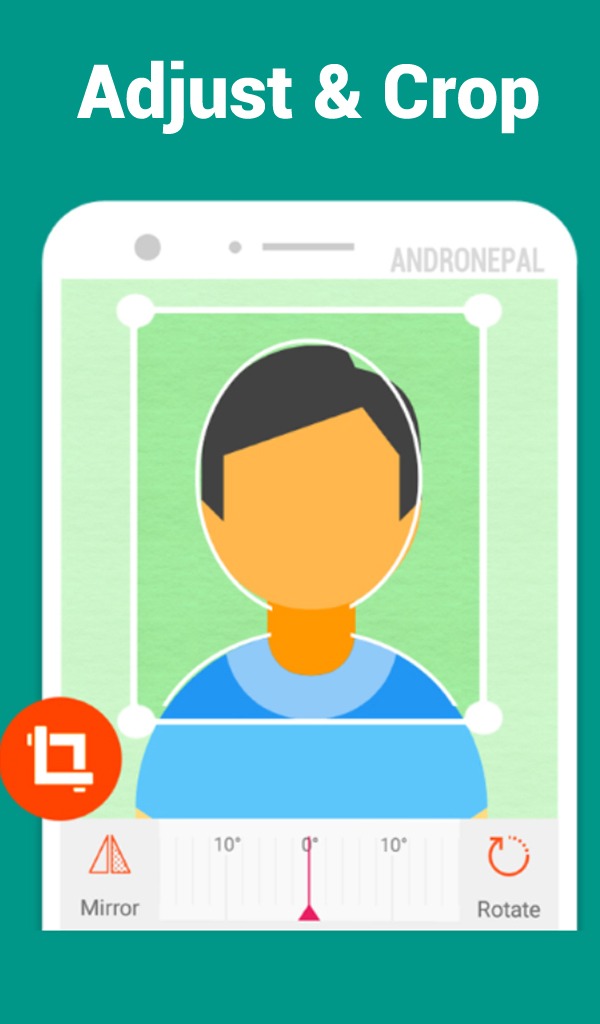
As an individual, it’s essential to have a high-quality photo (also known as an ID photo) that meets the required standards for various documents such as passports, driver’s licenses, and identification cards. While visiting a professional photographer can be convenient, it may not always be feasible or affordable. Fortunately, there are several mobile apps available that can help you create a phototessera in the comfort of your own home.
Benefits of Using Mobile Apps For Phototessera Creation
Before we dive into the specific apps, let’s highlight some benefits of using mobile apps for phototessera creation:
- Convenience: With a mobile app, you can create a phototessera from anywhere, at any time.
- Cost-effective: No need to visit a professional photographer or spend money on expensive software.
- Ease of use: Most mobile apps are user-friendly and easy to navigate.
Top Mobile Apps For Creating a Phototessera
Photographs – Passports, Cards of Identity And Visas (Android)
If you’re using an Android device, this app is an excellent choice. It allows you to create a phototessera using existing photos on your device or by taking a new one. The app also offers additional features like editing and cropping tools.
To use this app:
- Install and launch the app.
- Select the type of document for which you need a phototessera (e.G., Passport, ID card).
- Choose the desired image resolution (300 DPI, 450 DPI, or 600 DPI).
- Take a new photo or select an existing one from your gallery.
- Edit and crop the photo as needed.
- Save and export the phototessera in the required format.
Fototessera. (iOS/iPadOS)
For iOS users, this app is a great option. It’s free to use for three days, after which you’ll need to purchase a subscription for $21.99 Per year.
To use this app:
- Install and launch the app.
- Select the type of document for which you need a phototessera (e.G., Passport, ID card).
- Choose the desired image resolution (300 DPI, 450 DPI, or 600 DPI).
- Take a new photo or select an existing one from your library.
- Edit and crop the photo as needed.
- Save and export the phototessera in the required format.
Other Mobile Apps For Phototessera Creation
There are several other mobile apps available that can help you create a phototessera on both Android and iOS devices. Some of these include:
- PhotoID (Android/iOS/iPadOS): A helpful app for creating ID photos with AI-powered features.
- App Fototessera (Android): An app that allows you to modify the background color of your photo to match the requirements of various documents.
- Fototessere Documents (iOS/iPadOS): An easy-to-use app for creating phototesseras for personal documents.
Tips And Tricks
When using mobile apps for phototessera creation, keep the following tips in mind:
- Use a high-quality image with good lighting and resolution.
- Crop and edit the photo as needed to ensure it meets the required standards.
- Save and export the phototessera in the correct format (e.G., JPEG, PNG).
- Double-check the app’s requirements for the specific document you’re using the phototessera for.
Conclusion
In this article, we’ve explored some of the best mobile apps available for creating a phototessera on both Android and iOS devices. Whether you’re looking for convenience, cost-effectiveness, or ease of use, these apps can help you achieve your goals. Remember to follow the tips and tricks provided to ensure your phototessera meets the required standards.


