
Programs For Portable Drives: A Comprehensive Guide
Are you looking for ways to make your portable drives more versatile? Look no further! In this article, we will explore the world of programs for portable drives, also known as pen drives or USB drives.
What Are Portable Drives?
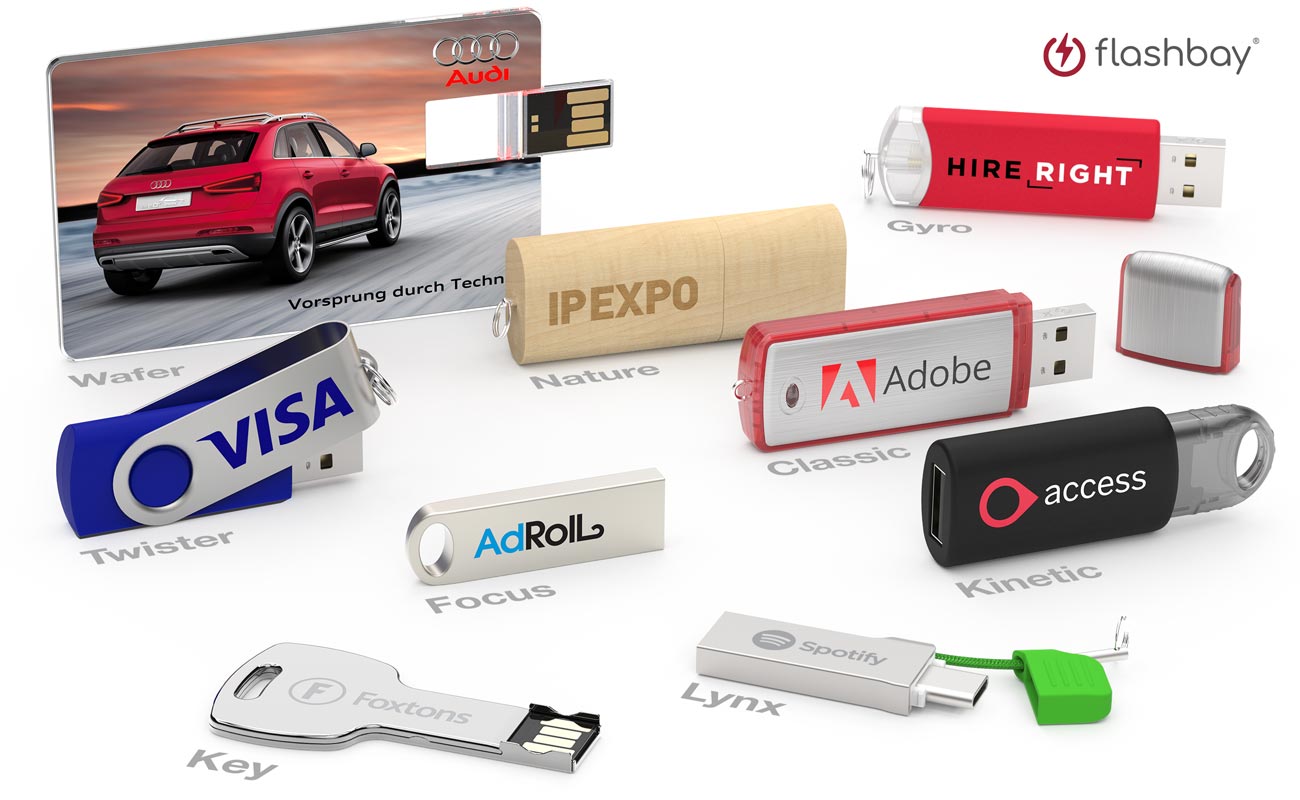
Portable drives are small, self-contained storage devices that can be connected to a computer via a USB port. They come in various sizes and capacities, making them ideal for storing data, documents, and even operating systems.
Why Use Programs on Portable Drives?
Using programs on portable drives can enhance their functionality, security, and convenience. With the right software, you can turn your pen drive into a powerful tool that can:
- Create bootable drives
- Recover corrupted files
- Encrypt sensitive data
- Protect against viruses and malware
Software For Portable Drives: A Closer Look
There are numerous programs available for portable drives, each serving a specific purpose. Let’s take a closer look at some of the most popular ones:
Portable Software Applications
These programs allow you to install multiple applications on your portable drive, making them easily accessible on any computer.
- PortableApps: A comprehensive suite of portable software applications that can be installed directly onto your pen drive.
- LiberKey: Another popular option for installing portable software applications on your USB drive.
- ZeroInstall: A cross-platform solution for managing portable software applications.
Creating Bootable Drives
Sometimes, you may need to create a bootable drive with a live operating system or a specific set of tools. Here are some programs that can help:
- Rufus: A versatile tool for creating bootable drives from ISO images.
- Unetbootin: Another powerful program for creating bootable USB drives from various operating systems and distributions.
- Terminal (macOS): A built-in utility for creating a bootable drive with macOS.
Recovering Damaged Files
If you’ve encountered issues with your portable drive, such as corrupted files or lost data, these programs can help:
- DataRescue: A robust tool for recovering data from damaged drives.
- PhotoRec: A powerful program for recovering photos and other media files.
- Disk Drill: Another effective solution for recovering data from corrupted drives.
Formatting Portable Drives
When you need to format your portable drive, these programs can assist:
- Windows (built-in): The built-in formatting tool in Windows allows you to easily format your USB drive.
- MacOS (built-in): Similarly, the built-in formatting utility on a Mac enables you to format your portable drive.
- EaseUS Partition Manager: A powerful program for partitioning and formatting drives.
Encrypting Sensitive Data
For added security, consider using these programs to encrypt sensitive data:
- VeraCrypt: A robust tool for creating encrypted containers and volumes.
- BitLocker (Windows): A built-in utility for encrypting files on Windows computers.
- Utility Disc (macOS): A convenient program for creating encrypted drives on macOS.
Protecting Your Usb Drive
To safeguard your portable drive from unauthorized access, consider using these programs:
- VeraCrypt: Can be used to create encrypted containers and volumes.
- BitLocker (Windows): Can encrypt files on Windows computers.
- Utility Disc (macOS): Can create encrypted drives on macOS.
By exploring the world of programs for portable drives, you can unlock new possibilities and take your data management to the next level. Whether it’s creating bootable drives, recovering damaged files, or encrypting sensitive information, these tools will help you achieve your goals with confidence.
Conclusion
In conclusion, portable drives are incredibly versatile devices that can be enhanced through the use of various software programs. From creating bootable drives and recovering damaged files to encrypting sensitive data and protecting against unauthorized access, there’s a wide range of options available to suit different needs and preferences.
By choosing the right program for your specific requirements, you can enjoy greater convenience, security, and flexibility when using portable drives.
Frequently Asked Questions (FAQs)
Here are some common questions and answers related to portable drives:
- What is a portable drive?
- How do I install software on my portable drive?
- Can I create a bootable drive with a live operating system?
- What programs can help me recover damaged files from my portable drive?
- How do I format my portable drive for reuse?
- Are there any programs that can encrypt sensitive data on my portable drive?
- Can I protect my USB drive from unauthorized access using software?
- What are some popular programs for managing portable software applications?


