
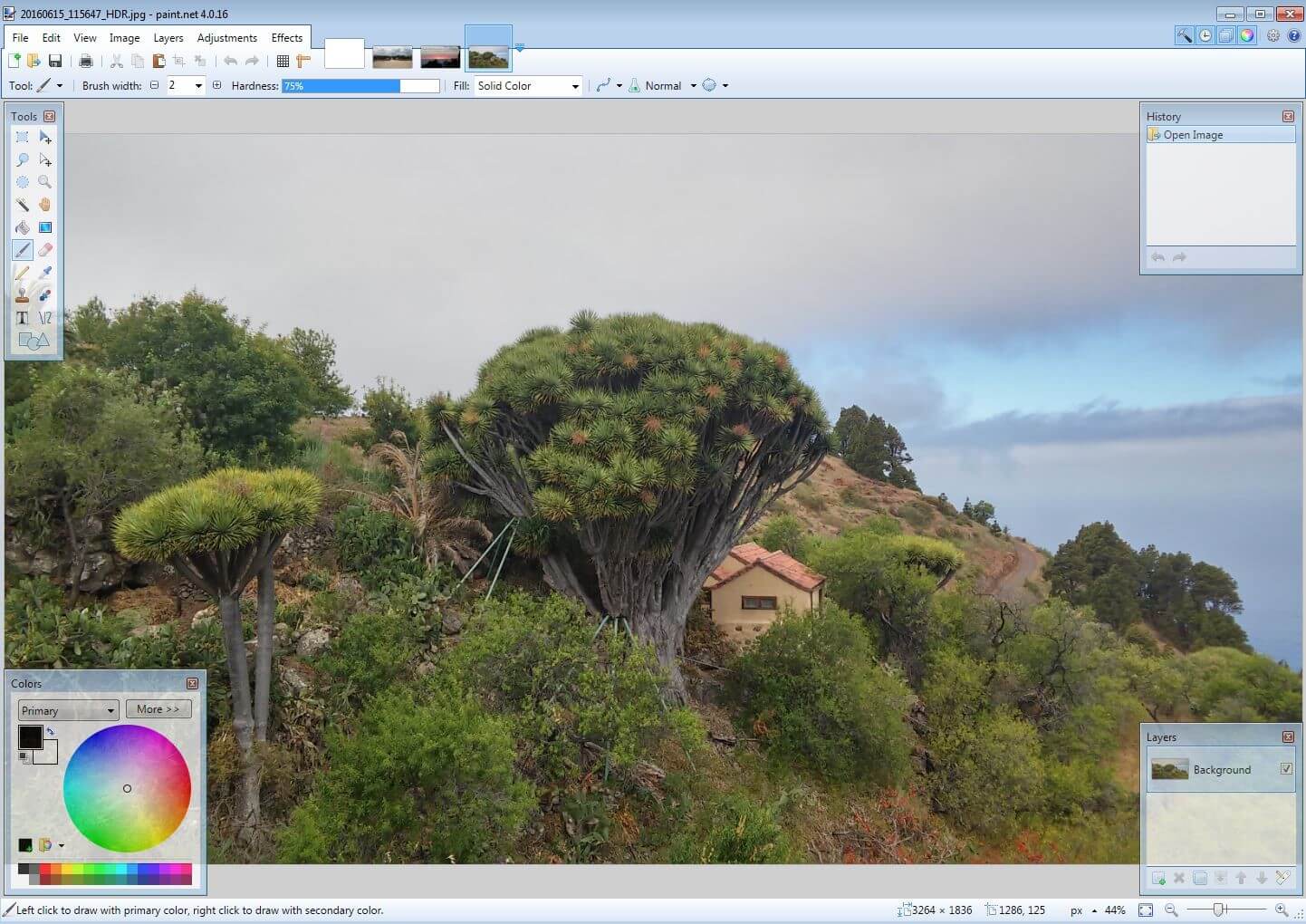
The Ultimate Guide to Photo Editing Software: Top Programs For Stunning Visuals
Are you tired of mediocre photos? Do you want to take your photography game to the next level? Look no further! In this comprehensive guide, we’ll explore the best photo editing software available in the market, covering both free and paid options. From beginner-friendly tools to professional-grade applications, we’ve got you covered.
Why Photo Editing Matters
Before we dive into the nitty-gritty, let’s quickly discuss why photo editing is essential for any photographer or social media enthusiast. A well-edited photo can make all the difference in capturing your audience’s attention and conveying your message effectively. Whether it’s a vacation snap, a product showcase, or a simple selfie, editing your photos can enhance their aesthetic appeal, correct imperfections, and add a touch of creativity.
Top Photo Editing Software For Windows, Macos, And Linux
- Gimp (GNU Image Manipulation Program): A free and open-source editor that’s available on all three platforms. GIMP offers a vast array of tools, filters, and effects to help you achieve professional-grade results.
- Xnretro: A user-friendly editor with a retro-style interface that’s perfect for applying vintage filters and effects to your photos.
- Adobe Photoshop: The industry-standard photo editing software that’s available on Windows, macOS, and Linux. While it comes with a price tag, Photoshop offers unparalleled features and functionality.
Free Photo Editing Software
- Canva: A web-based editor that’s perfect for beginners and non-designers. Canva offers a user-friendly interface, a vast library of templates, and a wide range of editing tools.
- Yogile: An online editor that allows you to apply Instagram-style filters and effects to your photos without needing any software installation.
- Polarr: A web-based editor that offers a comprehensive set of features, including filter applications, manual adjustments, and batch editing.
Mobile Apps For Photo Editing
- Snapseed: A popular mobile app developed by Google that’s available on Android, iOS, and iPadOS. Snapseed offers advanced editing tools, filters, and effects to help you achieve professional-grade results.
- Vsco: A well-known photo editing app that’s perfect for applying creative filters and effects to your photos. VSCO is available on Android, iOS, and iPadOS.
Photo Lab
A mobile app that allows you to apply a wide range of filters and effects to your photos, with the added feature of creating photomontages.
Why Choose These Software?
- Ease of Use: Most of these software options are user-friendly and easy to navigate, even for beginners.
- Features And Functionality: They offer a comprehensive set of features, including editing tools, filters, effects, and batch editing capabilities.
- Availability: They’re available on various platforms, including Windows, macOS, Linux, Android, iOS, and iPadOS.
Conclusion
In this article, we’ve explored the best photo editing software available in the market. Whether you’re a beginner or a seasoned photographer, these options will help you take your photos to the next level. Remember, photo editing is an art that requires patience, creativity, and practice. Experiment with different tools and techniques to find what works best for you.
Frequently Asked Questions
- What’s The Best Photo Editing Software For Beginners?
Canva and GIMP are excellent choices for beginners due to their user-friendly interfaces and comprehensive feature sets. - How do I Apply Filters And Effects to my Photos?
Most of these software options have a “Filters” or “Effects” section where you can browse through various presets and apply them to your photos. - Can I Edit Multiple Photos at Once?
Yes, most of these software options offer batch editing capabilities that allow you to edit multiple photos simultaneously. - Are There Any Free Photo Editing Software Available?
Yes, Canva, GIMP, XnRetro, and Yogile are just a few examples of free photo editing software available in the market. - Can I Use These Software on my Mobile Device?
Yes, Snapseed, VSCO, and Photo Lab are popular mobile apps that allow you to edit your photos on-the-go.
Get Editing!
Remember, the key to mastering photo editing is practice and experimentation. Try out different tools and techniques, and don’t be afraid to make mistakes. Happy editing!


