
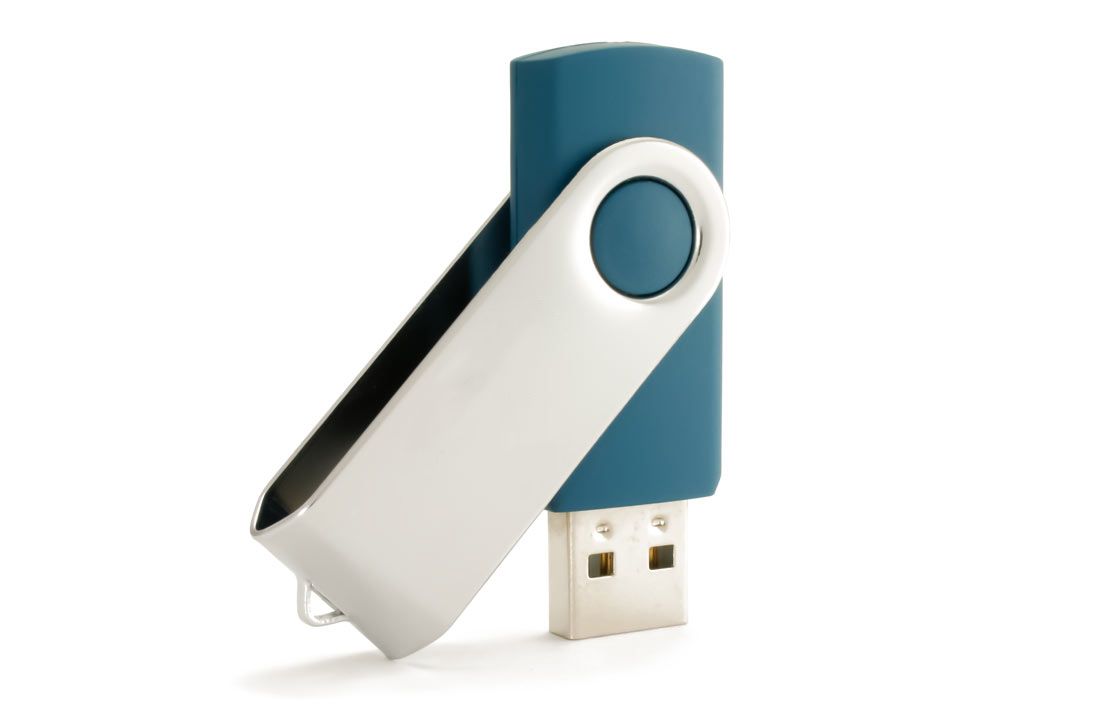
Software Portabili For Pen Drive: A Comprehensive Guide
Are you tired of carrying heavy laptops or computers around? Do you want to have access to your favorite software programs without having to install them on your device? Look no further than portable software for pen drives! In this article, we will explore the world of portable software and provide a comprehensive guide on how to use it.
What Are Portable Software Programs?
Portable software programs are applications that can be run directly from a USB drive or other removable storage devices without requiring installation on the host computer. These programs are designed to be self-contained and do not require any modifications to the host system, making them ideal for use in shared or public computers.
Benefits of Portable Software Programs
The benefits of portable software programs are numerous:
- Convenience: You can carry your favorite software programs with you wherever you go, without having to worry about installation or configuration.
- Flexibility: Portable software programs can be used on any Windows-based computer, regardless of the operating system version or hardware specifications.
- Security: By running portable software programs from a USB drive, you avoid installing executable files directly onto your host machine, reducing the risk of malware infections.
How to Use Portable Software Programs
Using portable software programs is relatively straightforward:
- Download the desired software program from a reputable source and save it to your USB drive.
- Insert the USB drive into the target computer and run the program by double-clicking on its executable file.
- Follow the on-screen instructions to configure and use the program as needed.
Popular Portable Software Programs
Here are some popular portable software programs across various categories:
Audio And Video
- Audacity: A free, open-source audio editor that supports multiple formats and integrates various filters and effects.
- Vlc Media Player: A versatile media player that can play back almost any type of video or audio file.
- Avidemux: A video editor that allows you to modify your filmed videos.
Images
- Gimp: A free, open-source image editor that offers advanced features and filters.
- Irfanview: A lightweight image viewer that supports various image formats.
- Hyperdesktop: A tool for capturing screenshots of the host computer’s screen.
Internet And Communication
- Mozilla Thunderbird: A email client designed specifically for use on USB drives.
- Mozilla Firefox: A popular web browser available in a portable version.
- Google Chrome: A lightweight web browser ideal for presentations and other tasks.
Productivity
- Libreoffice: A suite of office software that includes word processing, spreadsheet, and presentation tools.
- Abiword: A free, open-source word processor similar to Microsoft Word.
- Speedcrunch: A scientific calculator that allows you to perform calculations directly from your USB drive.
Security
- Pwgen: A password generator that produces random passwords for secure login.
- Cybershredder: A tool for erasing files securely and irretrievably.
- Rkill: A program that helps remove malware infections on the host computer.
- Adwcleaner: A software that cleans up adware and other malicious programs from your PC.
Conclusion
Portable software programs offer a convenient and flexible way to access your favorite applications without installation. By following this guide, you can explore the world of portable software and find the tools that best suit your needs. Whether you’re a student, professional, or simply someone who wants to stay organized, portable software is an excellent choice for anyone looking to simplify their computing experience.
Frequently Asked Questions
Here are some frequently asked questions about portable software programs:
- Q: Are Portable Software Programs Safe to Use?
A: Portable software programs are generally safe to use as they do not require installation on the host computer, reducing the risk of malware infections. - Q: Can I Run Portable Software Programs on Any Windows-based Computer?
A: Yes, you can run portable software programs on any Windows-based computer without worrying about compatibility issues. - Q: Do Portable Software Programs Consume Disk Space?
A: Portable software programs do not require installation and thus do not consume disk space. - Q: Can I Use Multiple Portable Software Programs at Once?
A: Yes, you can run multiple portable software programs simultaneously without conflicts or issues.
We hope this article has provided a comprehensive overview of portable software programs and their benefits. Whether you’re looking for audio editing tools, productivity software, or security solutions, there’s a wealth of options available in the world of portable software. Happy computing!


