
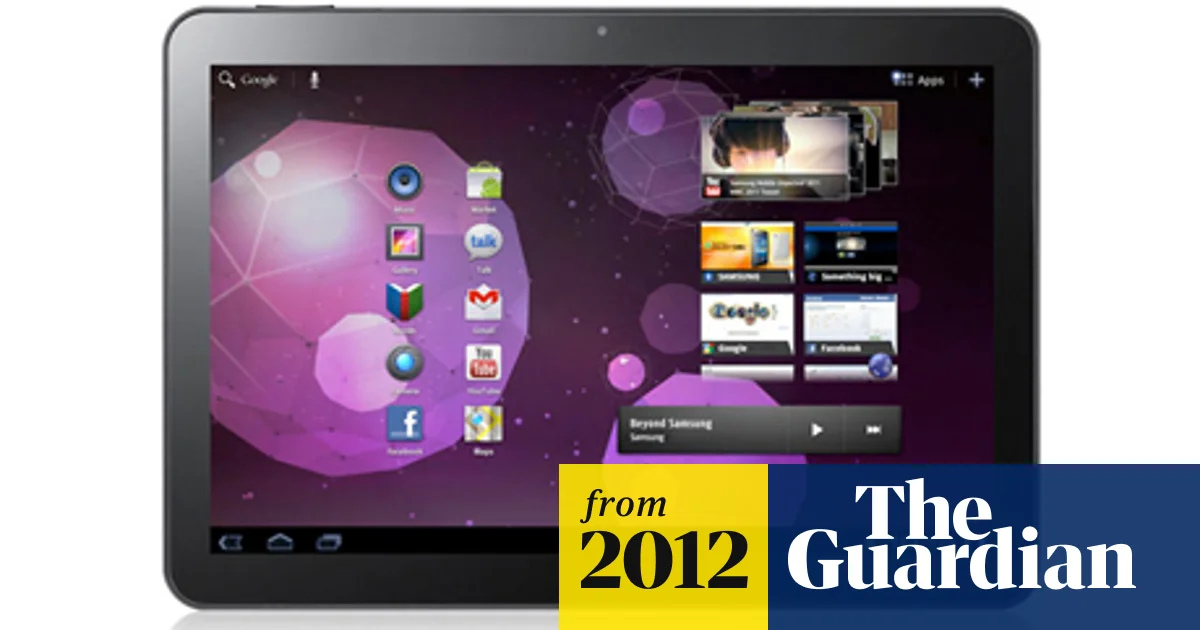
The Ultimate Guide to Android Tablet Programs: Boosting Productivity And Entertainment
Are you looking for ways to enhance your Android tablet experience? Look no further! In this comprehensive guide, we will explore the best programs available for Android tablets, covering internet browsing, productivity, streaming video, music, drawing, safety, maintenance, and personalization.
Table of Contents
- Programs For Internet Browsing
- Programs For Productivity
- Programs For Streaming Video
- Programs For Music
- Programs For Drawing
- Programs For Safety, Maintenance, And Personalization
- Conclusion
- Frequently Asked Questions (FAQs)
1. Programs For Internet Browsing
Android tablets are ideal devices for browsing the internet on-the-go. Here are some top programs for internet browsing:
- Google Chrome: The browser of choice for Android users, offering seamless navigation and synchronization across devices.
- Microsoft Edge: A feature-rich browser that offers a smooth user experience and integration with Microsoft services.
- Gmail: The official email app from Google, providing a comprehensive range of features, including video conferencing and reminders.
2. Programs For Productivity
Android tablets can be highly productive devices, perfect for work or study. Here are some top programs for productivity:
- Microsoft Word: A powerful word processing app that integrates seamlessly with Microsoft services.
- Adobe Reader: A mobile version of the popular PDF reader, offering a range of features and compatibility with various file formats.
- Documents Google: A free app from Google, providing a comprehensive range of features for document creation and editing.
3. Programs For Streaming Video
Android tablets are perfect for streaming video content on-the-go. Here are some top programs for streaming video:
- Youtube: The official YouTube app, offering an extensive library of videos, live streams, and more.
- Netflix: A popular streaming service that offers a vast collection of movies, TV shows, documentaries, and original content.
- Amazon Prime Video: A premium streaming service that provides access to exclusive content, including original series and movies.
4. Programs For Music
Android tablets can be used as music players or entertainment devices. Here are some top programs for music:
- Spotify: A popular music streaming service that offers a vast library of songs, playlists, and podcasts.
- Amazon Music: A comprehensive music streaming service that provides access to millions of songs, playlists, and radio stations.
- Youtube Music: A dedicated music streaming app from Google, offering an extensive library of songs, albums, and playlists.
5. Programs For Drawing
Android tablets can be used as drawing devices or art tools. Here are some top programs for drawing:
- Sketchbook: A powerful drawing app that offers a range of features, including pencils, brushes, and layers.
- Bamboo Paper: A user-friendly drawing app that provides access to a virtual canvas, perfect for sketching and creativity.
- Infinite Painter: A free drawing app that offers advanced tools and features, making it an ideal choice for artists.
6. Programs For Safety, Maintenance, And Personalization
Android tablets require regular maintenance and security updates to ensure optimal performance. Here are some top programs for safety, maintenance, and personalization:
- Google Play Pass: A subscription-based service that offers access to a vast library of apps, games, and other content without ads or in-app purchases.
- Files Google: A file manager app that provides access to files stored on the device, as well as online storage services like Google Drive.
- Nova Launcher: A highly customizable launcher app that offers advanced features, including icon packs and gesture support.
Conclusion
In this comprehensive guide, we have explored some of the best programs available for Android tablets. Whether you’re looking to boost productivity, entertainment, or safety, there’s an app out there for you.
If you have any questions or need further assistance, please don’t hesitate to contact us. Happy tablet-ing!
Frequently Asked Questions (FAQs)
- What is the best browser for Android tablets?
- Google Chrome offers seamless navigation and synchronization across devices.
- Which drawing app is best suited for artists?
- Infinite Painter provides advanced tools and features, making it an ideal choice for artists.
-
How can I protect my tablet from viruses and malware?
- Regularly update your device with the latest security patches, and use a reputable antivirus app to scan for threats.
-
What is Google Play Pass, and how does it work?
- Google Play Pass is a subscription-based service that offers access to a vast library of apps, games, and other content without ads or in-app purchases.
-
Can I customize my tablet’s launcher to improve productivity?
- Yes, you can use a custom launcher like Nova Launcher to enhance your tablet’s performance.
-
Are there any free apps available for Android tablets that offer advanced features?
- Yes, many free apps provide impressive features, such as Google Docs, Adobe Reader, and Sketchbook.


