
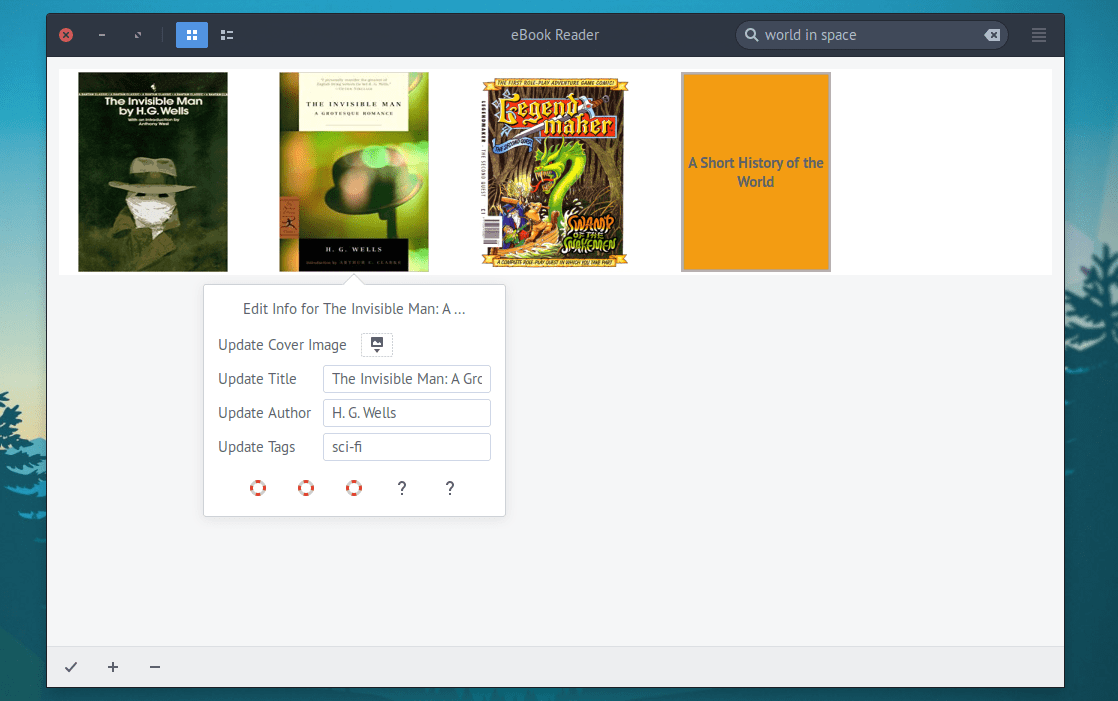
Unlocking The Power of Epub Files: A Comprehensive Guide
Are you tired of dealing with multiple file formats when it comes to reading digital books? Look no further than ePUB files, a widely-supported format that allows for effortless sharing and consumption across various devices.
In this article, we’ll delve into the world of ePUB files, exploring what they are, their benefits, and how to use them. We’ll also discuss some top-notch software programs designed specifically for managing and converting these files.
What is an Epub File?
An ePUB file, short for electronic publication, is a digital book that utilizes an open standard based on XML (Extensible Markup Language) to provide dynamic texts optimized for visualization on eBook readers, tablets, smartphones, and PCs. EPUB files are designed to be flexible and adaptable, making them an ideal choice for authors and publishers.
Benefits of Using Epub Files
So, why choose ePUB files over other formats? Here are just a few compelling reasons:
- Cross-platform Compatibility: EPUB files can be easily read on a wide range of devices, including eBook readers, tablets, smartphones, and PCs.
- Flexibility: EPUB files allow for dynamic text formatting and styling, ensuring an optimal reading experience across different platforms.
- Wide Adoption: EPUB files are widely supported by most eBook readers, making them an ideal choice for authors and publishers.
Software Programs For Managing Epub Files
While ePUB files are relatively easy to work with, there are some fantastic software programs designed specifically for managing and converting these files. Let’s take a closer look at some of the top contenders:
Calibre (Windows/MacOS/Linux)
Calibre is an exceptional program for managing electronic books freely. It allows you to create a catalogue of eBooks with flexible settings, download information on books from the Internet, convert between leading digital book formats (ePub, PDF, etc.), Visualize eBooks, and modify metadata.
Supports all leading eBook readers that can synchronize your bookshop with these devices.
Available for Windows, MacOS, and Linux operating systems.
Microsoft Edge (Windows/MacOS/Linux)
Microsoft Edge, the default browser on Windows, is also available on MacOS, Linux, and mobile devices. It features reading support for ePUB files, making it an excellent choice for those who already use this browser.
To enable ePUB file support in Microsoft Edge:
- Check for updates to ensure you have version Canary 117.0.1989.0 Or later.
- Disable fast start by navigating to Settings > System and performance, then toggle off the Fast start option.
- Close and reopen Microsoft Edge.
- Right-click on the Microsoft Edge icon on your desktop and select Properties.
- Add the following line to the end of the Target field: –Enable-features=msEdgeEpubReaderEnabled
- Apply changes and restart Microsoft Edge.
Fbreader (Windows/MacOS/Linux)
FBReader is an excellent free eBook reader that supports ePUB files, making it a great choice for those who want to read digital books in this format.
To download FBReader:
- Access the Microsoft Store or Mac App Store.
- Search for FBReader and click on the result.
- Click Install (Microsoft Store) or Get (Mac App Store).
Books (macOS)
Books is the default application for reading and managing eBooks on MacOS devices. It supports ePUB files and offers a simple, intuitive interface.
To read an ePUB file using Books:
- Double-click on the ePUB file icon.
- If Books is not set as the default application, right-click on the file and select Open with > Books.
- Alternatively, open Books from Launchpad and add the ePUB file to your bookshop by selecting Add to Library.
Converting Epub Files
While ePUB files are widely supported, there may be situations where you need to convert them to other formats. Here’s how you can do it using Calibre or online converters like Convertio:
- Open Calibre and select the ePUB file you want to convert.
- Click on the Convert Books button in the top navigation bar.
- Choose the output format (e.G., PDF) and adjust any necessary settings.
Alternatively, use an online converter like Convertio:
- Upload your ePUB file to the Convertio website.
- Select the desired output format (e.G., PDF).
- Click on the Convert button and wait for the conversion process to complete.
Downloading Epub Files
Now that you know how to work with ePUB files, where can you find them? Here are some reputable websites that offer free ePUB downloads:
- Liber Liber: A historical digital book portal that promotes cultural diffusion and free expression.
- Project Gutenberg: One of the largest collections of eBooks available online, featuring public domain works or those with expired copyrights.
- Open Library: An Internet Archive project dedicated to literature, offering a vast collection of public domain books in various languages.
Conclusion
EPUB files offer an excellent way to manage and consume digital books across multiple platforms. By utilizing software programs like Calibre, Microsoft Edge, FBReader, or Books, you can easily convert, read, and share ePUB files with others.
Remember to explore reputable websites for free ePUB downloads, ensuring that you have access to a vast library of public domain works and other freely available eBooks.
Frequently Asked Questions (FAQs)
- What is an Epub File?
An ePUB file is a digital book format based on XML that allows for dynamic text formatting and styling. - Why Choose Epub Files Over Other Formats?
EPUB files offer cross-platform compatibility, flexibility, and wide adoption. - Which Software Programs Support Epub Files?
Calibre, Microsoft Edge, FBReader, and Books are excellent choices for managing and reading ePUB files. - How do I Convert an Epub File to Another Format?
Use Calibre or online converters like Convertio to convert ePUB files to other formats. - Where Can I Download Free Epub Files?
Visit reputable websites like Liber Liber, Project Gutenberg, and Open Library for a vast collection of public domain works and freely available eBooks.
We hope this comprehensive guide has helped you unlock the power of ePUB files!


