
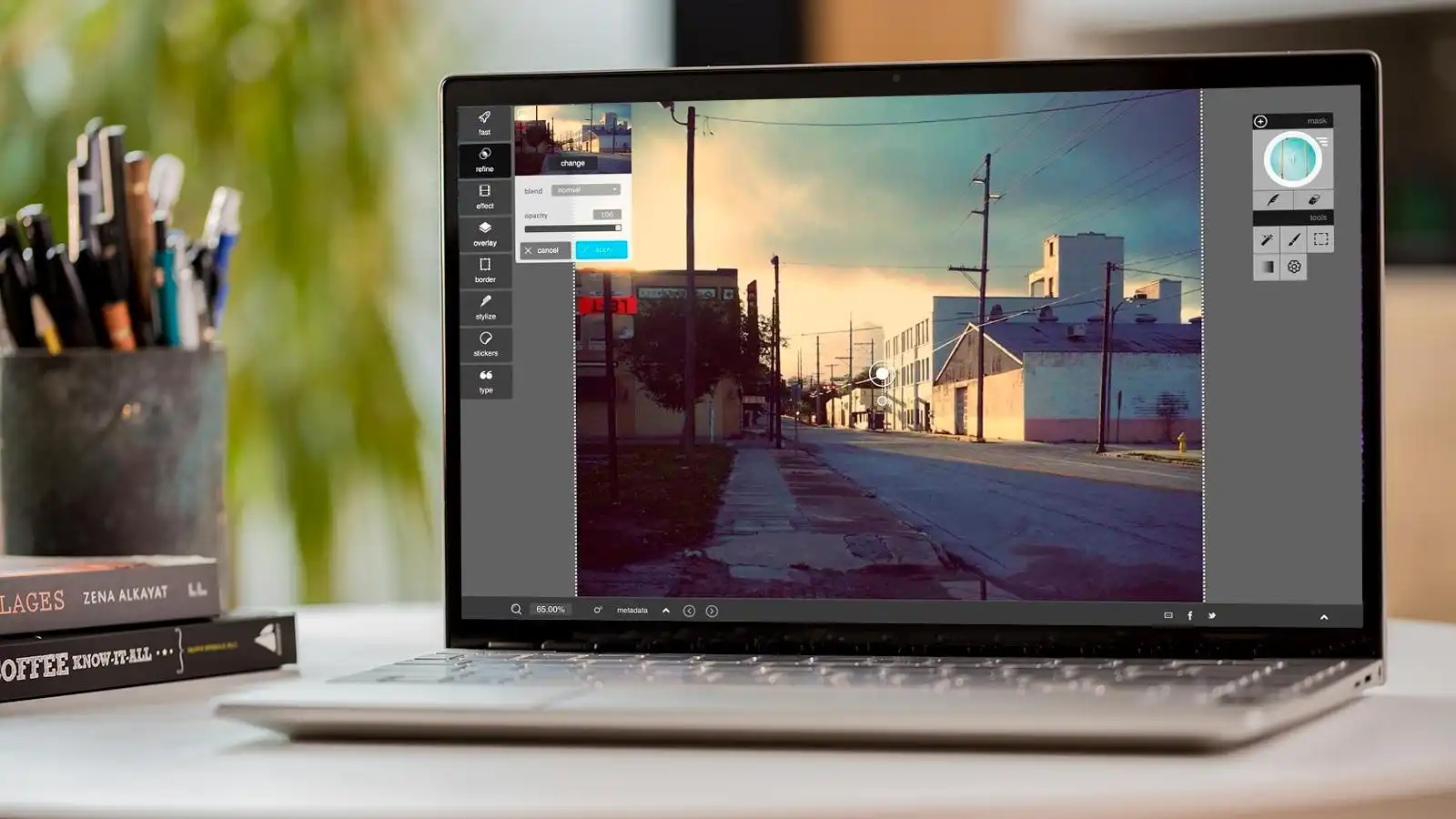
How to Create a Fotomontaggio: A Step-by-step Guide
Are you looking for a way to create a unique and eye-catching image by superimposing photos? Look no further! In this article, we will guide you through the process of creating a fotomontaggio using various software and online tools.
What is a Fotomontaggio?
A fotomontaggio is an Italian term that refers to a composite image created by combining two or more photographs. This technique allows you to combine elements from different photos, create new scenes, and experiment with unique visual effects.
Programs to Superimpose Photos
There are several programs available that allow you to superimpose photos. Here are some of the most popular ones:
- Gimp: A free and open-source image editing software that is widely regarded as one of the best alternatives to Adobe Photoshop.
- Photoshop: A professional-grade image editing software that offers advanced features for creating high-quality images.
- Paint.Net: A free image editing software that offers a range of tools for editing and manipulating photos.
Online Programs
If you’re looking for online programs to superimpose photos, here are some options:
- Photopea: A web-based photo editor that allows you to create and edit images directly in your browser.
- Remove.Bg: An AI-powered tool that automatically removes the background from an image, making it perfect for creating photomontaggi.
Mobile Apps
If you’re looking for mobile apps to superimpose photos, here are some options:
- Snapseed: A powerful photo editing app that offers advanced tools for editing and manipulating images.
- Photo Layers: An Android app that allows you to combine multiple photos into a single image.
Step-by-step Guide
Here’s a step-by-step guide on how to create a fotomontaggio using Photopea:
- Open the Photopea website in your browser and log in with your account.
- Click on the “Open” button to select an image from your computer or upload one from the internet.
- Once the image is loaded, click on the “Edit” tab and select the “Merge Layers” option.
- Choose the second image you want to merge with the first one and adjust its opacity and position as desired.
- Click on the “Export” button to save your new merged image.
Tips And Tricks
- Experiment with different layer blending modes and opacity levels to achieve unique visual effects.
- Use the undo feature frequently to test different combinations of images without losing any progress.
- Don’t be afraid to experiment and try out new things – it’s all part of the creative process!
Conclusion
Creating a fotomontaggio is a fun and creative way to experiment with photography and image editing. With these step-by-step guides, you’ll be able to create stunning composite images using various software and online tools.
Here are some frequently asked questions about creating a fotomontaggio:
- Q: What is the best program for superimposing photos?
A: The best program for superimposing photos depends on your personal preferences and needs. GIMP, Photoshop, and Photopea are all popular options. - Q: Can I use mobile apps to create a fotomontaggio?
A: Yes, there are several mobile apps available that allow you to create photomontaggi, such as Snapseed and Photo Layers. - Q: What is the best way to combine images in a fotomontaggio?
A: The best way to combine images in a fotomontaggio depends on your creative vision. Experiment with different layer blending modes, opacity levels, and position adjustments to achieve unique visual effects.
I hope this article has provided you with the information and guidance you need to create stunning fotomontaggi. Happy creating!


