
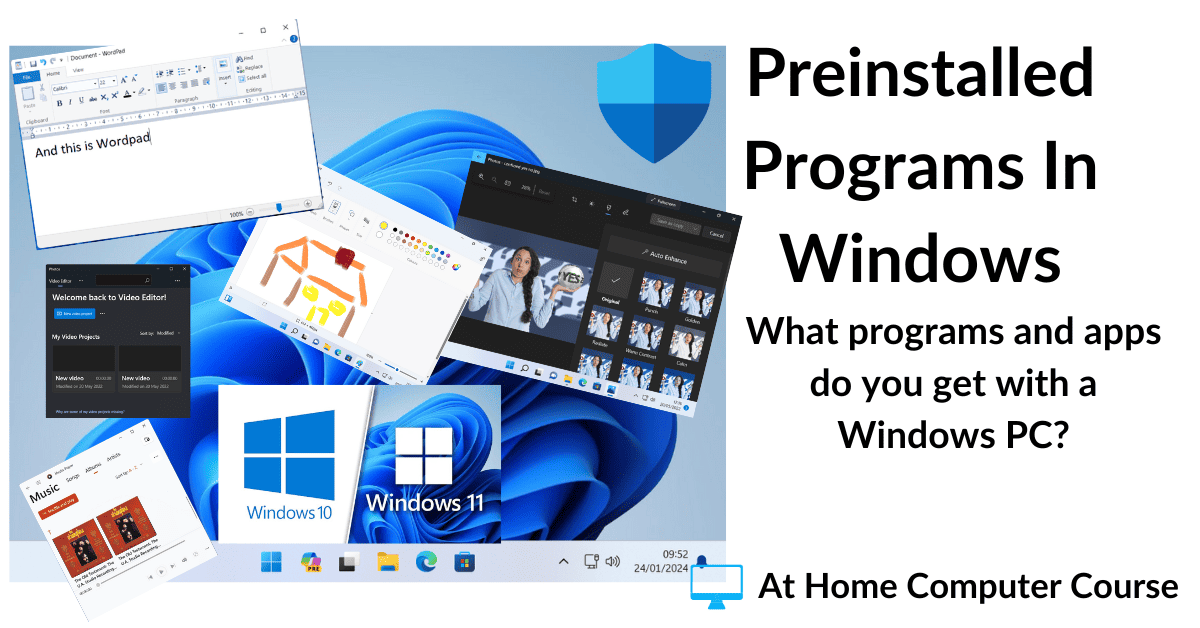
Windows 10: The Ultimate Guide to Essential Software
Are you a new Windows 10 user looking for the best software to enhance your experience? Look no further! In this comprehensive guide, we’ll take you through the top programs for productivity, internet browsing, safety, and more.
Programs For Internet on Windows 10
- Google Chrome: The most popular browser in the world, Google Chrome is free, fast, and highly customizable.
- Mozilla Firefox: A historical browser with a strong reputation, Mozilla Firefox is open-source, discreetly swift, and highly personalized.
- Microsoft Outlook: A professional email client developed by Microsoft, Microsoft Outlook offers advanced features like filtering and prioritization.
Programs For Productivity on Windows 10
- Microsoft Office: The ultimate productivity suite, Microsoft Office includes Word, Excel, PowerPoint, and more.
- Libreoffice: A free and open-source alternative to Microsoft Office, LibreOffice is compatible with most file formats.
- Naps2: A top-notch scanner program that digitizes documents and photographs.
Programs For Safety on Windows 10
- Windows Defender: The built-in antivirus software from Microsoft, Windows Defender is effective against malware and viruses.
- Avast Free: A free antivirus program with a robust scanning system, Avast Free protects your PC from threats.
- Avg Free: Another top-notch antivirus program that scans for malware, AVG Free is a reliable choice.
Programs to Optimize Windows 10
- Cleaning Disc: A built-in utility to delete temporary files and free up space on your hard drive.
- Disk Cleanup: A tool to remove unnecessary files and optimize your PC’s performance.
- Ccleaner: A popular program that cleans temporary files, cache, and other unwanted data.
Programs For Video Editing on Windows 10
- Avidemux: A free video editor with advanced features like direct streaming and full processing.
- Kdenlive: A professional-grade video editor that supports multiple formats and effects.
- Adobe Premiere Pro: A top-notch video editing software developed by Adobe, perfect for professionals.
Programs For Music on Windows 10
- Audacity: A popular free program for audio editing with a user-friendly interface.
- Adobe Audition: A professional-grade audio editor from Adobe, perfect for music production and processing.
- Spotify: A world-renowned music streaming service that’s now available as an app on Windows 10.
Other Helpful Programs
- Handbrake: A free program to convert videos and rip DVDs.
- Recuva: A useful tool to recover deleted files from your hard drive or external drives.
- Imgburn: A top-notch burning software for CDs, DVDs, and Blu-rays.
Conclusion
In this comprehensive guide, we’ve covered the best programs for productivity, internet browsing, safety, video editing, music production, and more on Windows 10. Whether you’re a beginner or an expert, these programs will help you get the most out of your operating system.
Frequently Asked Questions (FAQs)
- Q: What is The Best Antivirus Software For Windows 10?
A: The built-in Windows Defender is effective against malware and viruses. - Q: Which Video Editing Software is Best For Beginners?
A: Avidemux or Kdenlive are great options for beginners, offering advanced features without overwhelming complexity. - Q: Can I Recover Deleted Files Using Recuva?
A: Yes, Recuva can help you recover deleted files from your hard drive or external drives. - Q: How do I Optimize my Windows 10 Pc’s Performance?
A: Use the built-in Disk Cleanup tool or install CCleaner to remove temporary files and clean up cache. - Q: Which Music Streaming Service is Best For Me?
A: Spotify, Apple Music, or Google Play Music are popular options, offering vast music libraries and user-friendly interfaces. - Q: Can I Create Video Content Using Windows 10’s Built-in Programs?
A: Yes, you can use the built-in Video Editor to create simple videos or edit existing ones. - Q: Which Image Editor is Best For Beginners?
A: GIMP or IrfanView are great options for beginners, offering user-friendly interfaces and advanced features.
Final Thoughts
In conclusion, these programs will enhance your Windows 10 experience, making it more productive, efficient, and enjoyable. Remember to take advantage of the built-in tools and apps, which can save you time and effort.


