
How to Find Forgotten Passwords: A Comprehensive Guide
Are you tired of struggling to remember your passwords? Do you find yourself stuck on a login page, unable to recall the password you set months ago? Don’t worry, you’re not alone! Forgetting passwords is a common problem, but there are solutions available.
In this article, we’ll explore various programs and methods that can help you recover forgotten passwords. Whether it’s your Wi-Fi password, Gmail account, Excel file, RAR archive, or PDF document, we’ve got you covered.
Programs to Find Passwords
There are numerous programs available that can aid in recovering forgotten passwords. Here are some of the most popular ones:
Wifi Password Recovery
- Windows: Use the Windows Control Panel to access your Wi-Fi settings and retrieve your password.
- Macos: Access your system preferences, go to Network, select the Wi-Fi network you’re connected to, click on the “…” Button next to it, then click on “Join” again. Your password will be displayed.
Gmail Password Recovery
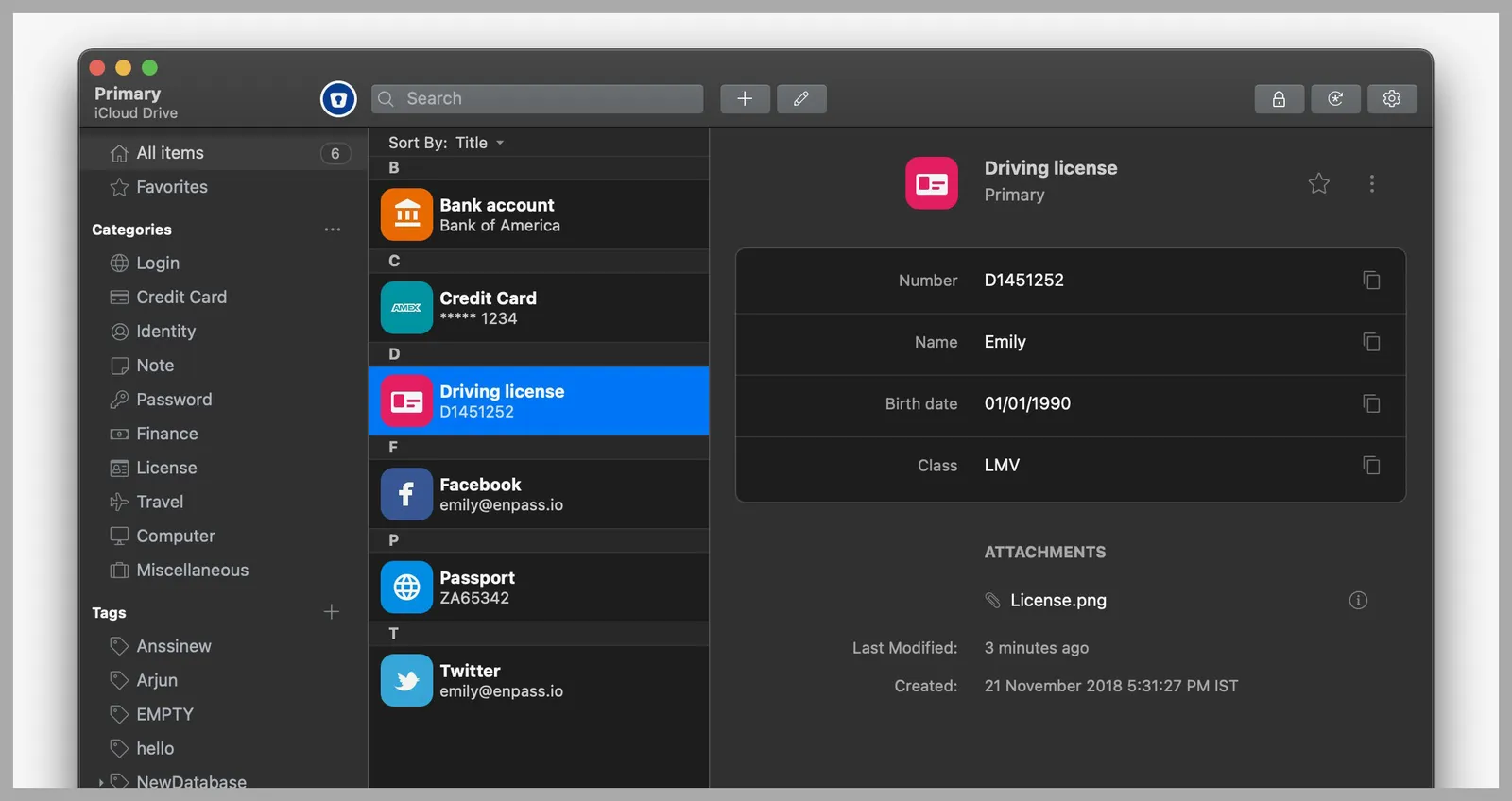
If you’ve forgotten your Gmail password and can’t access your account, use a password manager like LastPass or 1Password to recover your password.
Excel Password Recovery
To find the password of an Excel file, you can use software like PassFab for Excel. This program offers three recovery options: Dictionary Attack, Brute Force Attack with Mask, and Brute Force Attack. The free version allows you to check if the software can retrieve the password, but it won’t display it.
Rar Password Recovery
If you’re struggling to remember the password of an RAR archive, try using online services like LostMyPass or PassFab for RAR. These tools allow you to recover passwords in a matter of minutes.
Zip Password Recovery
To find the password of a ZIP file, use software like John The Ripper available for Kali Linux. This program uses brute-force attacks to crack the password.
Pdf Password Recovery
If you’ve forgotten the password of a PDF document, try using services like iLovePDF or PDFCrack. These tools can help you recover passwords, but be aware that complex passwords may require extensive processing time.
Tips And Tricks
- Use strong passwords: Avoid using easily guessable passwords and opt for complex combinations instead.
- Keep your password manager up-to-date: Ensure your password manager software is updated to the latest version for maximum security.
- Store passwords securely: Consider storing your passwords in a secure location, such as an encrypted folder or a password-protected note.
Conclusion
Recovering forgotten passwords can be frustrating, but it’s not impossible. By using the right programs and methods, you can regain access to your accounts and files. Remember to use strong passwords, keep your password manager updated, and store your passwords securely to minimize the risk of forgetting them again.
Faqs
Here are some frequently asked questions related to finding forgotten passwords:
Q: What should I do if I forget my Wi-Fi password?
A: Check your Windows Control Panel or macOS system preferences to access your Wi-Fi settings and retrieve your password.
Q: How can I recover my Gmail password?
A: Use a password manager like LastPass or 1Password to recover your password. If you’re unable to access your account, contact Google support for assistance.
Q: What software can help me find the password of an Excel file?
A: Try using PassFab for Excel, which offers three recovery options: Dictionary Attack, Brute Force Attack with Mask, and Brute Force Attack.
Q: How do I recover the password of a RAR archive?
A: Use online services like LostMyPass or PassFab for RAR to recover your password. Be aware that complex passwords may require extensive processing time.
Q: What software can help me find the password of a ZIP file?
A: Use John The Ripper available for Kali Linux, which uses brute-force attacks to crack the password.
Q: How do I recover the password of a PDF document?
A: Try using services like iLovePDF or PDFCrack to recover your password. Be aware that complex passwords may require extensive processing time.
References
- Passfab For Excel: A software program designed to help you find the password of an Excel file.
- Lostmypass: An online service that allows you to recover forgotten passwords, including those for RAR archives and ZIP files.
- John The Ripper: A free software available for Kali Linux that uses brute-force attacks to crack passwords.
- Pdfcrack: A software program designed to help you find the password of a PDF document.
Feel free to ask me any questions or request further clarification on any of these topics.


