
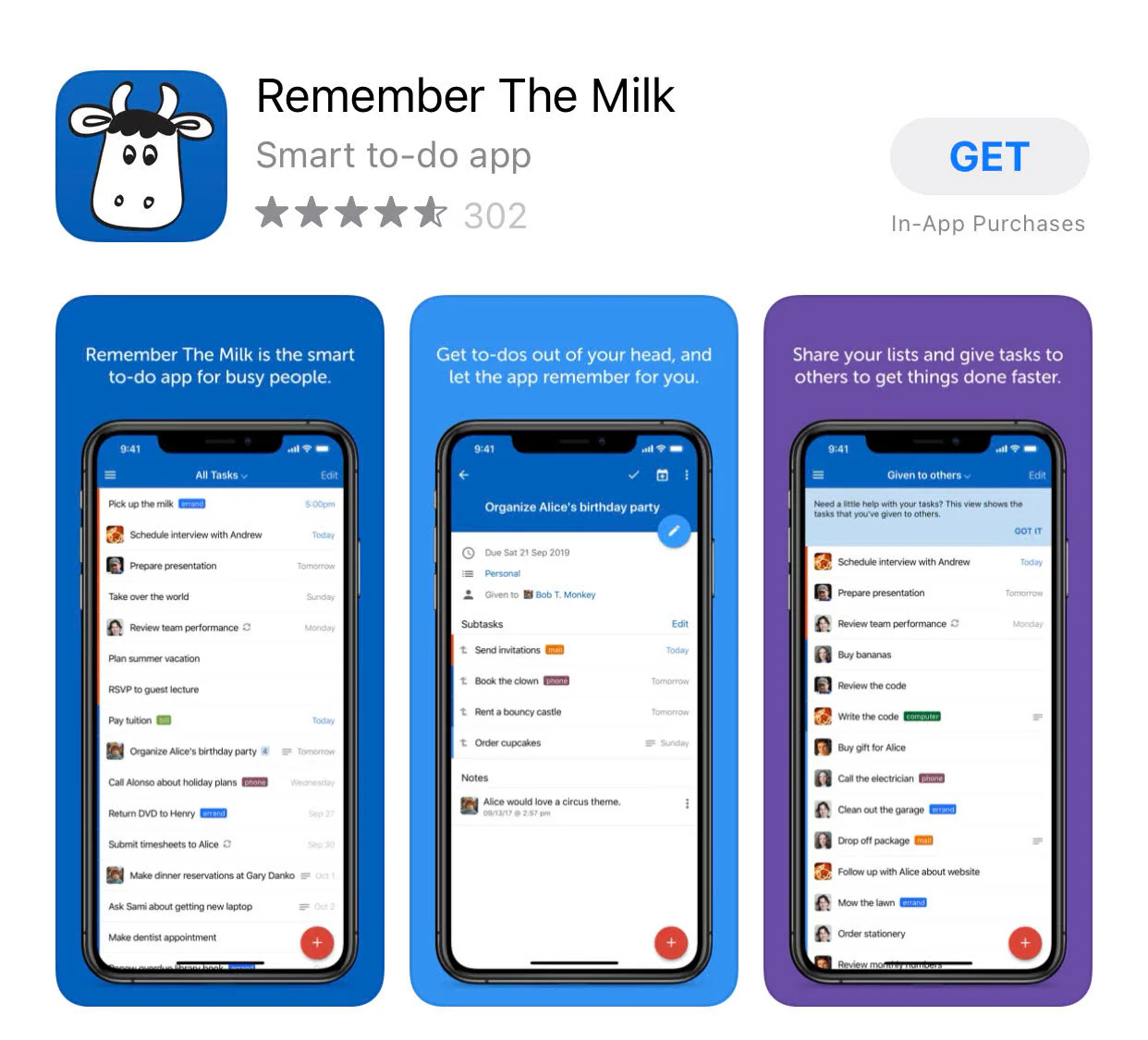
The Ultimate Guide to Reminder Apps: Finding The Perfect Solution For You
Are you tired of missing appointments, forgetting important tasks, or neglecting medication reminders? Do you struggle with staying organized and focused in today’s fast-paced world? Look no further! In this comprehensive guide, we’ll explore the best reminder apps available for both mobile devices and desktop computers. Whether you’re looking for a simple solution or something more advanced, we’ve got you covered.
Understanding Reminder Apps
Before we dive into the specifics of each app, let’s quickly discuss what a reminder app is and how it can benefit you. A reminder app is a software program designed to help you stay on top of tasks, appointments, and other important events. These apps often come with features such as:
- Alarms and notifications
- Calendar integration
- Task management
- Medication reminders
- Collaboration tools
By using a reminder app, you can:
- Improve your productivity and time management skills
- Reduce stress and anxiety caused by forgotten appointments or tasks
- Enhance your overall well-being by staying organized and focused
The Best Reminder Apps For Mobile Devices
Let’s start with the best reminder apps available for mobile devices running Android and iOS operating systems.
Google Calendar (Android/iOS/iPadOS)
Rating: 4.9/5
Google Calendar is a powerful and intuitive app that’s perfect for managing appointments, events, and reminders. With its sleek design and seamless integration with other Google services, it’s no wonder why this app is a favorite among users.
Key Features:
- Alarms and notifications
- Calendar integration
- Task management
- Collaboration tools
Microsoft To Do (Android/iOS/iPadOS)
Rating: 4.8/5
Microsoft To Do is another excellent reminder app that’s designed to help you stay on top of tasks and appointments. Its clean interface, intuitive design, and seamless integration with other Microsoft services make it a great choice for anyone looking for a reliable reminder solution.
Key Features:
- Alarms and notifications
- Task management
- Calendar integration
- Collaboration tools
Other Great Reminder Apps
If you’re still unsure about which app to choose or want to explore alternative options, here are some other excellent reminder apps available for mobile devices:
- Evernote (Android/iOS/iPadOS)
- Facile Calendar: Events (Android)
- Reminder with Alarm (Android)
- Google Assistant (Android/iOS/iPadOS)
- Siri (iOS/iPadOS)
The Best Reminder Apps For Desktop Computers
Now that we’ve covered the best reminder apps available for mobile devices, let’s move on to the top picks for desktop computers running Windows and macOS operating systems.
Microsoft Sticky Notes (Windows)
Rating: 4.7/5
If you’re using a Windows computer, Microsoft Sticky Notes is an excellent choice for creating digital sticky notes and reminders. This app is perfect for jotting down quick notes, setting reminders, and staying organized.
Key Features:
- Digital sticky notes
- Reminder capabilities
- Task management
Memo (macOS)
Rating: 4.8/5
For macOS users, Memo is a simple yet effective reminder app that allows you to create digital sticky notes and reminders. Its clean interface and seamless integration with other Apple services make it a great choice for anyone looking for a reliable reminder solution.
Key Features:
- Digital sticky notes
- Reminder capabilities
- Task management
Stickies (Windows)
Rating: 4.5/5
If you’re using a Windows computer, Stickies is another excellent reminder app that’s perfect for creating digital sticky notes and reminders. Its simple interface and seamless integration with other Windows services make it a great choice for anyone looking for a reliable reminder solution.
Key Features:
- Digital sticky notes
- Reminder capabilities
- Task management
Quick Notes (macOS)
Rating: 4.6/5
For macOS users, Quick Notes is a fast and efficient reminder app that allows you to create digital sticky notes and reminders. Its clean interface and seamless integration with other Apple services make it a great choice for anyone looking for a reliable reminder solution.
Key Features:
- Digital sticky notes
- Reminder capabilities
- Task management
Conclusion
In conclusion, finding the perfect reminder app depends on your specific needs and preferences. Whether you’re using a mobile device or desktop computer, there are plenty of excellent options available to help you stay organized and focused.
By exploring these top picks, you’ll be able to:
- Improve your productivity and time management skills
- Reduce stress and anxiety caused by forgotten appointments or tasks
- Enhance your overall well-being by staying organized and focused
So, what are you waiting for? Choose the best reminder app for your needs today!
Frequently Asked Questions (FAQs)
- What is a Reminder App, And How Can it Benefit Me?
A reminder app is a software program designed to help you stay on top of tasks, appointments, and other important events. By using a reminder app, you can improve your productivity and time management skills, reduce stress and anxiety caused by forgotten appointments or tasks, and enhance your overall well-being.
- What Are The Key Features of a Good Reminder App?
The key features of a good reminder app include alarms and notifications, calendar integration, task management, collaboration tools, and seamless integration with other services.
- Which Reminder App is Best For Me?
The best reminder app for you depends on your specific needs and preferences. If you’re using a mobile device, Google Calendar or Microsoft To Do might be the perfect choice. For desktop computers, Microsoft Sticky Notes or Memo are excellent options.
- Can I Use Multiple Reminder Apps Simultaneously?
Yes! You can use multiple reminder apps simultaneously to create a customized system that suits your needs. Just remember to sync your reminders and tasks across all your devices for maximum efficiency.
- Are Reminder Apps Free or do They Require a Subscription?
Most reminder apps are free to download and use, but some may offer premium features or subscriptions for additional functionality.
- Can I Customize The Appearance of my Reminder App?
Yes! Many reminder apps allow you to customize their appearance by changing colors, fonts, and layouts. This helps ensure that your reminder app blends seamlessly with your device’s design.
- Do Reminder Apps Integrate With Other Services Like Calendars or Email Clients?
Yes! Most reminder apps integrate with popular calendar services like Google Calendar, Microsoft Exchange, or Apple Calendar, as well as email clients like Gmail or Outlook.


