
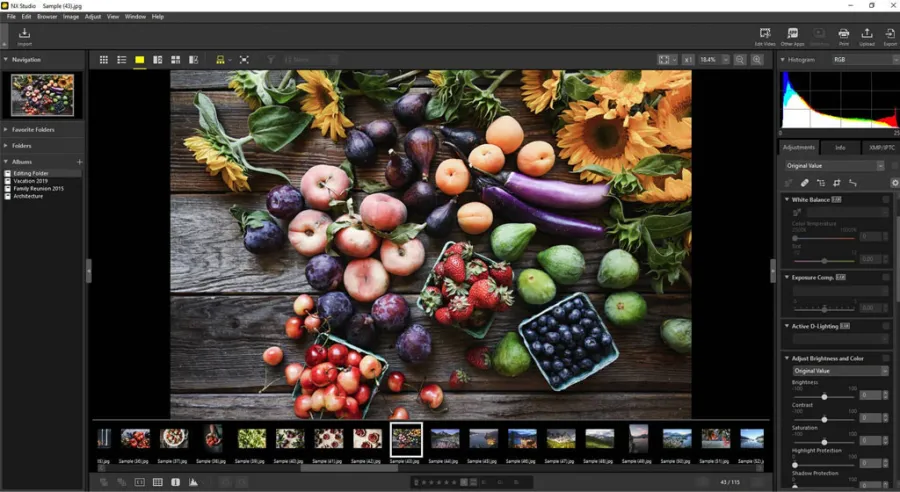
How to Edit Photos Online: A Comprehensive Guide
Are you tired of using photo editing software on your computer? Do you want to edit photos online without installing any programs? Look no further! In this article, we will guide you through the best online photo editing tools that can help you enhance your photos without breaking a sweat.
Why Edit Photos Online?
Editing photos online is a convenient and time-saving way to improve the quality of your images. With the rise of social media, it’s essential to have high-quality photos to share with your friends and family. Editing photos online also saves you from having to download and install photo editing software on your computer.
The Best Online Photo Editing Tools
Here are some of the best online photo editing tools that can help you edit your photos like a pro:
Photopea: The Ultimate Online Photo Editor
Photopea is one of the most popular online photo editors available. It offers a wide range of features, including filters, adjustments, and effects. With Photopea, you can edit photos without having to download or install any software.
- Features: Filters, adjustments, effects, and more
- Price: Free, with optional premium subscription
- System Requirements: Works on all browsers, including Chrome, Firefox, and Safari
Picmonkey: A Powerful Online Photo Editor
PicMonkey is another popular online photo editor that offers a wide range of features. With PicMonkey, you can edit photos, add text, and apply filters.
- Features: Photo editing, text addition, filter application
- Price: Free, with optional premium subscription
- System Requirements: Works on all browsers, including Chrome, Firefox, and Safari
Canva: A Graphic Design Tool That Can Also Edit Photos
Canva is a graphic design tool that can also edit photos. With Canva, you can add text, apply filters, and edit images.
- Features: Photo editing, text addition, filter application
- Price: Free, with optional premium subscription
- System Requirements: Works on all browsers, including Chrome, Firefox, and Safari
Pixlr: A Powerful Online Photo Editor
Pixlr is a powerful online photo editor that offers a wide range of features. With Pixlr, you can edit photos, add text, and apply filters.
- Features: Photo editing, text addition, filter application
- Price: Free, with optional premium subscription
- System Requirements: Works on all browsers, including Chrome, Firefox, and Safari
Fotor: A Simple Online Photo Editor
Fotor is a simple online photo editor that offers a range of features. With Fotor, you can edit photos, add text, and apply filters.
- Features: Photo editing, text addition, filter application
- Price: Free
- System Requirements: Works on all browsers, including Chrome, Firefox, and Safari
Remove.bg: An Ai-powered Online Photo Editor
Remove.Bg is an AI-powered online photo editor that can remove backgrounds from images. With Remove.Bg, you can edit photos without having to download or install any software.
- Features: Background removal, photo editing
- Price: Free, with optional premium subscription
- System Requirements: Works on all browsers, including Chrome, Firefox, and Safari
Conclusion
Editing photos online is a convenient and time-saving way to improve the quality of your images. With the best online photo editing tools available, you can edit photos without having to download or install any software. Whether you’re looking for a simple online photo editor or a powerful tool with advanced features, there’s an option out there for you.
Frequently Asked Questions (FAQs)
- Q: What is The Best Online Photo Editing Tool?
A: The best online photo editing tool depends on your specific needs and preferences. Some popular options include Photopea, PicMonkey, Canva, Pixlr, Fotor, and Remove.Bg. - Q: Are These Tools Free to Use?
A: Yes, most of the online photo editing tools mentioned are free to use. However, some may offer premium subscription for advanced features or larger file sizes. - Q: Do I Need to Download or Install Software to Use These Tools?
A: No, you don’t need to download or install any software to use these tools. They’re all accessible through your web browser. - Q: Can I Edit Photos in Bulk Using These Tools?
A: Yes, some of the online photo editing tools mentioned allow you to edit multiple photos at once.
Hope you enjoy this article.


