
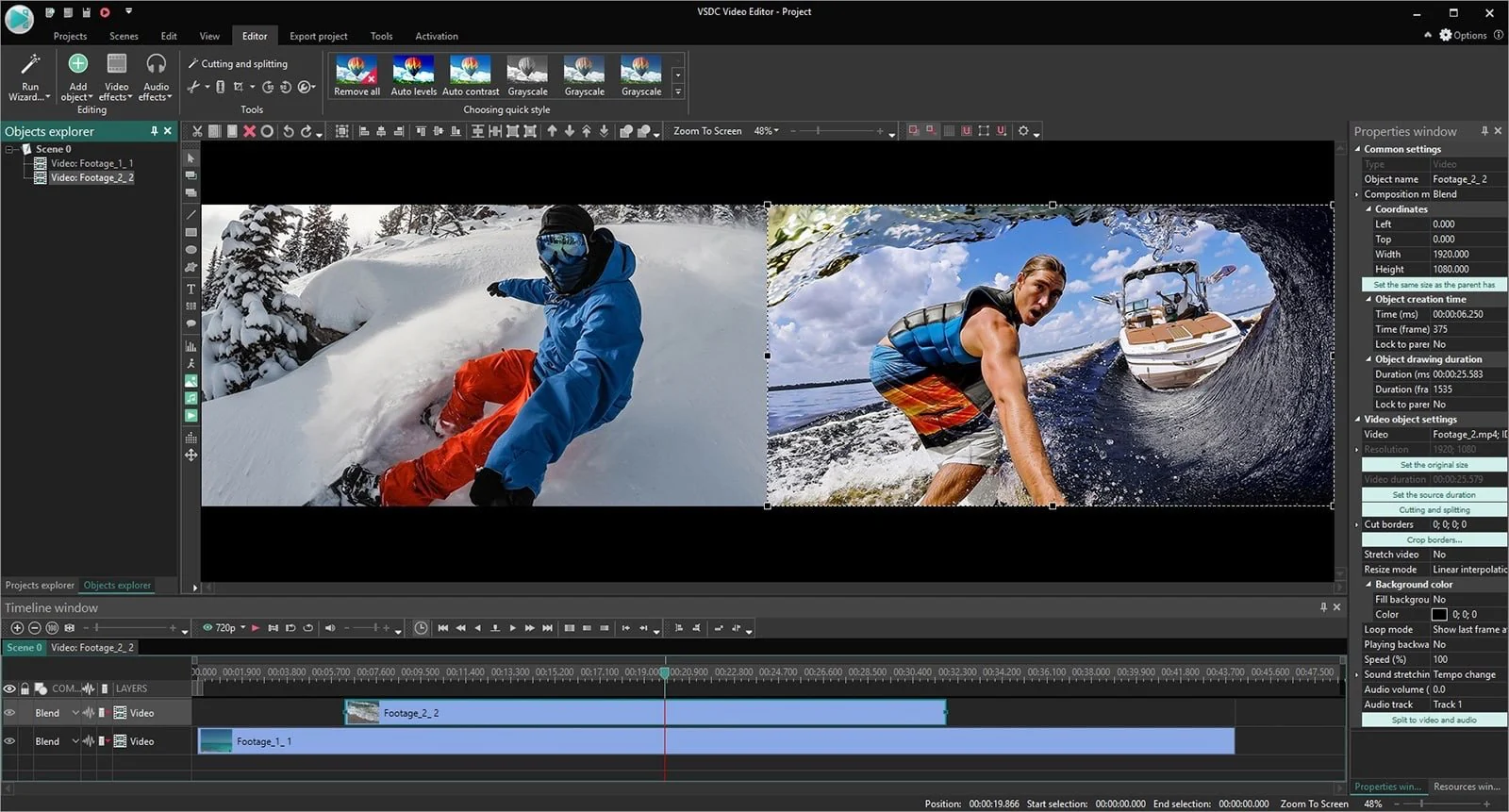
Creating Videos Like a Pro: Top Sites For Free Video Editing
Are you tired of using expensive video editing software or struggling with the complexities of traditional filmmaking? Look no further! In this article, we’ll explore the best free video editing sites that can help you create stunning videos without breaking the bank.
Why Use Free Video Editing Sites?
Free video editing sites are perfect for beginners and pros alike who want to experiment with new ideas or create content on a budget. These platforms offer a range of features, from basic trimming and cutting to advanced effects and transitions, all without requiring expensive software or technical expertise.
Top 5 Free Video Editing Sites:
- Fastreel
- Fastreel is an online video editor that makes it easy to create stunning videos without the need for extensive editing experience.
- With a user-friendly interface and a vast library of templates, effects, and music tracks, you can create professional-looking videos in minutes.
- Animoto
- Animoto is another popular online video editor that allows you to create stunning videos with ease.
- Choose from a wide range of templates, add your own images and audio, and customize the look and feel of your video with advanced effects and transitions.
- Flixpress
- Flixpress is an online platform that offers a range of video editing tools and features to help you create engaging videos.
- With its user-friendly interface and vast library of templates, effects, and music tracks, you can create professional-looking videos without the need for extensive editing experience.
- Magisto
- Magisto is an AI-powered online video editor that makes it easy to create stunning videos with minimal effort required.
- Simply upload your footage and choose from a range of templates, effects, and music tracks to create a polished final product.
- Video Candy
- Video Candy is a free online video editor that offers a range of features and tools to help you create engaging videos.
- With its intuitive interface and wide range of templates, effects, and music tracks, you can create professional-looking videos without the need for extensive editing experience.
What Makes These Sites Stand Out?
These five free video editing sites stand out from the competition due to their ease of use, advanced features, and vast libraries of templates, effects, and music tracks. Whether you’re a beginner or an experienced editor, these platforms offer something for everyone.
- User-friendly Interfaces: All five sites have user-friendly interfaces that make it easy to navigate and use.
- Advanced Features: Each site offers a range of advanced features, from basic trimming and cutting to advanced effects and transitions.
- Vast Libraries of Templates, Effects, And Music Tracks: These platforms offer vast libraries of templates, effects, and music tracks to help you create professional-looking videos.
How to Use These Sites: A Step-by-step Guide
Using these free video editing sites is a breeze. Here’s a step-by-step guide to get you started:
- Choose Your Site: Select the site that best suits your needs.
- Upload Your Footage: Upload your footage and choose from a range of templates, effects, and music tracks.
- Customize Your Video: Customize your video with advanced features, such as trimming, cutting, and adding effects.
- Export Your Video: Export your final product in the desired format.
Conclusion
Free video editing sites are perfect for beginners and pros alike who want to experiment with new ideas or create content on a budget. With their user-friendly interfaces, advanced features, and vast libraries of templates, effects, and music tracks, you can create stunning videos without breaking the bank.
Frequently Asked Questions (FAQs)
- Q: Are These Sites Free?
A: Yes, all five sites are free to use. - Q: Do I Need Editing Experience to Use These Sites?
A: No, you don’t need extensive editing experience to use these sites. - Q: Can I Export my Video in Different Formats?
A: Yes, each site allows you to export your video in different formats, such as MP4, MOV, and more. - Q: Do These Sites Have a Watermark?
A: Some sites may have a watermark on exported videos, but this can be removed by upgrading to a paid plan or subscribing to their service. - Q: Can I Use These Sites on my Smartphone?
A: Yes, all five sites are accessible on your smartphone and can be used for mobile editing.
I hope this article has been informative and helpful in finding the perfect free video editing site for your needs!


