
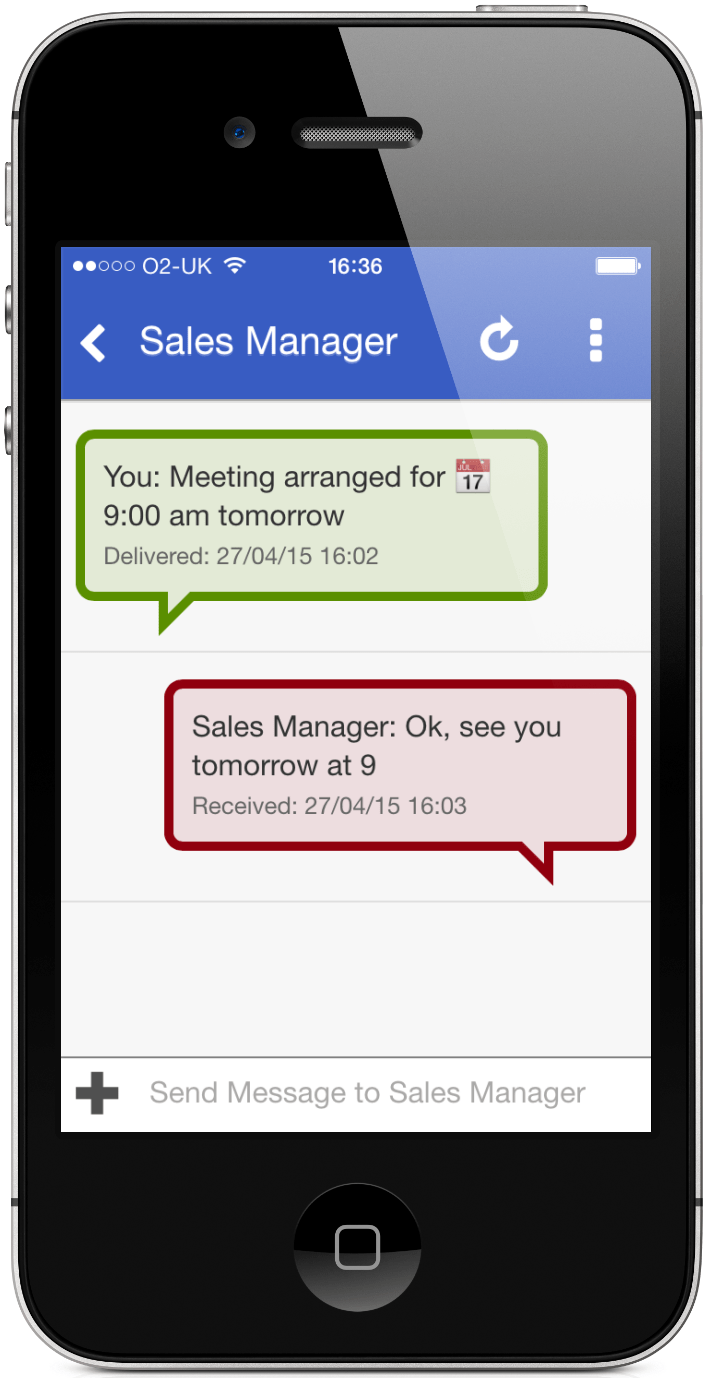
The World of Sms: A Guide to The Best Apps For Android And Iphone
In today’s digital age, communication has become an essential part of our daily lives. With the rise of social media and instant messaging apps, it’s easy to forget about the humble SMS (Short Message Service). However, despite its simplicity, SMS remains a fundamental means of communication that can be used by anyone with a cellular phone, regardless of their operating system.
In this guide, we’ll explore the world of SMS and highlight the best apps for Android and iPhone. We’ll delve into the features and functionalities of each app, so you can make an informed decision about which one to use.
The Best Apps For Sms on Android
- Messages by Google
- A simple and intuitive interface that’s easy to navigate
- Can forward and receive messages via Wi-Fi or cellular network
- Share images and videos in high quality
- Create interactive groups and access an integrated spam filter
- Forward messages to any device with a Google account
- Textra Sms
- A faster and more personalized experience compared to the default Android app
- Features like swipe gestures, custom colors, and reactions
- Program forward messages and use swipe gestures to delete and call contacts
- Quickly snap photos using the phone’s camera and access a vast GIF library
- Messages by Samsung
- A default messaging app for Samsung devices that offers a range of features
- Includes support for dual-SIM cards and custom chat themes
- Forward MMS to share photos, videos, and files with contacts
- Use voice search to find contacts quickly
The Best Apps For Sms on Iphone
- Messages
- The default messaging app for Apple devices that integrates with iMessage
- Send messages with unlimited text, photos, videos, documents, and more
- Use the Messages app on iCloud to save message history across all Apple devices
- Create groups and add custom photos for personalization
- Edit or cancel sent messages within 15 minutes
Free Sms Apps
- Whatsapp
- A popular messaging app with over 2 billion users worldwide
- Send messages, make voice and video calls, and share files
- Use end-to-end encryption for secure communication
- Available on both Android and iPhone devices
- Telegram
- A fast and secure messaging app that connects people worldwide
- Send messages, make voice and video calls, and share files
- Create groups with up to 200,000 members and access channels
- Use bots to perform specific tasks and modify photos and videos
- Facebook Messenger
- A free messaging app that allows users to send messages, make voice and video calls, and share files
- Personalize reactions using emojis and choose from various chat themes
- Look up videos, program TV shows, and watch movies with friends
- Share your location with a simple tap
Anonymous Sms Apps
- Anonymous Chat
- A free app that allows users to chat anonymously with others
- Downloadable on both Android and iOS devices
- No registration required, making it perfect for discreet conversations
- Secret Chat
- A secure messaging app that allows users to chat anonymously
- Features end-to-end encryption and a simple interface
Recovering Deleted Sms
- Sms Recovery Guide
- A comprehensive guide on how to recover deleted SMS messages
- Covers various methods, including using third-party apps or built-in recovery features
- Offers tips and tricks for preventing future deletions
Conclusion
In conclusion, the world of SMS is more diverse than you might have thought. From simple messaging apps like Messages by Google to feature-rich alternatives like WhatsApp and Telegram, there’s something for everyone.
Whether you’re looking for anonymity, security, or a wide range of features, this guide has provided you with a comprehensive overview of the best apps for Android and iPhone.
So go ahead, explore these options, and find the perfect app that suits your needs. Happy chatting!
Frequently Asked Questions (FAQs)
- Q: What is Sms?
- A: Short Message Service (SMS) is a fundamental means of communication that allows users to send short messages via cellular networks.
- Q: Which App Should I Use on Android?
- A: It depends on your preferences, but popular options include Messages by Google, Textra SMS, and Samsung’s default messaging app.
- Q: Can I Use Whatsapp on my Iphone?
- A: Yes, WhatsApp is available on both Android and iOS devices.
- Q: How do I Recover Deleted Sms Messages?
- A: Check out our comprehensive guide on how to recover deleted SMS messages for various methods and tips.
- Q: Are Anonymous Messaging Apps Secure?
- A: Most anonymous messaging apps use end-to-end encryption, making them secure for discreet conversations.
- Q: Can I Use Multiple Messaging Apps at Once?
- A: Yes, most messaging apps are independent of each other, allowing you to use multiple apps simultaneously.
- Q: How do I Personalize my Chat Experience?
- A: Check out the features and options offered by your chosen messaging app to customize your chat experience.
- Q: Are These Apps Free?
- A: Yes, most of the mentioned apps are free to download and use, with some offering in-app purchases or subscriptions for additional features.


