
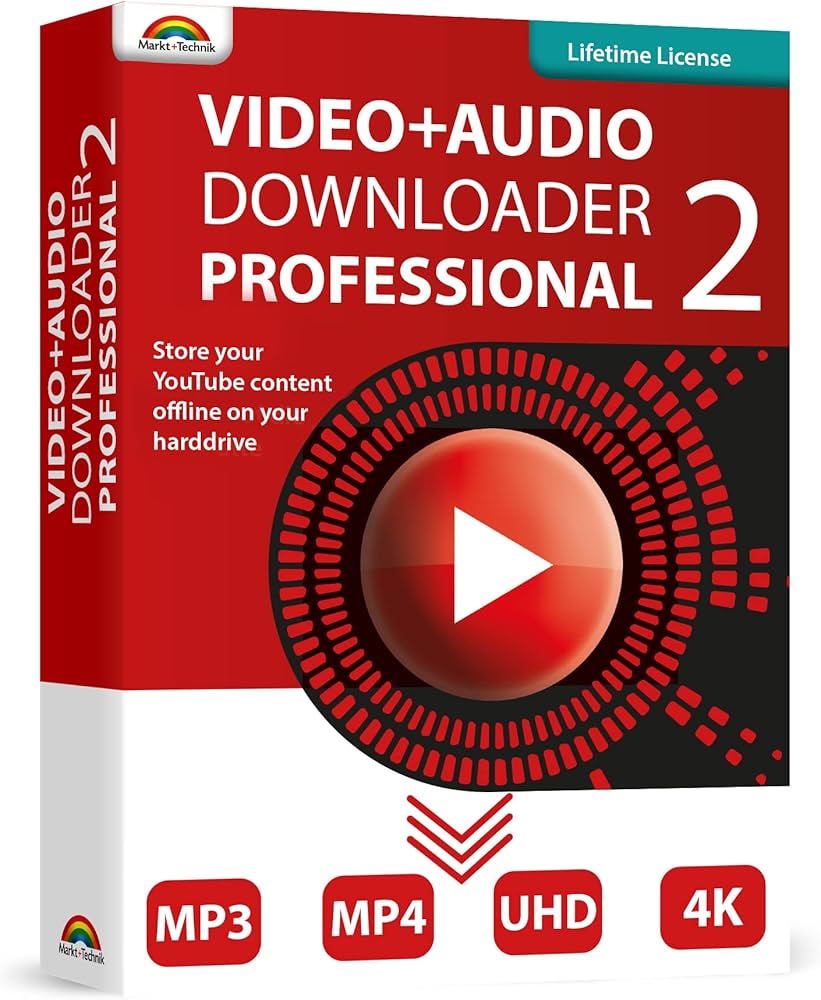
The Ultimate Guide to Downloading Videos From The Internet
Are you tired of searching for ways to download videos from the internet? Look no further! In this article, we will guide you through the best software and apps available to download videos from various platforms, including YouTube, Facebook, and more.
What is Jdownloader?
JDownloader is a free and open-source download manager that allows you to download videos from multiple sources, including YouTube, Vimeo, and more. It’s compatible with Windows, macOS, and Linux operating systems. With JDownloader, you can easily download videos in various resolutions and formats.
How to Use Jdownloader
To use JDownloader, follow these steps:
- Download and install the software on your computer.
- Initiate JDownloader and select the link you want to download from the menu.
- Copy the URL of the video into the clipboard.
- Wait for JDownloader to automatically capture the link.
- If the link doesn’t come up automatically, click right on an empty spot in the “Capture Links” tab, choose “Add new links Web,” and paste the URL.
- Initiate the download by clicking on the symbol (+) beside the title of the video.
Other Software to Download Videos From The Internet
If JDownloader doesn’t meet your needs, there are other software options available:
- QBitTorrent: A famous program for downloading torrents, which also allows you to download videos.
- ClipGrab: A free software that can download videos from various platforms and services.
- Downie: A paid software specifically designed for macOS users.
Software to Download Videos Online
If you don’t want to download any software on your computer, there are online options available:
- VIDO: A service that allows you to download videos directly from the browser window.
- SaveFrom: A free service that enables you to extract and save videos from various platforms.
- 9Xbuddy: Another reliable online service for downloading videos.
Apps to Download Videos on Smartphones And Tablets
If you’re looking for apps to download videos on your smartphone or tablet, consider:
- Total (Android/iOS): A popular app that allows you to download videos from the internet and manage them offline.
- Amerigo (Android/iOS): A file manager app that also includes a browser for downloading videos online.
Software to Download Videos From Facebook
If you’re interested in downloading videos from Facebook, check out our guide on how to do it using specific software.
Software to Download Videos From Youtube
To download videos from YouTube, we recommend checking out our tutorial on how to use YouTube Premium.
Software to Download Videos From Raiplay And Mediaset
For more information on downloading videos from RaiPlay and Mediaset, check out our guides on how to do it using specific software.
Conclusion
Downloading videos from the internet can be a convenient way to access your favorite content offline. With the software and apps mentioned in this article, you’ll have plenty of options to choose from. Just remember to always respect copyright laws and use these tools responsibly.
Frequently Asked Questions (FAQs)
- What is The Best Software to Download Videos?
- JDownloader is a popular choice among users.
- Can I Download Videos Online Without Any Software?
- Yes, services like VIDO and SaveFrom allow you to download videos directly from the browser window.
- Are There Apps Available For Smartphones And Tablets?
- Yes, consider Total (Android/iOS) or Amerigo (Android/iOS).
- How do I Download Videos From Youtube?
- Check out our tutorial on using YouTube Premium.
- Can I Download Videos From Facebook?
- Yes, check out our guide on how to do it using specific software.
- What is The Best Way to Download Videos Online?
- Consider services like VIDO or SaveFrom.
- Are There Any Free Software Options Available?
- Yes, JDownloader and ClipGrab are free to use.
- Can I Download Videos Offline?
- Yes, many of the software and apps mentioned in this article allow you to manage downloaded content offline.


