
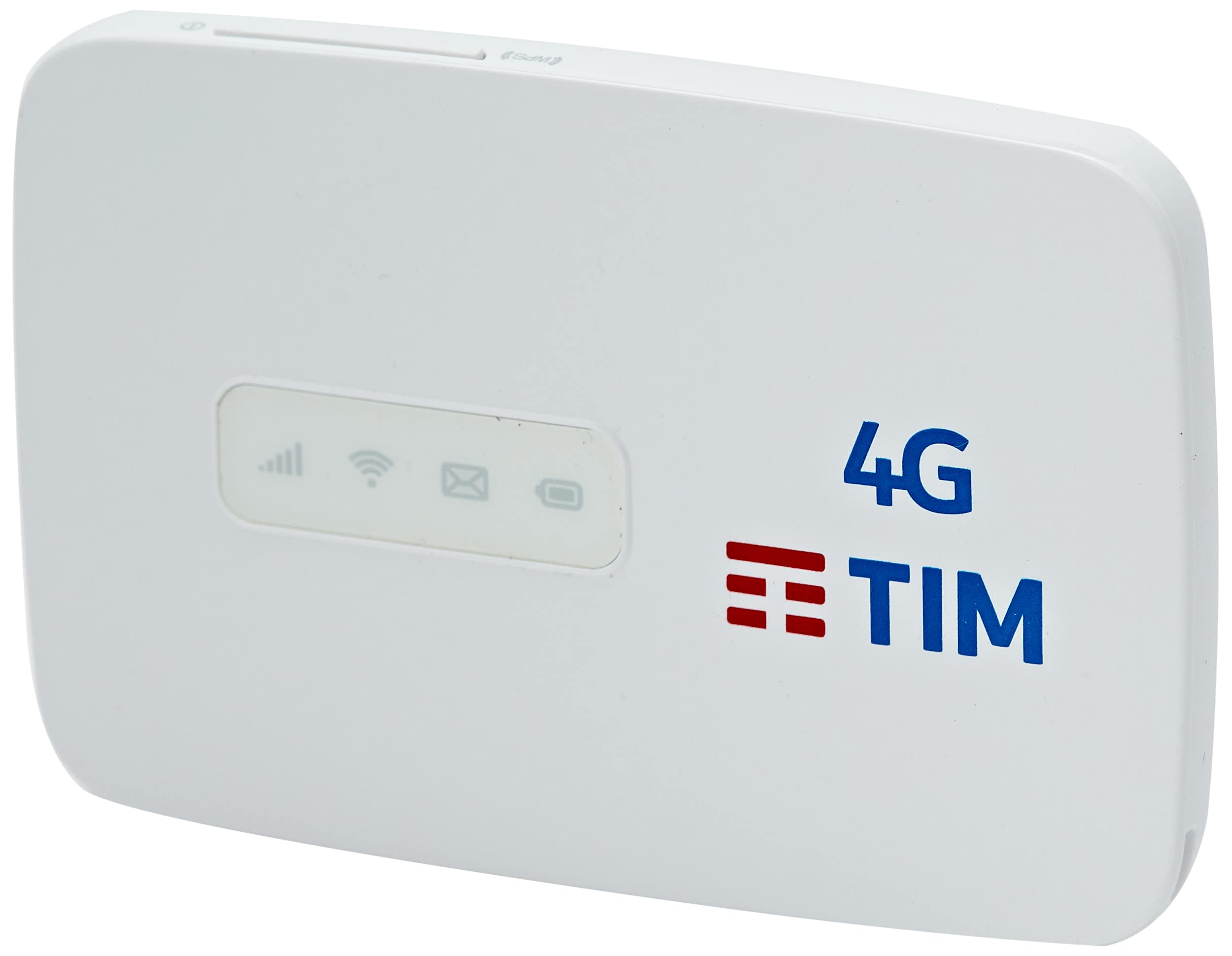
How Tim Hub Works And How to Require it
As we delve into the world of technology and internet connectivity, one device has emerged as a game-changer: The TIM HUB. This modem-router hybrid is designed to provide top-notch digital life experiences, and in this article, we’ll explore its features, functionality, and requirements.
Characteristics of The Device
Before diving into how the TIM HUB works, let’s take a closer look at its technical specifications. The device boasts 6 antennas for optimal Wi-Fi propagation, supports dual-band technology (2.4GHz and 5GHz), has 512MB of RAM, and comes with 4 Gigabit Ethernet ports, 2 FXS ports for phone connections, and 2 USB ports for sharing hard drives and printers.
Installing Tim Hub
The installation process is remarkably simple. To connect the device to your Fibre internet, you’ll need to attach the provided cable to your telephone and plug it into the modem. For ADSL connections, you can use the included filter to separate the internet line from the phone line. Once connected, power on the modem using the dedicated switch, and wait for the LEDs to stabilize.
Configuring Tim Hub
After installing the device, configuring it is a breeze. Access the administration panel by entering 192.168.1.1 Into your web browser, and log in with the default credentials (admin/admin). From there, navigate to the settings you’d like to modify, such as Wi-Fi passwords or parental controls.
Parental Controls
The TIM HUB offers robust parental control features, allowing you to block inappropriate websites and set access rules for specific devices. To activate this feature, go to the Parental Control menu, select the Add a new site option, and enter the URL of the website you’d like to block.
Telephony Configuration
If you have a TIM Smart Fibre subscription, you can use your HUB to manage your landline phone connections. Simply connect your phone to one of the FXS ports, access the administration panel, and configure your settings.
Sharing Files And Printers
Thanks to the two USB ports integrated into the device, you can share hard drives, printers, and other devices with ease. To set up file sharing, go to the Sharing Contents menu, select the Samba Filesharing option, and choose the file-sharing technology of your preference.
Rebooting or Resetting Tim Hub
If you encounter any issues with your device, simply reboot it by pressing the Gateway icon in the admin panel. If that doesn’t work, you can reset the device to its factory settings using the reset button on the back.
Other Useful Settings
The admin panel also features a diagnostic section, where you can view detailed information about your internet connection and perform ping and traceroute tests. Additionally, you can configure firewall settings to suit your needs.
Configuring Tim Hub With Mytim Fisso App
If you have an Android or iOS device, you can download the MyTIM Fisso app to manage your HUB remotely. The app allows you to monitor your connection state, adjust Wi-Fi settings, and share files with ease.
How to Require Tim Hub
To require a TIM HUB, you’ll need to subscribe to the TIM Smart Fibre + plan, which includes a 1000 Mbps download speed and a 20 Mbps upload speed. The device is available for purchase at a promotional price of €5 for 48 months. To activate your subscription, simply visit the TIM website or contact their customer service.
In conclusion, the TIM HUB is an excellent modem-router hybrid that offers a range of features and functionalities to enhance your digital life experience. By following these guidelines, you’ll be able to install, configure, and require this device with ease.
Frequently Asked Questions (FAQs)
- What is The Difference Between Tim Hub And Other Modems?
The TIM HUB offers advanced features such as dual-band technology, 6 antennas for optimal Wi-Fi propagation, and robust parental control capabilities.
- How do I Configure my Tim Hub’s Parental Controls?
To block inappropriate websites or set access rules for specific devices, go to the Parental Control menu in your administration panel.
- Can I Share Files And Printers Using my Tim Hub?
Yes, thanks to the two USB ports integrated into the device, you can share hard drives, printers, and other devices with ease.
- How do I Reboot or Reset my Tim Hub?
To reboot the device, press the Gateway icon in your admin panel. To reset it to factory settings, use the reset button on the back.
- What is The Mytim Fisso App, And How Can I Use It?
The MyTIM Fisso app allows you to manage your HUB remotely using your Android or iOS device, monitor your connection state, adjust Wi-Fi settings, and share files with ease.
- How Much Does a Tim Hub Cost, And What is Included in The Tim Smart Fibre + Plan?
The device is available for purchase at a promotional price of €5 for 48 months, and includes a 1000 Mbps download speed, a 20 Mbps upload speed, and access to the TIMVISION service.
- Can I Use my Tim Hub With Other Internet Providers?
Yes, you can use your TIM HUB with other internet providers; however, you may need to adjust some settings manually.
- What Are The Benefits of Using a Tim Hub Compared to Other Modems?
The TIM HUB offers advanced features, improved security, and enhanced parental control capabilities, making it an ideal choice for families or individuals who require a reliable and secure internet connection.


