
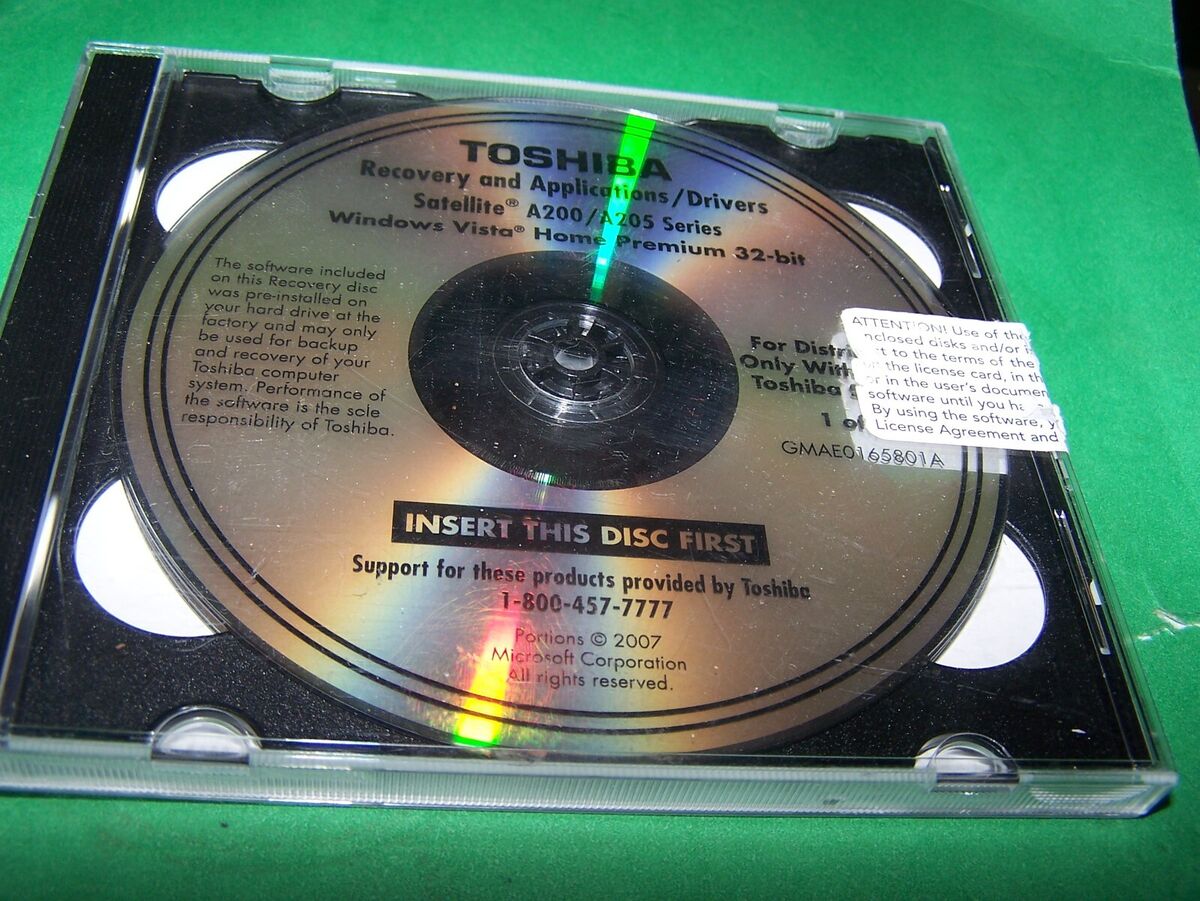
Toshiba Driver: A Comprehensive Guide to Downloading And Installing Toshiba Drivers
Are you struggling to find the right Toshiba driver for your device? Look no further! In this article, we will guide you through the process of downloading and installing Toshiba drivers, step by step.
Why is it Important to Have The Right Toshiba Driver?
Having the right Toshiba driver is crucial for ensuring that your device functions correctly. A Toshiba driver is a software program that allows your computer to communicate with your Toshiba device. Without the correct driver, you may experience issues such as:
- Device not recognized
- Incorrect display or video output
- Audio or sound issues
- Printer or scanner not working
What Are The Possible Reasons For Not Being Able to Download a Toshiba Driver?
There could be several reasons why you’re unable to download a Toshiba driver. Here are some possible causes:
- The website of Toshiba is down or experiencing technical difficulties.
- Your internet connection is slow or unstable.
- You’ve entered an incorrect product code or serial number.
How Do I Download And Install a Toshiba Driver?
Don’t worry, it’s easier than you think! Here are the step-by-step instructions:
- Visit the official website of Toshiba (www.Toshiba.Com) and navigate to the support section.
- Click on “Download Drivers” and enter your product code or serial number.
- Select the correct driver for your device from the list provided.
- Download the driver and save it to a designated folder on your computer.
- Install the driver by following the on-screen instructions.
What If I Encounter Problems While Installing The Driver?
If you experience any issues during installation, don’t panic! Here are some possible solutions:
- Restart your computer and try installing the driver again.
- Check for any updates to the driver software.
- Contact Toshiba support team for assistance.
Can I Download a Toshiba Driver Manually?
Unfortunately, it’s not possible to download a Toshiba driver manually. However, you can enter your product code or serial number on the Toshiba website and select the correct driver from the list provided.
What If I Have Questions or Problems With My Toshiba Device?
If you have any questions or concerns about your Toshiba device, don’t hesitate to contact the support team. They’re always ready to help!
Conclusion
Downloading and installing the right Toshiba driver can be a bit tricky, but with this guide, you should be able to navigate through it with ease. Remember, having the correct driver is crucial for ensuring that your device functions correctly.
Frequently Asked Questions (FAQs)
Here are some additional questions and answers to help you better understand the process:
Q: Why do I Need a Toshiba Driver?
A: A Toshiba driver is necessary for communicating between your computer and Toshiba device, ensuring proper functioning.
Q: What if I Have Trouble Downloading or Installing The Driver?
A: If you encounter issues during installation, restart your computer, check for updates, or contact Toshiba support for assistance.
Q: Can I Download a Toshiba Driver Manually?
A: No, it’s not possible to download a Toshiba driver manually. However, entering your product code or serial number on the Toshiba website can help find the correct driver.
Q: What if I Have Questions About my Toshiba Device?
A: Contact the support team for assistance with any questions or concerns you may have.
By following these simple steps and tips, you’ll be able to download and install the right Toshiba driver for your device.


